Ochre Editorial Deck
A magazine-style deck where every headline carries the argument.
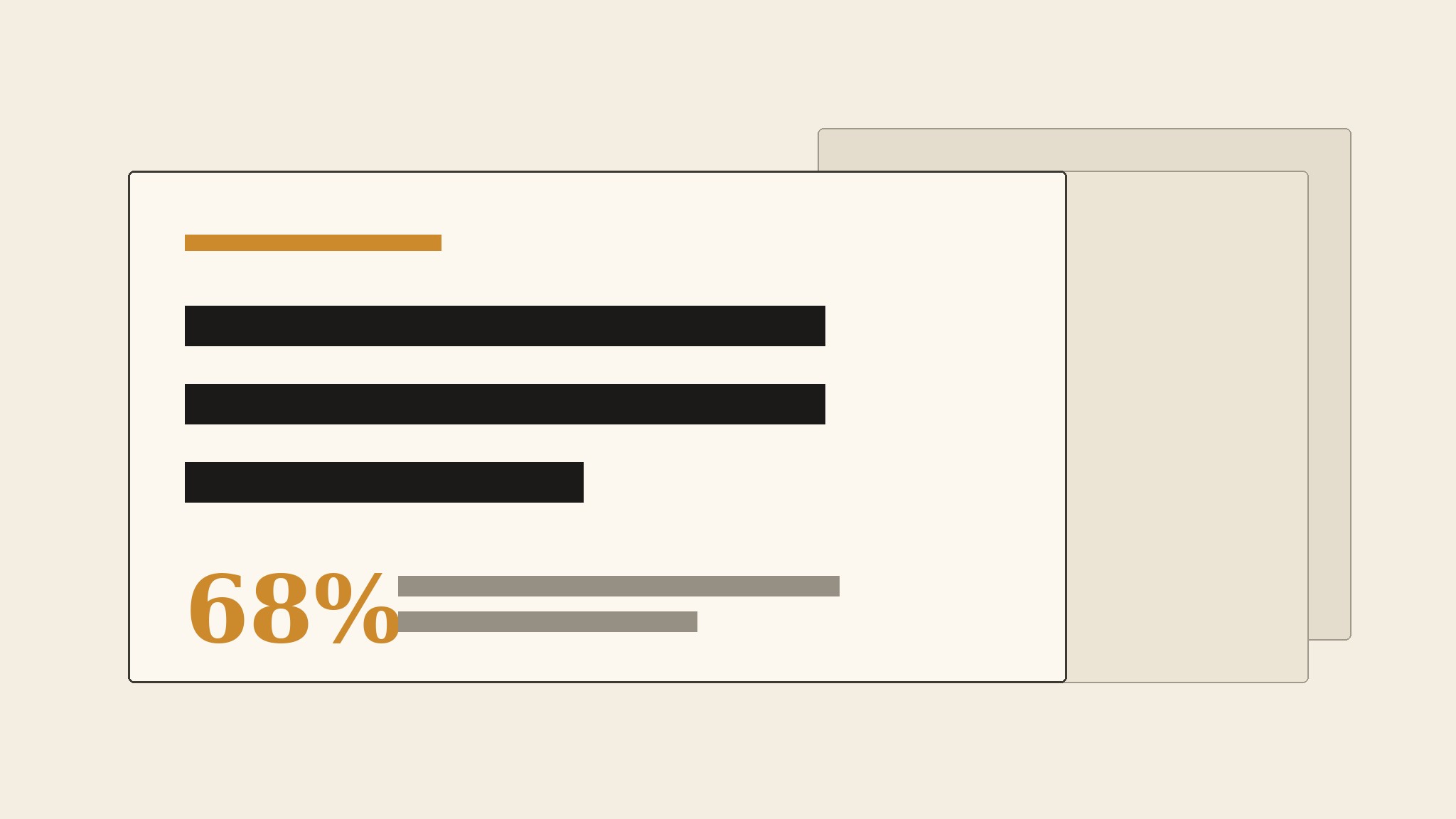
Turns your AI into an editorial-deck builder — structures a talk, report, or pitch as a magazine-style deck in warm ochre, with one strong headline per slide, generous margins, and room for the words to breathe.
Install it in 3 steps
No sign-up. No CLI tools. Pick your AI, copy one line, paste it over.
Prefer doing it yourself? Buy the skill ($4.99), download the ZIP from your checkout confirmation, unzip it into the directory shown above, restart your AI session — same result. Already bought it? Your AI assistant can download it for you.
What’s inside
One SKILL.md (the playbook) + one starter template. A preview:
Ochre Editorial Deck
When to use
- Your deck reads like a wall of bullet points and you want it to feel like a well-set magazine: one idea per spread, headlines that carry the argument
- You are presenting a report, a research finding, a brand story, or a pitch where tone and readability matter as much as the numbers
- A slide deck will be read without you in the room (sent as a PDF, posted on a page) and must make sense on its own
- Your current template squeezes everything into dense slides with tiny type, and the audience stops reading by slide three
- You want a deck with a warm, print-like feel — ochre, cream, ink — instead of another cold blue corporate template
Workflow
- Write the argument as headlines (input: your material → output: a headline outline)
Before opening any slide tool, write the deck as a list of headlines — one per slide — that read as a complete argument on their own: "The market moved while we watched," "Our readers stayed, but their attention split," "The fix is one section, done weekly." If the headlines do not make sense as a standalone paragraph, the deck has no argument yet, only slides. Aim for 8–14 slides; a deck that needs 30 slides is usually two decks. Each headline becomes the slide's title, word for word — the headline is the slide's job, not decoration on top of it. - Set the ochre system (input: headline outline → output: style rules)
Build the visual system from three tones: warm ochre for emphasis (rules, kickers, pull-numbers, one accent per slide), cream or warm paper for the field, and near-black ink for the text. Type is editorial: a serif or strong grotesk for headlines at large sizes, a plain readable sans for body, generous margins, and no more than two type sizes per slide besides the headline. One accent per slide — an ochre rule, an ochre pull-number, or an ochre block — never all three. The system is the restraint: if every slide uses every element, there is no system, only noise. - Lay out one idea per slide (input: headline + supporting material → output: slide drafts)
Each slide carries the headline, one supporting element, and nothing else: a short paragraph, one chart, one quote, or one image with a caption. The supporting element must earn its place — a chart that repeats the headline is decoration, a chart that proves it is evidence. Keep body text to two or three short lines; a slide that needs a paragraph of explanation is a handout, not a slide — move the paragraph to the speaker notes or an appendix. Leave white (cream) space around everything: if a slide feels empty, the type is too small or the idea is too weak, and filling the space with clip art fixes neither.
Template preview
Ochre Editorial Deck — Outline Template
One deck = 8–14 slides, one headline per slide. Write the headlines first, then build.
Deck: {title}
Audience: {who} | Next step the deck must produce: {decision / date / request}
Headline outline (read top to bottom — must work as a standalone argument)
- {headline}
- {headline}
- {headline}
- {headline}
- {headline}
- {headline}
- {headline}
- {headline}
- {headline — optional}
- {headline — optional}
- {headline — optional}
- {headline — optional}
Visual system
Field: cream / warm paper | Text: near-black ink | Accent: warm ochre


