AI Services Market › Skills factory › Decks › Mono Acid Deck
$4.99 · No sign-inv1.0.0– views
Mono Acid Deck
Near-black slides, one acid accent, every point lands.
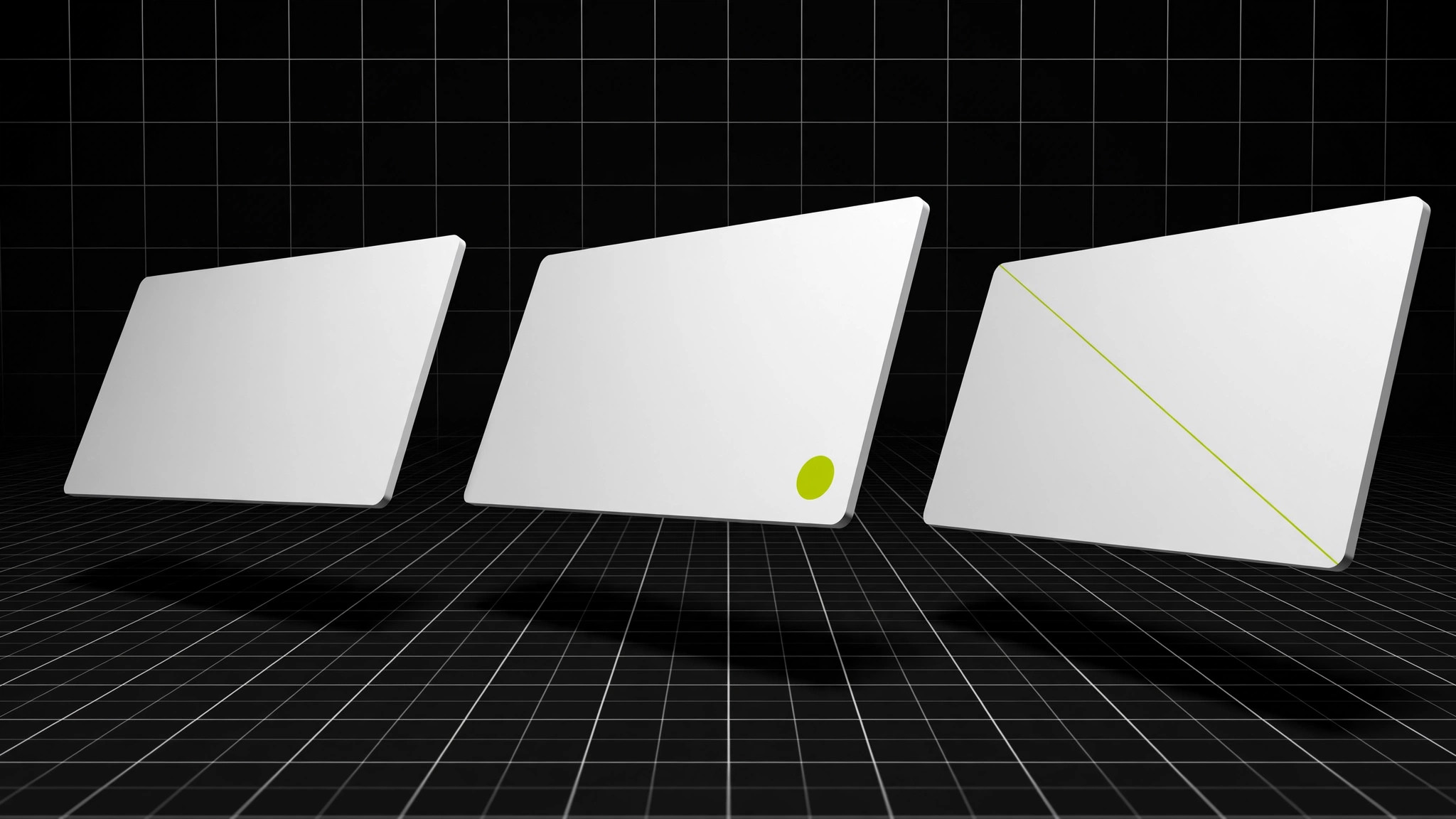
Turns your AI into a presentation-deck designer in a mono-acid visual system — near-black monochrome slides cut by one acid accent color, so the deck feels bold and every key point lands.
Best for
Founders, teams, and presenters who want a bold, confident deck
Time needed
~30 min for a first draft
Level
Beginner-friendly
Install it in 3 steps
No sign-up. No CLI tools. Pick your AI, copy one line, paste it over.
Prefer doing it yourself? Buy the skill ($4.99), download the ZIP from your checkout confirmation, unzip it into the directory shown above, restart your AI session — same result. Already bought it? Your AI assistant can download it for you.
What’s inside
One SKILL.md (the playbook) + one starter template. A preview:
Mono Acid Deck
When to use
- You are presenting to a room that has already sat through five beige decks today
- Your pitch, review, or proposal needs one unmistakable visual identity across 10–20 slides
- You have a small set of key numbers and want them to be the only colored things on screen
- Your brand is minimal but you still want the deck to feel loud and confident
- You are building a template your whole team can reuse without design skills
Workflow
- Lock the system (input: your topic → output: one-page style rule)
Fix the rules before building slides: background near-black (not pure black), body text off-white, one acid accent color used for exactly three things — key numbers, the current slide's section marker, and the single most important word per slide. Everything else stays monochrome. Pick the acid color once (lime, chartreuse, acid yellow) and never introduce a second accent. - Outline the argument (input: topic + audience → output: slide-by-slide outline)
Write the deck as a sentence outline first: one claim per slide, 10–15 slides max. Order: hook (the problem in one line), stakes (what it costs to ignore), proposal (what you want), evidence (3 supporting points), ask (what happens next). If a slide's claim needs two sentences, it's two slides or it's cut. - Build slides to the grid (input: outline → output: full deck)
Every slide follows the same grid: generous margins, one headline at the top (≤ 8 words), one visual or one short list below, one accent element max. Charts stay monochrome with the acid color reserved for the single data point you want remembered. No slide gets two accent elements — the accent works because it's scarce. - Write headlines as claims (input: draft slides → output: sharpened headlines)
Rewrite every slide title from a label into a claim: "Q3 results" becomes "Q3 grew 18% on repeat buyers". A reader skimming only the headlines should get the whole argument. Body text is backup — if the headline doesn't carry the slide, the slide doesn't work yet. - Rehearse the accent (input: finished deck → output: delivery-ready deck)
Run through the deck once and watch the accent: it should land like punctuation, once or twice per slide, never as decoration. Check readability from the back of the room (or a phone screenshot at arm's length), kill any slide where the accent appears three or more times, and confirm every chart is legible in pure monochrome with the accent removed.
Output spec
Template preview
Mono Acid Deck — Deck Template
Lock the system first, then build one claim per slide.
Style rule
- Background: {near-black hex}
- Body text: {off-white hex}
- Acid accent: {one color, e.g. lime / chartreuse / acid yellow}
- Accent allowed for: key numbers · section marker · one key word per slide — nothing else
Outline (one claim per slide, 10–15 slides)
Slide build (repeat per slide)
Slide {n}: {headline as a claim, ≤ 8 words}
- Visual or list: {one chart / image / short list}
- Accent element (max one): {the number / word / marker}
- Speaker note: {what you say that the slide doesn't}


