Cobalt System Deck
Show how a system actually works: components, flows, rules, and failure modes — verified and dated.
Builds an 8-12 slide system-explainer deck in the Cobalt System style: deep cobalt diagrams, silver labels, one diagram per slide. Maps components and labeled flows, walks one flow per slide, states rules and limits, names failure modes honestly, and stamps the deck with a version, date, and owner sign-off.
Install it in 3 steps
No sign-up. No CLI tools. Pick your AI, copy one line, paste it over.
Prefer doing it yourself? Buy the skill ($4.99), download the ZIP from your checkout confirmation, unzip it into the directory shown above, restart your AI session — same result. Already bought it? Your AI assistant can download it for you.
What’s inside
One SKILL.md (the playbook) + one starter template. A preview:
Cobalt System Deck
When to use
- New hires or a new team need to understand how your product or platform works without reading a wiki for a week
- Stakeholders must approve a system — a platform, a workflow, an integration — and need to see how the parts fit before they sign off
- You're handing a system over to another team and the knowledge is currently in one person's head
- A partner or enterprise client asks "how does it actually work?" and a sales deck won't answer them
- Your architecture has drifted from the docs and nobody trusts the old diagram anymore
Workflow
- Name the reader's question (input: who reads it, what they must decide or understand → output: one question the deck answers)
A system deck answers one question: "How does X work, and what do I need to know to decide Y?" Write that question down. Everything in the deck serves it. If the reader is an executive, the question is about risk and cost; if a new engineer, about where things live and what breaks. Same system, different deck — the reader's question decides the depth. - Map the system (input: components, flows, inputs/outputs, rules → output: system map — boxes, arrows, labels)
List the components (services, teams, tools, data stores), then the flows between them: what goes in, what comes out, who triggers what. Draw the map with one box per component and one labeled arrow per flow — "order created → payment checked → stock reserved" beats three unlabeled arrows. If a flow can't be labeled in one line, you don't understand it yet. - Draft the narrative (input: system map → output: slide outline — big picture → each part → flows → edge cases)
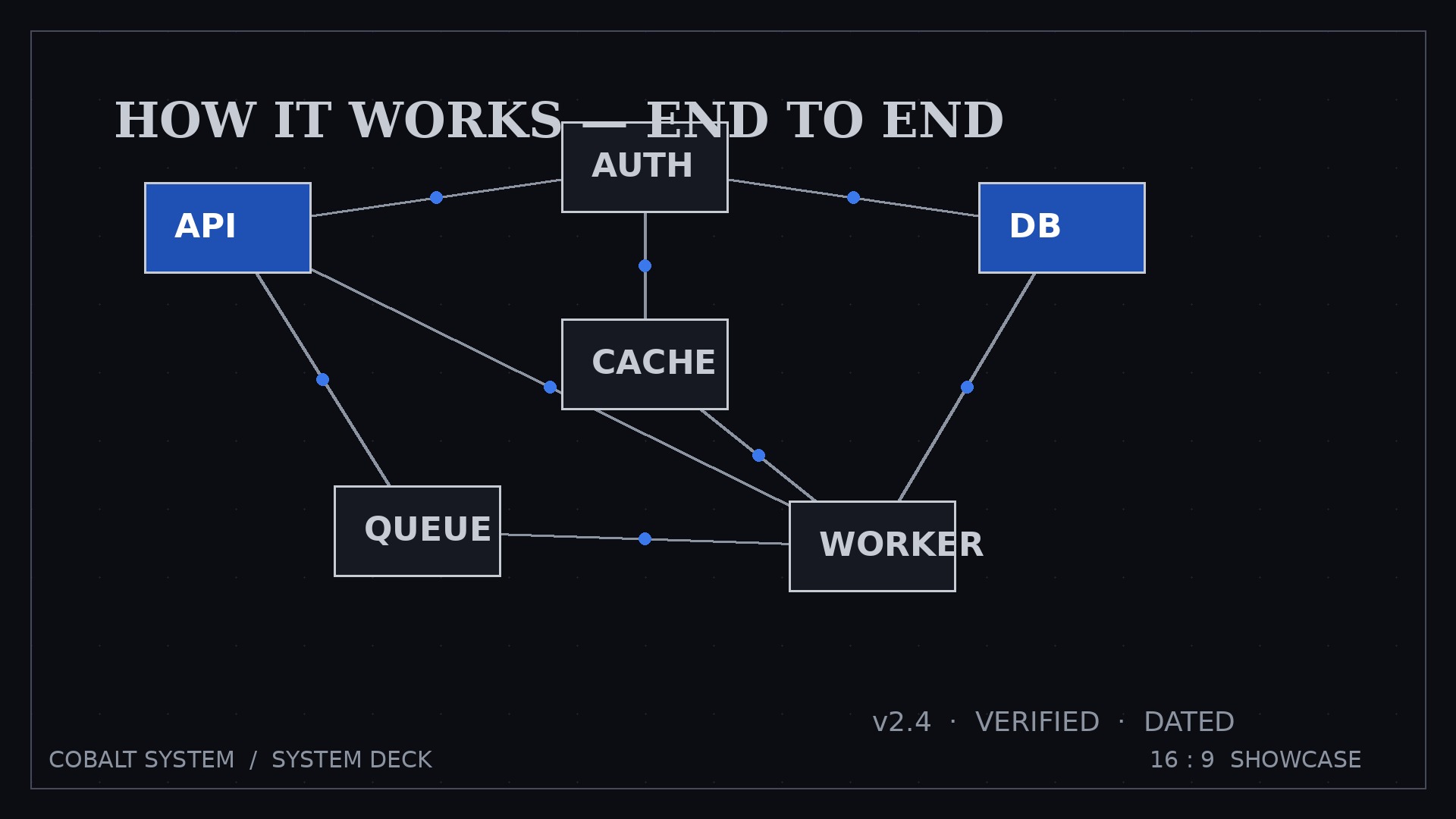
Fixed spine: Overview map → One slide per major component (what it does, what it needs, what it produces) → Key flows end-to-end (one flow per slide) → Rules and limits → Failure modes → Changelog. The overview map appears first and returns as a thumbnail on later slides so the reader never gets lost inside one component. - Diagram in Cobalt System style (input: outline → output: styled deck — cobalt diagrams, silver labels, one diagram per slide)
Cobalt System rules: deep cobalt boxes for components, silver-grey labels, one consistent arrow style, one diagram per slide, every box labeled with what it does — never a bare acronym. Same shapes mean the same things on every slide: if a cylinder is a data store on slide 2, it's a data store on slide 9. Legends go on the overview slide, not repeated.
Template preview
Cobalt System Deck — Template
Describe what IS. Planned components are marked "planned" and kept off the main map.
The reader's question
Reader: { } | Must decide / understand: { } Deck answers: "How does {system} work, and what do I need to know to {decision}?"
System map (overview slide)
Components (one box each):
Flows (one labeled arrow each):
Legend: {shape meanings — same shapes mean the same things on every slide}
Slide-by-slide draft
1. Overview map
{full map + legend} — version { } — {date} — owner: { }
2+. One slide per major component
{Component name}
- Does: { }
- Needs: { }
- Produces: { }


