Blue Lime Ledger Deck
Finance numbers in deep navy and lime, with ledger tables anyone can read.
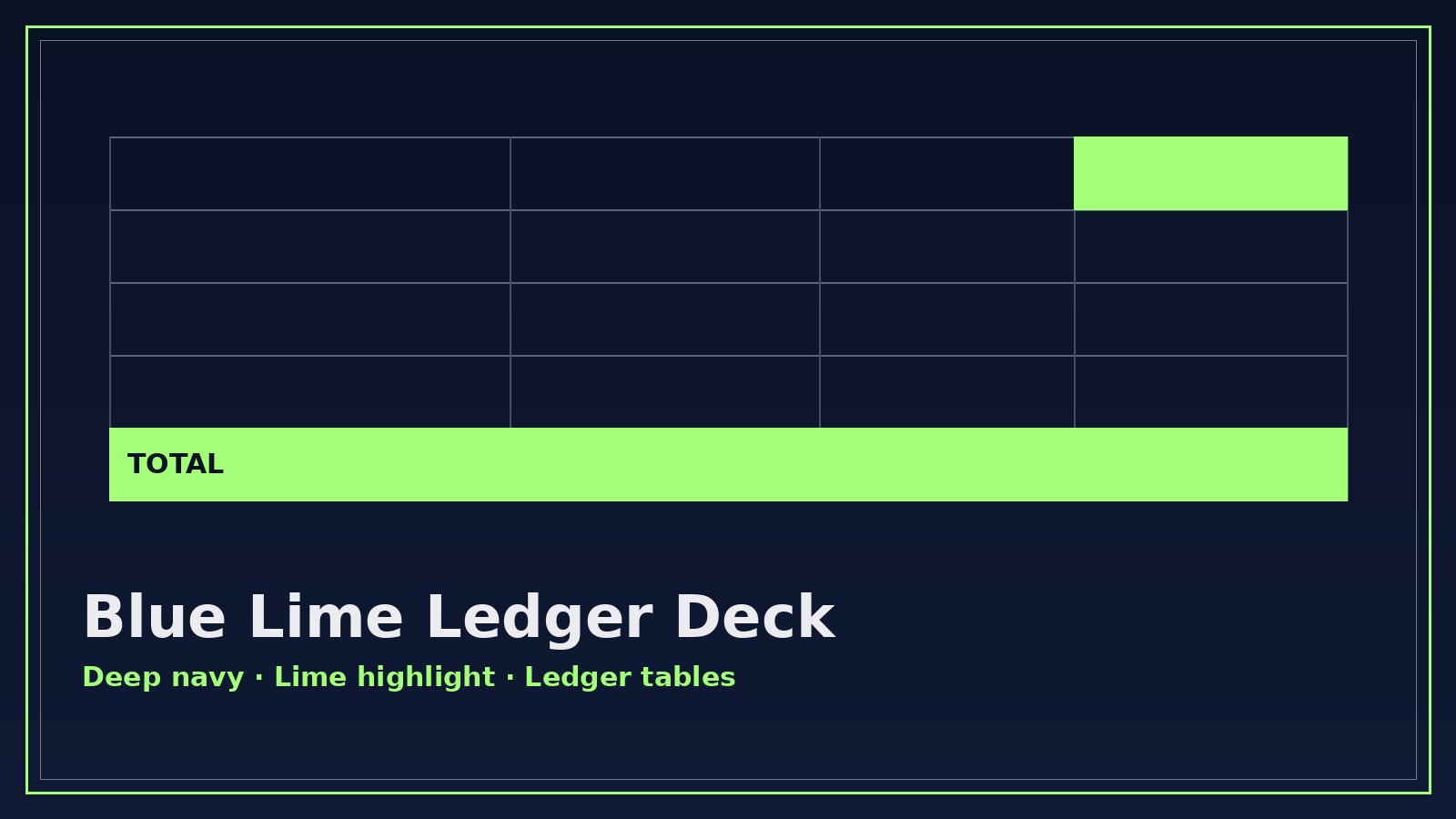
A finance-deck builder that turns quarterly results, budgets, and pricing into a deep-navy and lime presentation with ledger-style tables, one highlighted figure per slide, and plain-language takeaways.
Install it in 3 steps
No sign-up. No CLI tools. Pick your AI, copy one line, paste it over.
Prefer doing it yourself? Buy the skill ($4.99), download the ZIP from your checkout confirmation, unzip it into the directory shown above, restart your AI session — same result. Already bought it? Your AI assistant can download it for you.
What’s inside
One SKILL.md (the playbook) + one starter template. A preview:
Blue Lime Ledger Deck
When to use
- Your quarterly results need a board-ready deck and the spreadsheet alone won't carry the story
- A budget review meeting is coming and you need every variance explained on one slide each, not buried in footnotes
- You're pitching a pricing proposal and the client needs to see exactly what they pay and what they get
- An audit or compliance summary has to be readable by non-accountants without losing a single figure
- An investor update needs revenue, burn, and runway on three slides that a tired reader can absorb in sixty seconds
Workflow
- Collect the numbers (input: spreadsheets, statements, or pasted figures → output: verified number sheet)
Gather every figure the deck will show: revenue, costs, variances, runway, pricing tiers — with the period each covers and the source it came from. One number sheet, one source of truth. Round consistently (whole dollars or thousands — pick one and stick to it), and flag any figure you're unsure about instead of guessing. No number enters a slide until it appears on this sheet. - Shape the story (input: number sheet → output: slide outline)
Decide the one message per slide before touching any design. The standard arc: where we are (headline numbers) → what changed (variances, with reasons) → what it means (implications in plain language) → what happens next (asks and decisions). Cut any slide that doesn't move that arc forward. A finance deck earns trust by being short, not by being exhaustive. - Build the ledger tables (input: slide outline + number sheet → output: table slides)
Every table follows the ledger rules: right-aligned numbers, one decimal style throughout, subtotals ruled above and totals ruled below, and a variance column that shows both the amount and the direction (▲/▼ with color, never color alone). Each table gets a one-line takeaway above it — the reader should grasp the point before reading a single cell. - Apply the Blue Lime system (input: table slides → output: styled deck)
Deep navy background panels for headers and key-number callouts, lime used only for the single most important figure or trend on each slide, silver-grey for supporting text and gridlines. One typeface family, two sizes for body text at most, and generous white space around every table. If a slide has two lime highlights, one of them is wrong — lime means "look here first."
Template preview
Blue Lime Ledger Deck — Template
One deck = one number sheet + one slide outline. Fill both in before styling anything.
Deck: {title} — {period, e.g. Q3 2026}
Audience: {board / client / investors / team} | Rounding rule: {whole $ / $ thousands} | Sources: {list}
Number sheet (single source of truth)
Unverified figures (do not put on slides until confirmed): {list or "none"}
Slide outline (one message per slide)
Ledger table format (copy per table slide)
Takeaway: {one line the reader gets before reading the table}
Style checklist
- [ ] Navy headers, lime on the single most important figure per slide only


