AI Services Market › スキルファクトリー › その他 › Sketchnote Pricing
$4.99 · サインイン不要v1.0.0– 回表示
Sketchnote Pricing
手でスケッチした、実際に見てもらえる価格表。
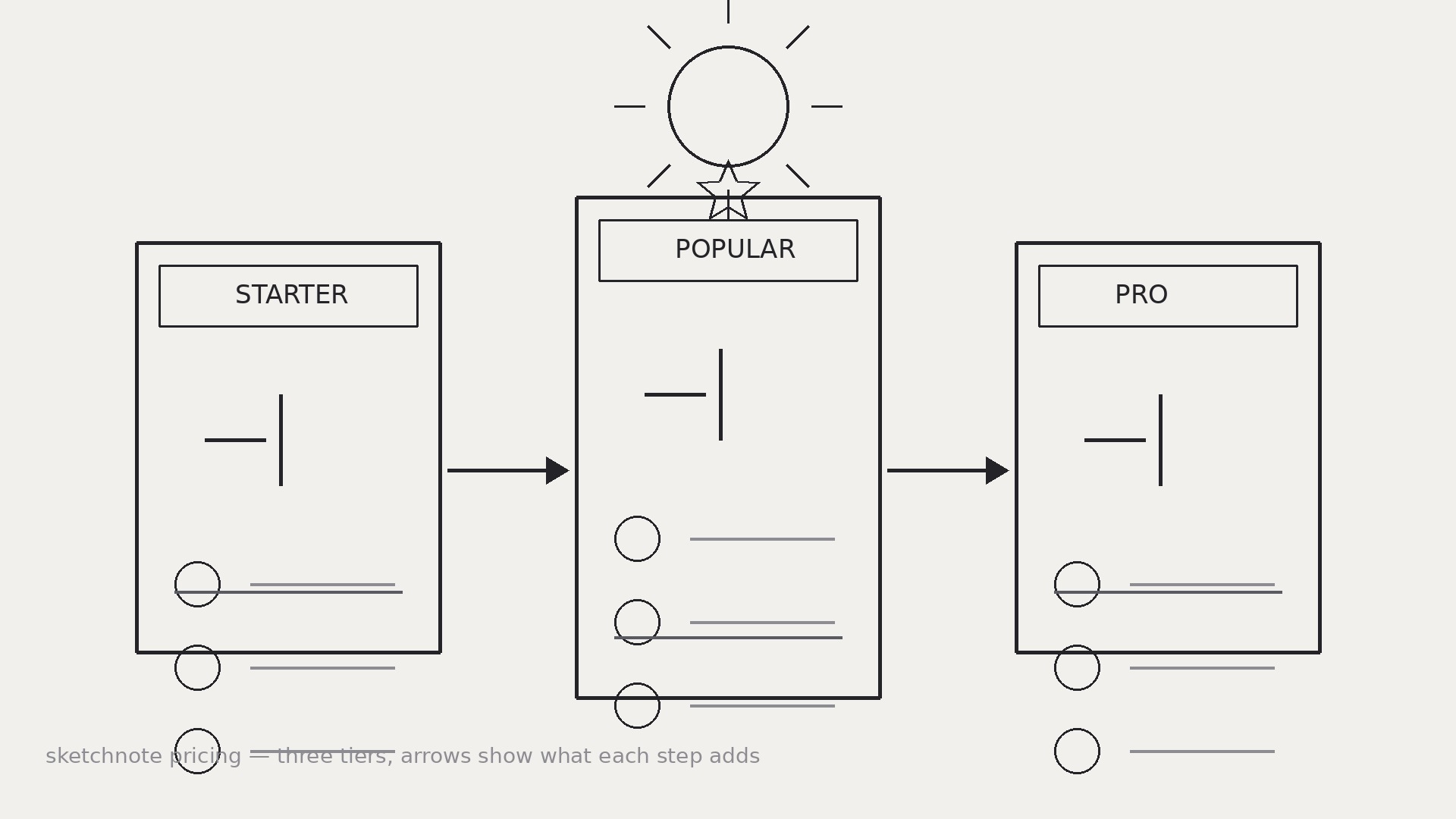
AIがスケッチノート価格解説者になります。素朴な価格リストを手描き風のビジュアルに変換し、スケッチした階層コンテナ、シンプルなアイコン、矢印、ひと目で分かる平易なラベルを付けます。
こんな方におすすめ
スライド、配布資料、投稿で価格を視覚的に説明したいデザイナー、プレゼンター、創業者の皆さま
所要時間
~30分
レベル
中級
3ステップでインストール
登録不要。CLIツールも不要です。お使いのAIを選んで、1行コピーして貼るだけです。
ご自分で入れたい場合は、スキルを購入($4.99)し、購入完了画面からZIPをダウンロードして、上のディレクトリに展開し、AIのセッションを再起動してください。結果は同じです。すでに購入済みの場合は、AIアシスタントにダウンロードしてもらうこともできます。
パックの内容
SKILL.md(手順書)1点とスターターテンプレート1点が入っています。プレビューはこちらです:
Sketchnote Pricing
When to use
- A pricing page has three tiers that all blur together in a standard comparison table
- You need to explain pricing on a slide, whiteboard, or social post where a table would be unreadable
- A product's plans differ in ways that are easier to show than to tabulate (who each plan is for, what unlocks when)
- A workshop or webinar needs a one-page pricing handout people actually look at
- A founder wants to sketch pricing live on a call and leave behind a clean version of the same drawing
Workflow
- List the pricing facts (input: pricing tiers → output: fact sheet)
Write down exactly what is for sale before drawing anything: each tier's name, price, billing period, who it is for, and the handful of features that actually differ between tiers. Leave out features that are identical across all tiers — they add ink without adding information. If a price has conditions (per seat, per month billed annually, limits, overage fees), write those down too; a sketchnote that hides the fine print is a misleading sketchnote. - Choose the sketchnote grammar (input: fact sheet → output: visual vocabulary)
Pick a small, consistent set of hand-drawn marks and stick to it for the whole page: containers (rounded boxes, banners, brackets) for tiers, icons for the features that repeat (a person for seats, a cloud for storage, a shield for security), arrows for "upgrades to" and "includes", and stars or dots only for the one thing you want eyes to land on first. Three to five icon types is plenty; a new icon for every feature turns the page into a puzzle. - Sketch the tier containers (input: vocabulary → output: tier layout)
Draw one container per tier, left to right from simplest to most complete, with the recommended tier slightly larger or visually emphasized — but never by hiding the other tiers' prices. Inside each container put, in this order: who it is for ("For solo creators"), the price in the largest hand-lettered numerals on the page, the billing note in small text, and the 3–5 differing features as icon + short label. Keep the containers the same structure so tiers can be compared by scanning down, not by hunting. - Draw the comparisons (input: tiers → output: comparison cues)
Make the differences visible without a table: draw arrows or a stepped path showing what each tier adds over the previous one ("+ team seats", "+ priority support"), and use a single consistent mark for "included" across all tiers. If a feature exists in one tier only, draw it in that tier's container and leave a deliberate gap in the others rather than cluttering every box with "not included". The reader should be able to answer "what do I get if I pay more?" by following the arrows. - Ink, label, and check (input: draft → output: finished sketchnote)
Go over the sketch in clean lines, hand-letter the labels, and check every number against the fact sheet — price, seat counts, limits, billing period. Read the finished page as a stranger: can you tell, in ten seconds, how many plans there are, what each costs, and who each is for? If the recommended tier is emphasized, the emphasis must be honest (bigger box, a "most popular" banner) — not a trick like shrinking the other prices until they are hard to read.
テンプレートのプレビュー
Sketchnote Pricing — Template
Sketch the pricing, don't tabulate it. Check every number against the real pricing before sharing.
Fact sheet (fill in first — no drawing until this is done)
Conditions / fine print: {per seat? limits? overage fees? trial?} Features identical across all tiers (leave OUT of the drawing): {list}
Visual vocabulary (pick 3–5 icons, use them consistently)
- {icon sketch / description} = {meaning, e.g. person = seats}
- {icon} = {meaning, e.g. cloud = storage}
- {icon} = {meaning, e.g. shield = security}
- Container style: {rounded box / banner / bracket}
- Arrow style: {what arrows mean — "upgrades to" / "includes"}
スキルパック本体(SKILL.md とテンプレート)は英語で書かれています。


