Monochrome Studio Portrait
最初から白黒であるべきだった、ポートレート。
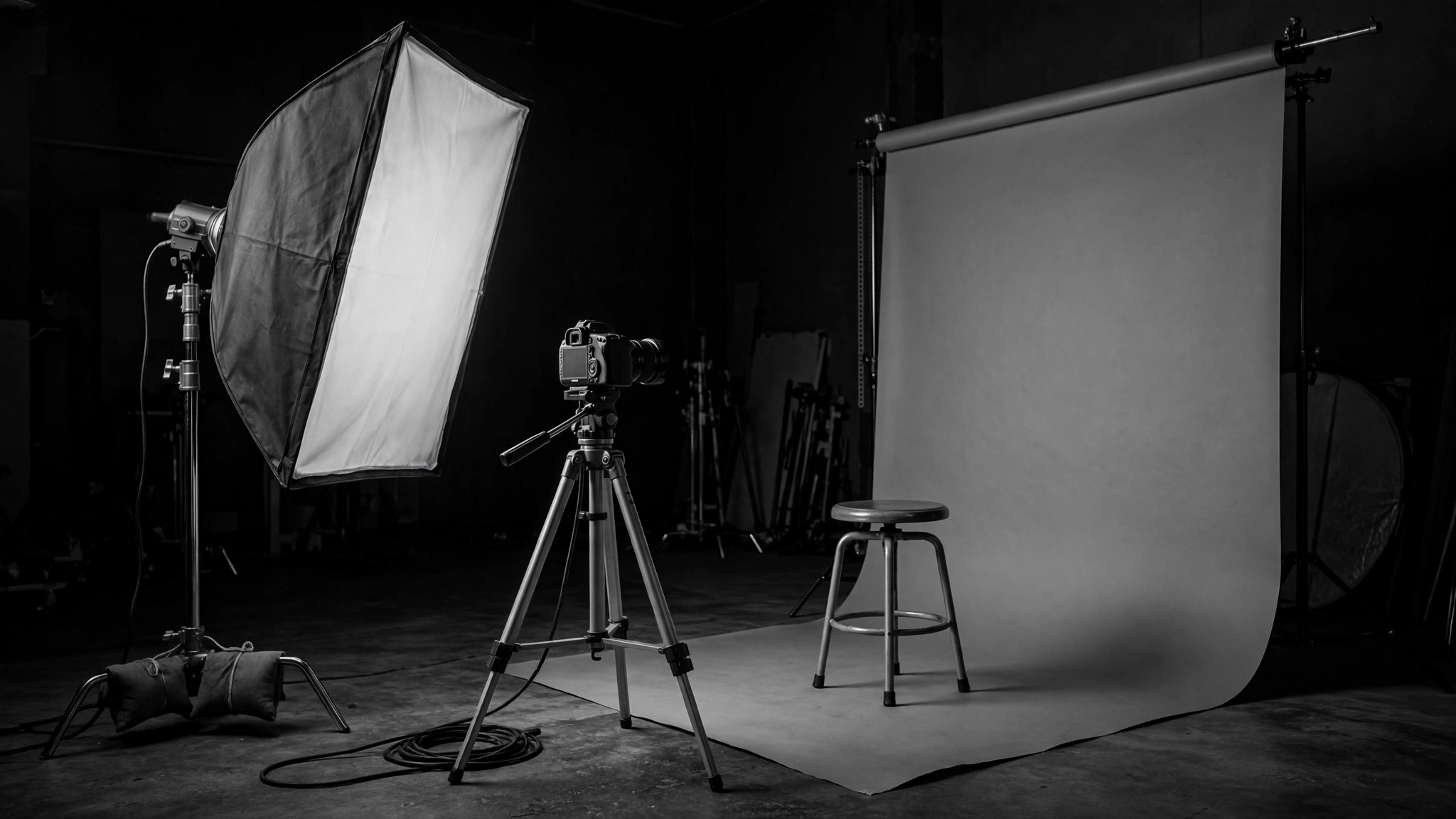
AIをモノクロポートレートのアートディレクターに変え、スタジオライティング、ポージング、白黒のグレーディングを計画します。ポートレートが、単に彩度を落としたものではなく、時代を超えたものとして読めるようになります。
3ステップでインストール
登録不要。CLIツールも不要です。お使いのAIを選んで、1行コピーして貼るだけです。
ご自分で入れたい場合は、スキルを購入($4.99)し、購入完了画面からZIPをダウンロードして、上のディレクトリに展開し、AIのセッションを再起動してください。結果は同じです。すでに購入済みの場合は、AIアシスタントにダウンロードしてもらうこともできます。
パックの内容
SKILL.md(手順書)1点とスターターテンプレート1点が入っています。プレビューはこちらです:
Monochrome Studio Portrait
When to use
- You are shooting studio portraits and want black-and-white results that look intentional, not like color photos with the color removed
- You need a consistent monochrome look across a set of portraits — a team page, a series, a book
- Your portraits look flat in black and white because the lighting was designed for color
- You are directing a subject who is stiff in front of the camera and need posing that works in monochrome
- You are grading portraits and want skin tones, hair, and background to separate cleanly without color
Workflow
- Design for tone, not color (input: subject + purpose → output: lighting plan)
In monochrome, separation comes from brightness, not hue — so plan lighting that puts the subject on a different tonal value than the background. Decide the background value first (dark charcoal for high-contrast drama, mid-grey for soft editorial), then light the subject to sit clearly apart from it. One main light + one fill or rim is enough; a third light is for the background only. - Set the light for shape (input: lighting plan → output: lit set)
Place the main light to sculpt the face: 45 degrees to the side and slightly above eye level gives cheekbone and jaw definition that reads beautifully in black and white. Add a rim light behind the subject to separate hair and shoulders from the background — in monochrome, an unlit edge dissolves into the backdrop. Check the setup on a test shot in black and white on the camera, not in color. - Direct the pose (input: lit set + subject → output: posed subject)
Monochrome rewards stillness and geometry: chin slightly forward and down (defines the jaw), shoulders angled, hands doing something real (holding a prop, in pockets, relaxed at the sides — never dangling). Give the subject one physical task per shot ("lean your weight onto your left foot", "look past my shoulder") instead of "look natural". Shoot in short bursts with movement between them; the best frame usually comes right after a direction, not during a held pose. - Shoot for the grade (input: posed subject → output: raw portraits)
Expose for the highlights — blown highlights have no texture to recover in black and white, while shadows can be lifted. Capture skin, hair, and wardrobe with tonal separation in mind: if the subject's hair and jacket are the same brightness, they merge in monochrome no matter how different their colors are. A quick wardrobe check (a mid-grey cardigan vs. a black one) saves a portrait. - Grade in black and white (input: raw portraits → output: finished portraits)
Convert with intent: set the black point (deepest shadow goes near-black, not grey), set the white point (brightest highlight holds detail), then shape the midtones for skin — skin should sit in the upper-middle range with smooth transitions. Increase local contrast on eyes and hair, keep skin retouching minimal (remove temporary blemishes, keep texture and moles). Apply the same grade to the whole set so the series holds together.
テンプレートのプレビュー
Monochrome Studio Portrait — Shoot Plan Template
Design for tone, not color. Fill in the lighting plan before the subject arrives.
The set
Subject: {name} | Purpose: {team page / series / book / personal} Background value: {dark charcoal / mid-grey} — subject must sit clearly apart from it Main light: {position — 45° to the side, slightly above eye level} Rim light: {position — behind subject, separates hair + shoulders from backdrop} Third light (background only): {yes / no + position}
Wardrobe check
- Hair brightness vs. jacket brightness: {separate / same — change one if same}
- Texture: {knit / denim / linen — texture reads in monochrome}
スキルパック本体(SKILL.md とテンプレート)は英語で書かれています。


