Visual Canvas Deck
Una mappa, un percorso: zoom avanti, zoom indietro, senza mai perdersi.
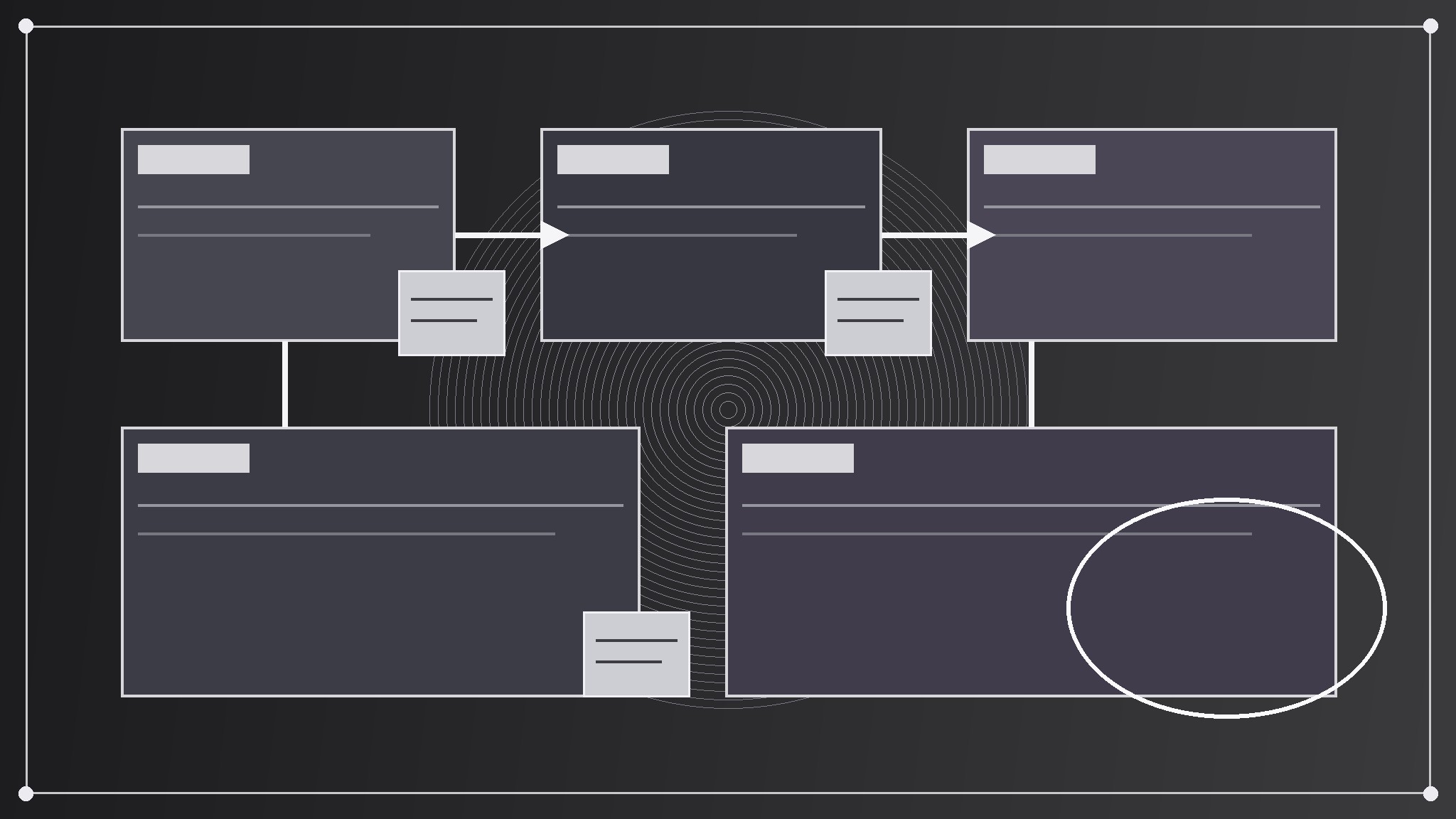
Trasforma la tua AI in un designer di presentazioni: crea un deck che si comporta come un'unica grande tela zoomabile — le slide sono regioni di una sola mappa, la storia si muove zoomando e spostandosi tra di esse, e connettori, note adesive e punti di riferimento mantengono il pubblico orientato.
Installala in 3 passaggi
Nessuna registrazione. Nessuno strumento da riga di comando. Scegli la tua AI, copia una riga e incollala.
Preferisci fare da te? Acquista la skill ($4.99), scarica lo ZIP dalla conferma d'acquisto, decomprimilo nella cartella mostrata sopra e riavvia la sessione della tua AI — stesso risultato. L'hai già acquistata? Il tuo assistente AI può scaricarla per te.
Cosa contiene
Un file SKILL.md (la guida operativa) + un modello di partenza. Un'anteprima:
Visual Canvas Deck
When to use
- A strategy, roadmap, or systems story has parts that relate spatially — phases, layers, territories, flows — and a linear slide stack keeps hiding how the parts connect
- A workshop, classroom, or board session needs a deck the presenter can zoom into, pan across, and jump between, instead of marching slide by slide
- A pitch or explainer covers a landscape (a market map, a product ecosystem, an org's moving pieces) where the audience needs to see the whole map and the detail in the same artifact
- A team keeps losing the thread in long linear decks: "where are we in this story, and how does this slide connect to the one from ten minutes ago"
- A single big idea deserves a single big picture, with the slides as guided stops on a journey across it rather than a stack of disconnected pages
Workflow
- Draw the canvas map first (input: the story → output: a one-page canvas map)
Before writing any slide, lay out the whole story on one canvas: regions for each major part, arranged so that position means something — left-to-right for time, center-out for importance, clusters for themes, lanes for parallel tracks. Give the canvas a title, a legend, and three to five landmarks (named regions, a compass, a "you are here" marker) so a viewer can orient at a glance. If the story cannot be arranged so that position means something, it is not a canvas story — build a linear deck instead. The map is the deck's contract: every slide that follows must be a region on it. - Define the journey path (input: canvas map → output: an ordered zoom path)
Choose the order in which the presenter travels across the canvas: start zoomed out on the whole map, then zoom into each region in turn, pulling back out between major sections to re-orient. Write the path as a numbered list of stops ("1. Whole map → 2. Region A detail → 3. Whole map → 4. Region B detail"), with the zoom level of each stop (full canvas, region, detail). Keep the path to at most nine stops — more than that and the audience gets motion-sick and loses the map. Every stop must earn its zoom: if a stop shows nothing new, cut it and stay on the map. - Build each region as a slide (input: journey path → output: region slides)
Build one slide per region, each designed to read at two scales: as a legible slide when zoomed in, and as a labeled block when seen on the whole map. Each region slide carries one idea, one headline, and one visual gesture (a mini-diagram, a cluster of sticky notes, a before/after pair) — never a wall of bullets, because bullet walls are unreadable on a map. Keep type, color, and icon style identical across regions so the canvas reads as one surface, and give each region a distinct color chip or landmark so it can be spotted from the full-map view. - Wire the connectors and sticky notes (input: region slides → output: connectors + annotations)
Draw the relationships the linear deck would have hidden: arrows between regions showing flows and dependencies, dashed lines for tensions or trade-offs, sticky-note annotations for questions, risks, and decisions sitting on the regions they belong to. Label every connector with a verb ("feeds," "blocks," "funds") — an unlabeled arrow is decoration, not information. Keep connectors to the ones that change a decision; a canvas with thirty arrows is a hairball, not a map. Sticky notes use a different shape and color from regions so the audience can tell "content" from "commentary" at a glance. - Rehearse the zoom and ship with a flat fallback (input: wired canvas → output: a rehearsed deck + a printable flat map)
Rehearse the full zoom path out loud, twice: once to check timing (each stop gets the time its idea deserves, and pull-backs happen at section breaks, not mid-thought), once to check motion (zooms are smooth, never jarring, and no stop requires a jump the audience cannot follow). Ship two artifacts: the zoomable deck for presenting, and a flat one-page map (the canvas with all regions and connectors visible) as a handout or PDF — the flat map is what the audience keeps, and what anyone who missed the talk can read. If the presenting tool cannot zoom smoothly, the flat map plus simple crossfades still delivers the story.
Anteprima del modello
Visual Canvas Deck — Map Template
One canvas = one story. Draw the map before building any slide.
Story: {title}
What position means on this canvas: {left-to-right time / center-out importance / theme clusters / parallel tracks} Audience: {who is watching} Presenter: {name}
Canvas map
Title: {canvas title} Legend: {what colors, shapes, and line styles mean} Landmarks: {landmark 1} | {landmark 2} | {landmark 3}
Journey path (≤9 stops)
Connectors
Sticky notes (questions, risks, decisions)
Region slide checklist (each region)
- [ ] One idea, one headline, one visual gesture (mini-diagram / sticky cluster / before-after)
Il pacchetto della skill (SKILL.md + modello) è scritto in inglese.
Potrebbe piacerti anche
 Presentazioni
Pitch Deck
10 slide che raccontano una sola storia — gli investitori restano fino all'ultima pagina
 Presentazioni
Work Report
Settimanale, mensile, review — prima la conclusione, si capisce in 3 minuti
 Presentazioni
Academic Argument Deck
Una presentazione che argomenta — e risponde alle obiezioni.