Video Skills
Dalla sceneggiatura al montaggio finale: una pipeline, ogni video.
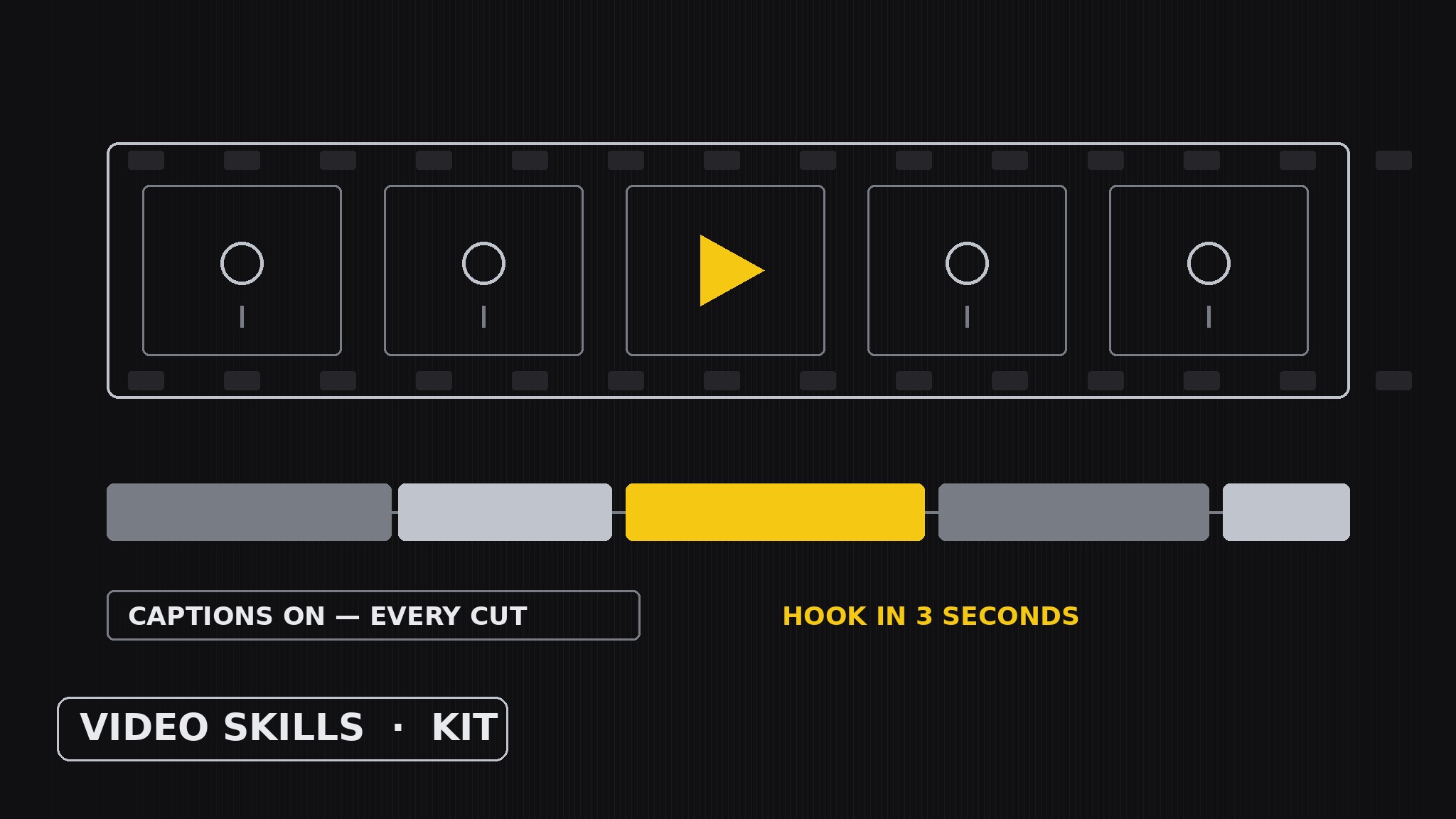
Trasforma la tua AI in un costruttore di kit video: definisce, scrive e assembla un kit coerente di skill per immagini in movimento che produce video veri — una skill per formato e fase artigianale (explainer, film di lancio, video testimonial, sceneggiatura, lista inquadrature, montaggio, sottotitoli), ognuna tenuta allo stesso standard di qualità, componendosi in una pipeline di produzione dall'idea al montaggio finale.
Installala in 3 passaggi
Nessuna registrazione. Nessuno strumento da riga di comando. Scegli la tua AI, copia una riga e incollala.
Preferisci fare da te? Acquista la skill ($4.99), scarica lo ZIP dalla conferma d'acquisto, decomprimilo nella cartella mostrata sopra e riavvia la sessione della tua AI — stesso risultato. L'hai già acquistata? Il tuo assistente AI può scaricarla per te.
Cosa contiene
Un file SKILL.md (la guida operativa) + un modello di partenza. Un'anteprima:
Video Skills
When to use
- You need several videos (explainer, launch film, testimonial) and want them to feel like one channel, not random uploads
- A team keeps starting each video from a blank timeline, re-deciding the format every time
- You want a reusable kit: pick the format, run the pipeline, ship a finished cut with captions
- A product launch, tutorial, or customer story has to become a video on a deadline — without chaos
- You are standardizing how your AI makes videos so every cut hooks fast, says one thing, and ends clean
Workflow
- Define the video jobs (input: where the videos will play → output: kit brief)
Start length-budget-first: list the real videos this kit must produce and, for each, name where it plays, how long it may be, and its one job ("the homepage explainer has 90 seconds to earn a trial", "the launch teaser has 15 seconds to earn a click", "the testimonial has 60 seconds to earn trust"). The length budget is the kit's hardest constraint — a 15-second teaser and a 90-second explainer are different formats, not different lengths of the same video. A kit with no named videos and no budgets drifts into generic advice; a kit built for three real videos gets used on the fourth. - Inventory the skills (input: kit brief → output: production inventory)
Give the kit two layers. Format skills, one per video type: Explainer (one problem, one solution, one proof), Launch Film (build → reveal → payoff), Testimonial Video (one customer, one before-and-after, one line in their own words), Tutorial (one task, steps in order, no tangents), Teaser (one hook, one date, one action). Then craft skills, the pipeline stages every format passes through: Script (words, timed to the budget), Shot List (what the camera or screen shows, shot by shot), Edit (assembly, pacing, and the first-three-seconds hook), Captions (word-accurate text, readable without sound), and Thumbnail + Title (the frame and words that earn the click). Keep the inventory small — if a format appears in no real video, it doesn't deserve a skill. - Write each skill to the bar (input: production inventory → output: skill specs)
Every skill gets the same spec shape: when to use it, its inputs (the content it needs — e.g. Testimonial needs the customer's own words and the before-and-after facts), its output (the script, the shot list, the cut, the caption file), and the shared quality bar. The bar is watchability: hook in the first three seconds (a question, a result, or a striking image — never a logo sting), one message per video, every claim spoken on camera must be true and checkable, captions on every video (most viewers start muted), and a clean ending (the ask, once, then stop — no five-second fade to a logo). Write the specs so a new format can join the kit by reusing the craft skills, not by reinventing the pipeline. - Compose a production (input: skill specs + video brief → output: finished cut)
Run the pipeline in order and never skip a stage: Script first (timed to the budget — read it aloud, cut words until it fits), Shot List second (every line of script gets its image; any line with no image gets cut or rewritten), Edit third (assemble rough, then tighten: if a shot doesn't advance the message, it goes), Captions fourth (checked against the final audio, not the draft script), Thumbnail + Title last (made from the finished cut, never promised before it exists). Enforce the kit's shared look and voice — same type for captions and titles, same pacing feel — so the videos read as one channel. - Cut-check the kit (input: finished cut → output: proven kit)
Prove the kit by watching one real video the way its audience will: muted first (do the captions alone carry it?), then with sound, then on a phone in a feed (does the first three seconds earn the tap?). Note what broke — a format whose budget didn't fit its message, a craft skill whose inputs were unclear, a stage that got skipped under deadline — and fix the kit, not just the video. The kit is done when a second video runs the pipeline faster than the first and a stranger can state its one message after one viewing.
Anteprima del modello
Video Skills — Kit-Building Template
Length budget first. Script before shots. Captions checked against final audio.
Kit brief — videos this kit must produce
Production inventory
Format skills (one per video type):
Craft skills (pipeline stages every format passes through):
Skill spec (copy per skill)
Skill: {name} When to use: {___} Inputs: {___} Output: {script / shot list / cut / caption file / thumbnail + title} Quality bar: hook in first 3 seconds / one message per video / every spoken claim true + checkable / captions on every video / clean ending (the ask once, then stop)
Production run
Video: {name + format}
Il pacchetto della skill (SKILL.md + modello) è scritto in inglese.


