News Feed Migration Checklist
Un conto alla rovescia pre-chiusura per i possessori di Galaxy: salva ciò che conta, passa a Google Discover, ricostruisci la tua routine di lettura del mattino.
Per i possessori di Samsung Galaxy che usano Samsung News: esporta articoli salvati e seguiti, sposta il pannello più a sinistra su Google Discover e ricostruisci la tua routine del mattino prima della chiusura del 21 dicembre 2026.
Installala in 3 passaggi
Nessuna registrazione. Nessuno strumento da riga di comando. Scegli la tua AI, copia una riga e incollala.
Preferisci fare da te? Acquista la skill ($4.99), scarica lo ZIP dalla conferma d'acquisto, decomprimilo nella cartella mostrata sopra e riavvia la sessione della tua AI — stesso risultato. L'hai già acquistata? Il tuo assistente AI può scaricarla per te.
Cosa contiene
Un file SKILL.md (la guida operativa) + un modello di partenza. Un'anteprima:
News Feed Migration Checklist
The idea in one paragraph
Samsung News stops working on December 21, 2026 at 00:00 UTC, and Samsung plans to delete its data afterward. This skill is a countdown checklist: save what matters from the app, switch the leftmost home-screen panel to Google Discover, and rebuild a morning reading routine that does not depend on a single preloaded app.
What it is built on
- Samsung's shutdown notice for Samsung News was first discovered on 2026-10-26 and reported by SamMobile; the shutdown is confirmed in India and Korea.
- On 2026-12-21 at 00:00 UTC, the app, its widget, and the leftmost home-screen media panel all stop; the widget will no longer receive content updates.
- After the shutdown, Samsung will delete Samsung News data, profiles, and personalization settings.
- Samsung gave no reason for the shutdown and announced no successor; Google Discover is the existing alternative for the leftmost panel.
Workflow
- Audit what you have (input: your Samsung News app -> output: a saved-items list). Open the app and list your saved articles, followed topics, and any reading history you care about. Screenshot anything that cannot be exported.
- Export or copy the keepers (input: the saved-items list -> output: local copies). For each saved article, open the original link and save it to a read-later service, your notes app, or bookmarks. Do not assume the app will hold them past December 21.
- Switch the panel (input: your home screen -> output: Discover as the leftmost panel). Open the leftmost-panel setting on your device and switch it to Google Discover. Confirm it loads and shows content before the shutdown date.
- Rebuild the routine (input: your morning reading habit -> output: a new routine card). Write down when, where, and how you read the news - the commute, the coffee, the five minutes before standup - and attach the new source to each slot.
- Delete on your terms (input: migrated data -> output: a clean device). Once your exports are verified, remove the app and clear its local data yourself, ahead of Samsung's deletion.
What good looks like
By December 20, your saved articles live somewhere you control, Google Discover opens from the leftmost panel, and your morning reading routine runs exactly as before. Nothing you care about was left inside the app on shutdown day.
Anteprima del modello
News Feed Migration Checklist - Worksheet
Complete every row before 2026-12-21 00:00 UTC.
1. Saved-items audit
2. Panel switch
- Leftmost panel switched to Google Discover: [ ] yes Date: ____ / ____ / ____
- Discover loads content correctly: [ ] yes
3. Morning routine card
4. Final cleanup
- Exports verified open outside the app: [ ] yes
- App removed and local data cleared: [ ] yes Date: ____ / ____ / ____
Il pacchetto della skill (SKILL.md + modello) è scritto in inglese.
Potrebbe piacerti anche
 Flussi di lavoro
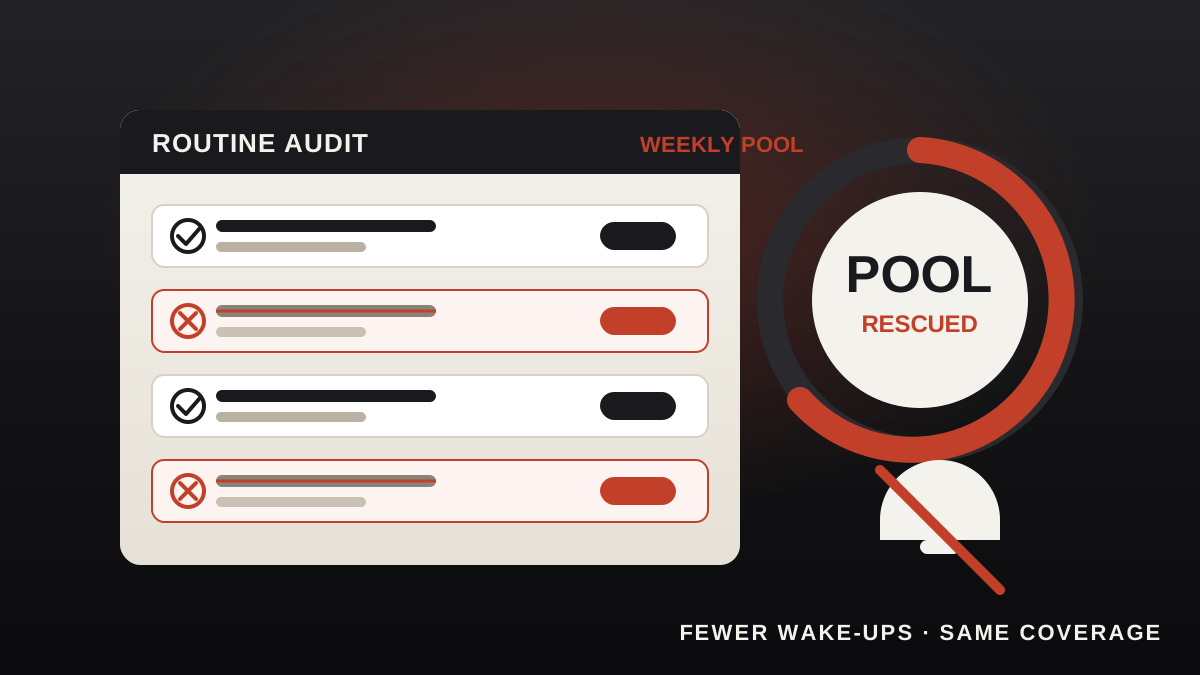
Grok Bot Routine Rescue
Find which scheduled routine is eating your weekly pool — and kill it
 Flussi di lavoro
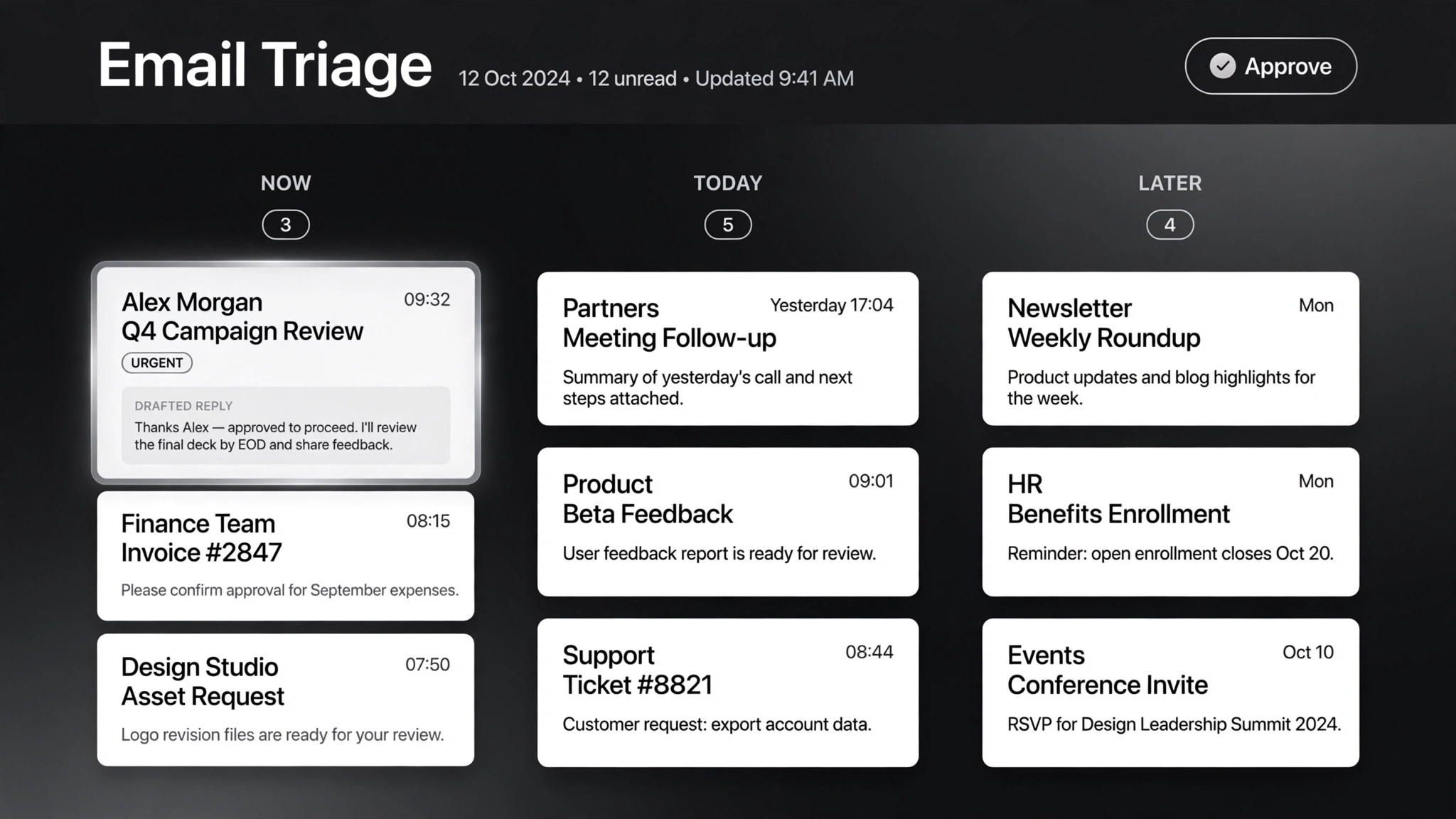
Inbox Triage
La tua casella, già letta: urgenti segnalati, risposte in bozza, tu devi solo premere invio
 Flussi di lavoro
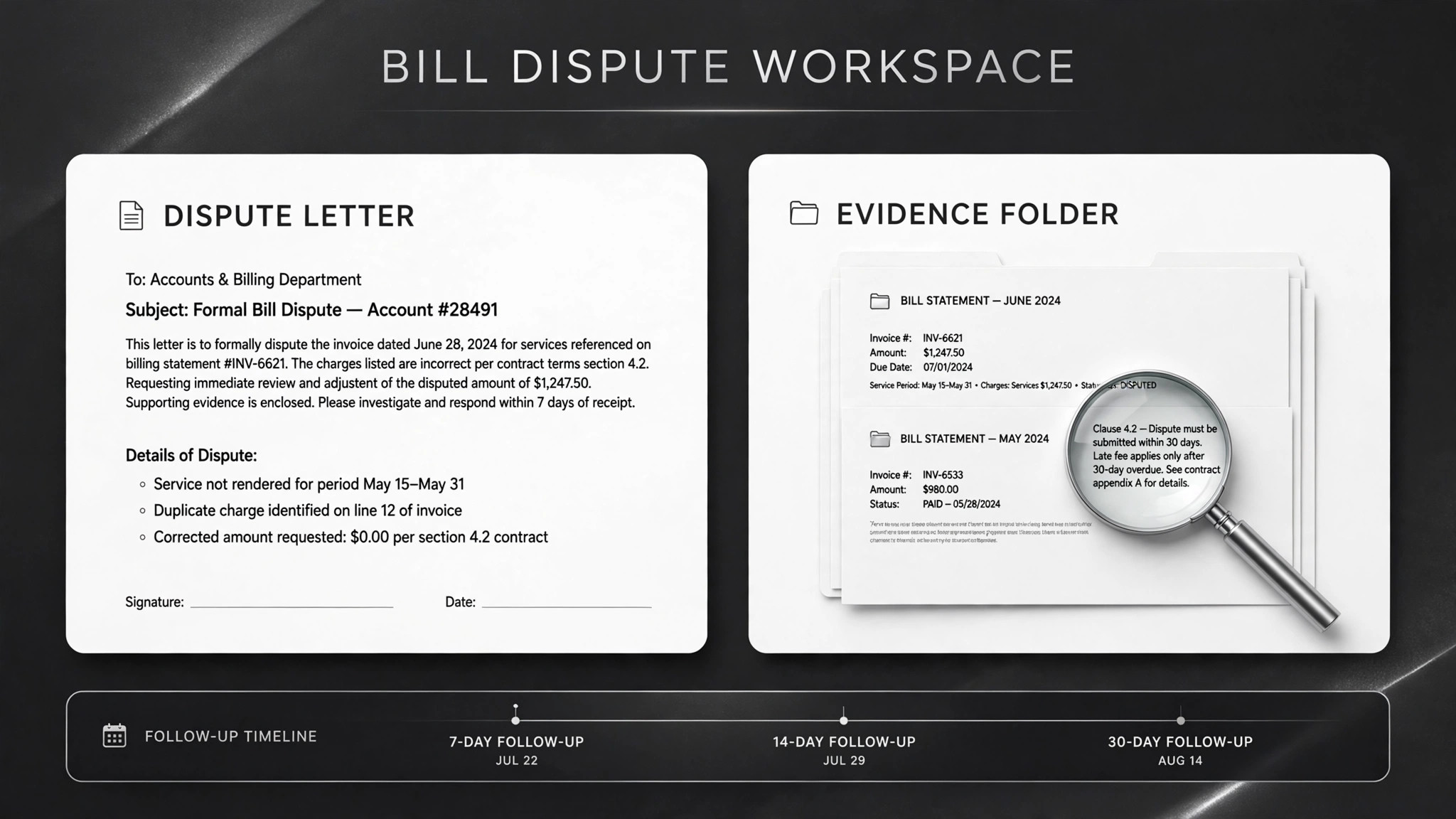
Bill Fighter
Contesta addebiti ingiusti e reclami respinti con lettere supportate dalle prove