Inbox Triage
La tua casella, già letta: urgenti segnalati, risposte in bozza, tu devi solo premere invio
Trasforma la tua IA in un assistente di triage della posta — classifica le email per urgenza e intento, recupera il contesto di ordini e clienti, redige risposte con la tua voce e tiene tutto in attesa della tua approvazione con un clic. Niente parte da solo.

Installala in 3 passaggi
Nessuna registrazione. Nessuno strumento da riga di comando. Scegli la tua AI, copia una riga e incollala.
Preferisci fare da te? Acquista la skill ($4.99), scarica lo ZIP dalla conferma d'acquisto, decomprimilo nella cartella mostrata sopra e riavvia la sessione della tua AI — stesso risultato. L'hai già acquistata? Il tuo assistente AI può scaricarla per te.
Prove dal mondo reale
Persone vere hanno svolto proprio questo lavoro con agenti IA.
Triage support emails and draft refund-policy replies
Leggi il caso →Caso d'usoHandle incoming emails with automatic triggers
Leggi il caso →Cosa contiene
Un file SKILL.md (la guida operativa) + un modello di partenza. Un'anteprima:
Inbox Triage
When to use
- You wake up to 50+ unread emails and need the urgent ones surfaced before your coffee cools
- You run customer support and every reply needs order details looked up before it's written
- You're a founder whose inbox is three accounts stitched together and nothing gets answered twice
- You want drafted replies in your tone, but you refuse to let AI send anything without your approval
- Invoice emails, refund requests, and angry customers all land in the same pile and need different handling
Workflow
- Connect the inbox (input: your email access → output: live mail feed)
Set up the feed first: Gmail/Outlook triggers, or a scheduled fetch every 15–30 minutes. One inbox or three — the triage logic doesn't care, but tell it which addresses are yours so it never drafts a reply to itself. Decide the batch rhythm: real-time for support, twice-daily digest for personal. - Classify before reading (input: raw emails → output: urgency × intent labels)
Every email gets two labels. Urgency: now (customer blocked, money moving, boss asking), today (needs a reply, nothing burning), later (FYI, newsletters, can wait). Intent: question, complaint, request, invoice/billing, spam/noise. Write your classification rules down once — "anything with 'urgent' from a paying customer = now", "receipts auto-file, never surface" — the skill follows them literally. - Gather context (input: labeled email → output: enriched brief)
For anything labeled "now" or "today", look up what the sender is talking about before drafting: order status, previous thread, account tier, attached invoices. A reply drafted without context is worse than no reply — it invents. If the lookup comes back empty, the draft says so instead of guessing. - Draft in your voice (input: enriched brief → output: reply draft)
Draft against your tone guide: short or thorough, formal or blunt, sign-off style. Match the customer's language. Every draft includes the facts it used (order #123, policy §4) so you can verify in one glance. Hard or angry cases get flagged for escalation, not drafted — some emails need a human from the first word. - Hold for approval (input: drafts → output: approval queue)
Nothing sends itself. You get a queue: each item shows the original email, the labels, the draft, and one-click approve / edit / skip. This is the load-bearing wall of the whole skill — the 36 real-world cases this was distilled from all converge here: approve outbound, always. - Learn the patterns (input: your approvals → output: tighter rules)
After a week, review what you kept editing. "You always soften the refund refusals" becomes a tone rule. "You always escalate anything mentioning lawyers" becomes a classification rule. The skill gets sharper the longer it watches you.
Anteprima del modello
Inbox Triage — Approval Queue Template
Copy this format for each triage batch. One screen per batch; approve / edit / skip each item.
Triage summary — {date} {batch: morning/evening}
Item 1/3 — 🔴 NOW / complaint
From: {name} <{email}> — {customer tier, e.g. Pro plan since 2024} Subject: {subject} Labels: now × complaint Context: Order #{n} — {one-line fact, e.g. delivered 3 days late}; {prior thread summary if any} Draft: > {reply draft, ≤150 words, cites facts, ends with next step}
[ ] Approve & send [ ] Edit first [ ] Skip [ ] Escalate to me
Item 2/3 — 🟡 TODAY / question
From: {name} <{email}> Subject: {subject}
Il pacchetto della skill (SKILL.md + modello) è scritto in inglese.
Potrebbe piacerti anche
 Flussi di lavoro
Grok Bot Routine Rescue
Find which scheduled routine is eating your weekly pool — and kill it
 Flussi di lavoro
Bill Fighter
Contesta addebiti ingiusti e reclami respinti con lettere supportate dalle prove
 Flussi di lavoro
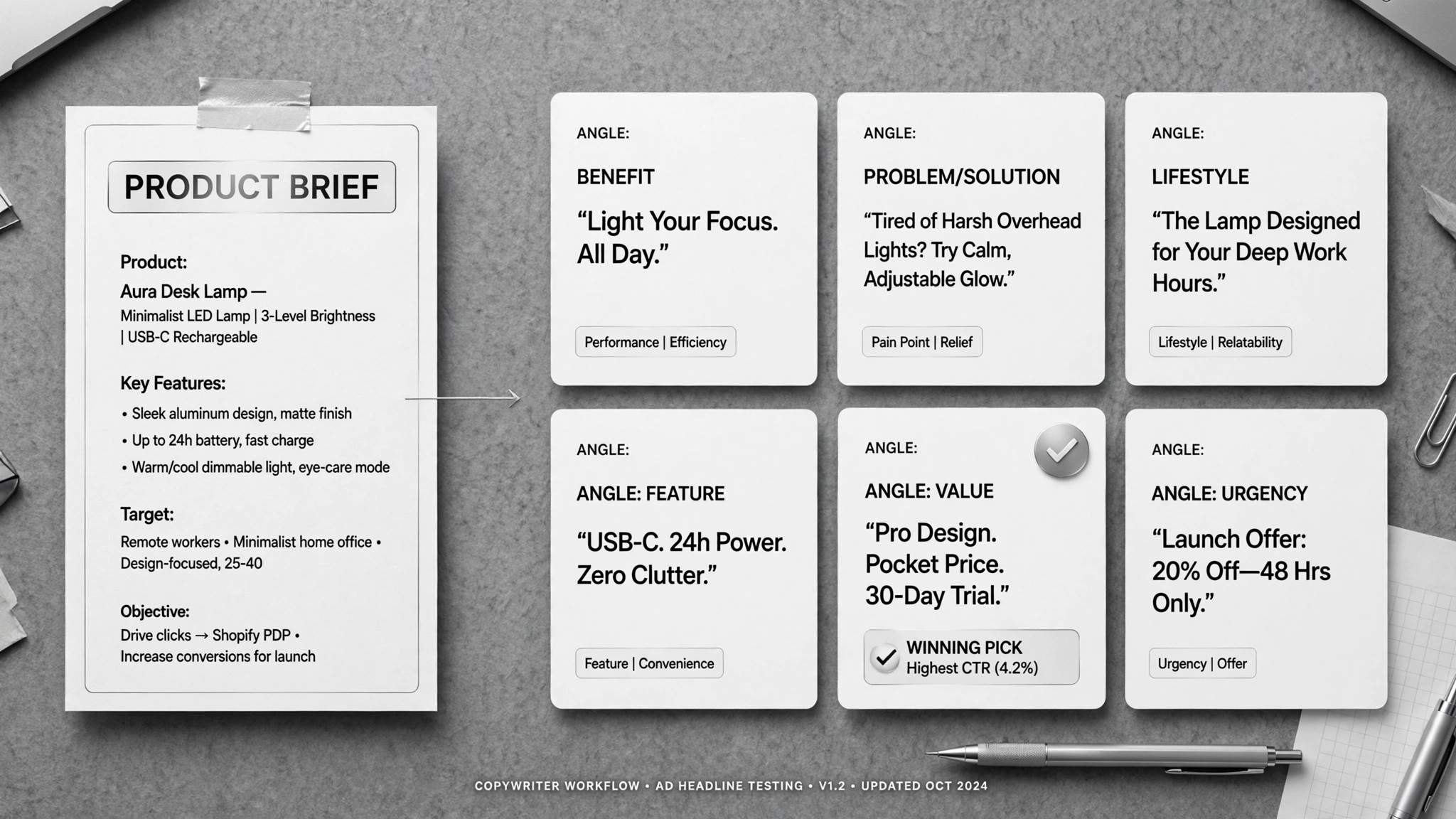
Ad Copywriter
Un brief in entrata, una pila di testi pubblicitari a specifica in uscita — tu scegli i migliori.