Neon Makers Deck
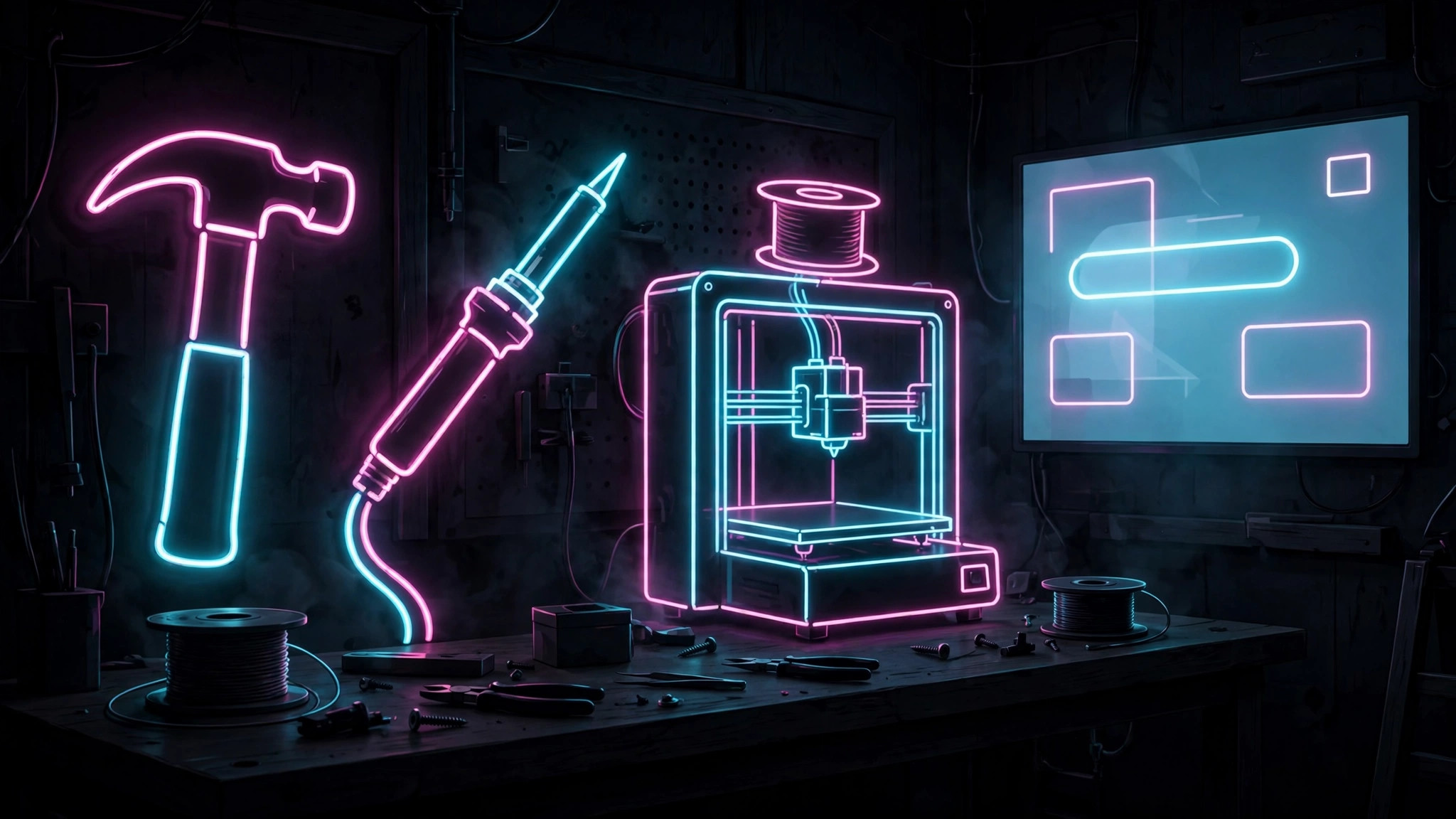
Mostra cosa costruiscono i membri — energia neon, zero rumore.
Trasforma la tua AI in un creatore di deck vetrina per maker — slide neon su antracite che presentano progetti pratici, workshop e spazi maker con energia, senza diventare rumore visivo.
Installala in 3 passaggi
Nessuna registrazione. Nessuno strumento da riga di comando. Scegli la tua AI, copia una riga e incollala.
Preferisci fare da te? Acquista la skill ($4.99), scarica lo ZIP dalla conferma d'acquisto, decomprimilo nella cartella mostrata sopra e riavvia la sessione della tua AI — stesso risultato. L'hai già acquistata? Il tuo assistente AI può scaricarla per te.
Cosa contiene
Un file SKILL.md (la guida operativa) + un modello di partenza. Un'anteprima:
Neon Makers Deck
When to use
- You run a maker space, fab lab, or workshop and need a deck that shows what members actually build
- You are pitching a maker program, grant, or sponsorship and need the deck to feel hands-on, not corporate
- You are presenting student or member projects at a demo night, fair, or open house
- Your current deck about making things looks like a deck about accounting
- You need a reusable template for project showcases where photos do most of the talking
Workflow
- Collect the proof (input: projects + photos → output: project shortlist)
Gather real photos of real things: finished builds, works in progress, tools in use, people making. Pick 5–8 projects that show range (wood, electronics, textiles, 3D printing — whatever your space actually does). One strong photo per project beats a slide of bullet points about the project. No stock photos of workshops — the audience can tell, and it undermines the whole point. - Set the neon system (input: project shortlist → output: style rule)
Background charcoal, near-white text, and a neon palette of two colors maximum (for example cyan + magenta, or lime + orange). Neon is used for labels, section dividers, and one highlight per slide — never for body text, never for chart fills. Neon on dark is high-energy by itself; restraint is what keeps it from looking like a nightclub flyer. - Structure the showcase (input: style rule + projects → output: deck outline)
Order: opener (one slide — what this space is, one line), project slides (one project per slide: photo, name, what it is, what it took), the space (tools, access, how to join), the ask (membership, funding, partnership — one slide, one ask). Each project slide follows the same shape so the audience learns the rhythm and starts looking at the photos instead of decoding the layout. - Write captions, not paragraphs (input: deck outline → output: finished slides)
Every project slide gets: a title (project name + one-line description), 3 facts (materials, time, tools — numbers, not adjectives), and one quote or lesson from the maker in their own words. That's it. The photo carries the slide; the text annotates it. If a slide has more than 40 words, cut until the photo is the biggest thing on it. - Check for noise (input: finished deck → output: delivery-ready deck)
Run the deck once and cut anything that fights the photos: background textures behind photos, neon borders on every slide, more than two neon colors, animated transitions that delay the reveal. Check legibility on the actual projector or screen you'll present on — neon that glows beautifully on a laptop can bloom into illegibility on a cheap projector. Dim the neon, don't add more.
Output spec
Anteprima del modello
Neon Makers Deck — Deck Template
Real photos, restrained neon. One project per slide, one ask at the end.
Style rule
- Background: {charcoal hex}
- Text: {near-white hex}
- Neon colors (max two): {e.g. cyan + magenta}
- Neon allowed for: labels · section dividers · one highlight per slide — never body text
Project shortlist (5–8 real projects)
Opener slide
What this space is, one line: {line}
Project slide (repeat per project, ≤ 40 words)
{Project name} — {one-line description}
- Photo: {big photo, the biggest thing on the slide}
- Facts: {materials} · {time} · {tools}
- Maker quote: "{in their own words}"
The space
- Tools: {list}
Il pacchetto della skill (SKILL.md + modello) è scritto in inglese.
Potrebbe piacerti anche
 Presentazioni
Pitch Deck
10 slide che raccontano una sola storia — gli investitori restano fino all'ultima pagina
 Presentazioni
Work Report
Settimanale, mensile, review — prima la conclusione, si capisce in 3 minuti
 Presentazioni
Academic Argument Deck
Una presentazione che argomenta — e risponde alle obiezioni.