Cobalt System Deck
Mostra come funziona davvero un sistema: componenti, flussi, regole e modalità di guasto — verificati e datati.
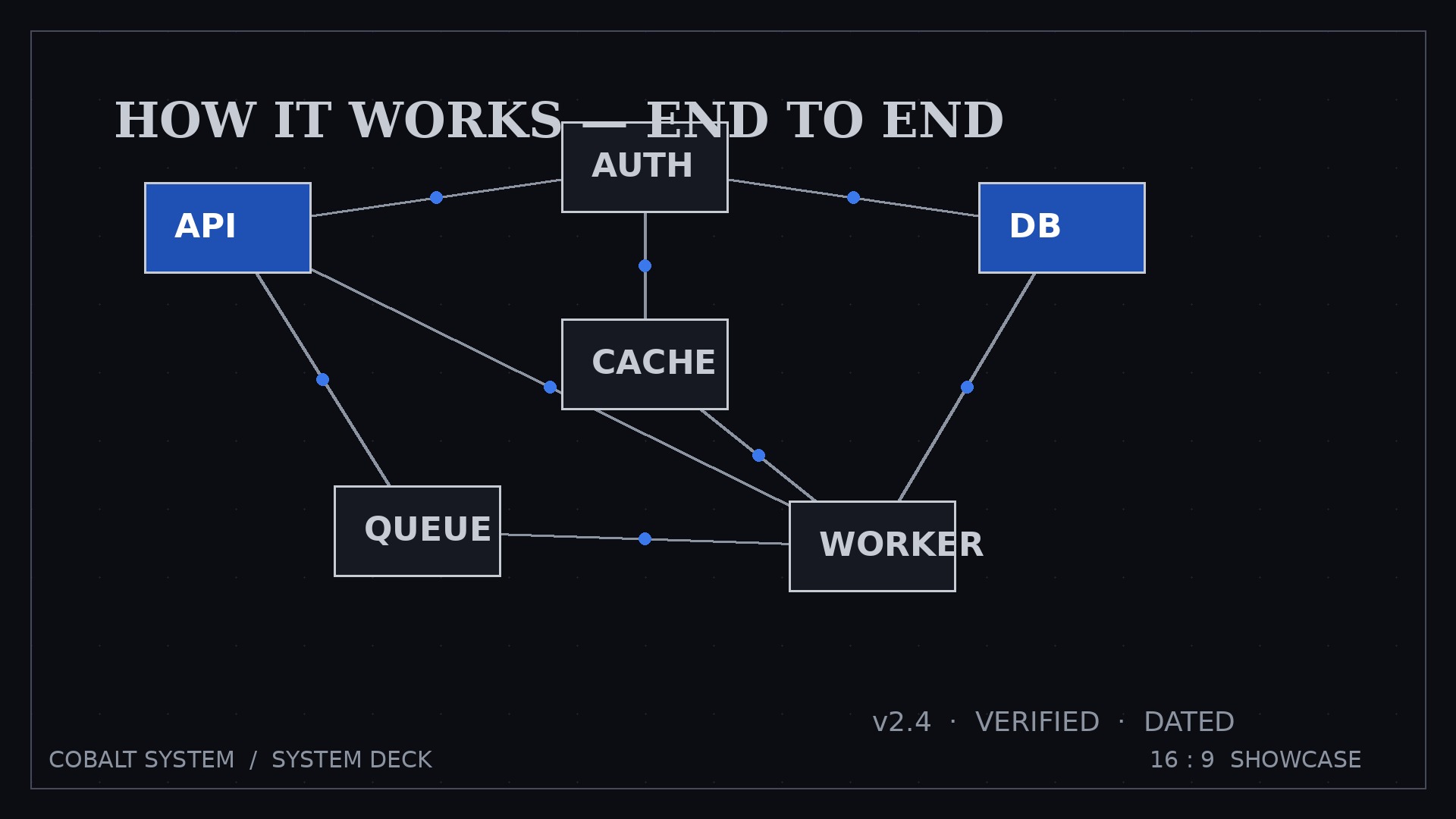
Crea un deck esplicativo di sistema di 8-12 slide in stile Cobalt System: diagrammi blu cobalto, etichette argento, un diagramma per slide. Mappa componenti e flussi etichettati, percorre un flusso per slide, dichiara regole e limiti, nomina onestamente le modalità di guasto e timbra il deck con versione, data e approvazione del responsabile.
Installala in 3 passaggi
Nessuna registrazione. Nessuno strumento da riga di comando. Scegli la tua AI, copia una riga e incollala.
Preferisci fare da te? Acquista la skill ($4.99), scarica lo ZIP dalla conferma d'acquisto, decomprimilo nella cartella mostrata sopra e riavvia la sessione della tua AI — stesso risultato. L'hai già acquistata? Il tuo assistente AI può scaricarla per te.
Cosa contiene
Un file SKILL.md (la guida operativa) + un modello di partenza. Un'anteprima:
Cobalt System Deck
When to use
- New hires or a new team need to understand how your product or platform works without reading a wiki for a week
- Stakeholders must approve a system — a platform, a workflow, an integration — and need to see how the parts fit before they sign off
- You're handing a system over to another team and the knowledge is currently in one person's head
- A partner or enterprise client asks "how does it actually work?" and a sales deck won't answer them
- Your architecture has drifted from the docs and nobody trusts the old diagram anymore
Workflow
- Name the reader's question (input: who reads it, what they must decide or understand → output: one question the deck answers)
A system deck answers one question: "How does X work, and what do I need to know to decide Y?" Write that question down. Everything in the deck serves it. If the reader is an executive, the question is about risk and cost; if a new engineer, about where things live and what breaks. Same system, different deck — the reader's question decides the depth. - Map the system (input: components, flows, inputs/outputs, rules → output: system map — boxes, arrows, labels)
List the components (services, teams, tools, data stores), then the flows between them: what goes in, what comes out, who triggers what. Draw the map with one box per component and one labeled arrow per flow — "order created → payment checked → stock reserved" beats three unlabeled arrows. If a flow can't be labeled in one line, you don't understand it yet. - Draft the narrative (input: system map → output: slide outline — big picture → each part → flows → edge cases)
Fixed spine: Overview map → One slide per major component (what it does, what it needs, what it produces) → Key flows end-to-end (one flow per slide) → Rules and limits → Failure modes → Changelog. The overview map appears first and returns as a thumbnail on later slides so the reader never gets lost inside one component. - Diagram in Cobalt System style (input: outline → output: styled deck — cobalt diagrams, silver labels, one diagram per slide)
Cobalt System rules: deep cobalt boxes for components, silver-grey labels, one consistent arrow style, one diagram per slide, every box labeled with what it does — never a bare acronym. Same shapes mean the same things on every slide: if a cylinder is a data store on slide 2, it's a data store on slide 9. Legends go on the overview slide, not repeated. - Verify against reality (input: styled deck → output: owner-signed-off deck with version + date)
Walk the deck past the person who actually runs the system. Every diagram gets a check: is this box real, does this flow still happen, is this limit still true? Stamp the deck with a version number and date on the cover, and a changelog slide at the end. An unverified system deck is worse than none — it teaches wrong facts with confidence.
Anteprima del modello
Cobalt System Deck — Template
Describe what IS. Planned components are marked "planned" and kept off the main map.
The reader's question
Reader: { } | Must decide / understand: { } Deck answers: "How does {system} work, and what do I need to know to {decision}?"
System map (overview slide)
Components (one box each):
Flows (one labeled arrow each):
Legend: {shape meanings — same shapes mean the same things on every slide}
Slide-by-slide draft
1. Overview map
{full map + legend} — version { } — {date} — owner: { }
2+. One slide per major component
{Component name}
- Does: { }
- Needs: { }
- Produces: { }
Il pacchetto della skill (SKILL.md + modello) è scritto in inglese.
Potrebbe piacerti anche
 Presentazioni
Pitch Deck
10 slide che raccontano una sola storia — gli investitori restano fino all'ultima pagina
 Presentazioni
Work Report
Settimanale, mensile, review — prima la conclusione, si capisce in 3 minuti
 Presentazioni
Academic Argument Deck
Una presentazione che argomenta — e risponde alle obiezioni.