Background Task Budget Planner
Background checks eat your plan limits — budget them before they do
Plan what a proactive agent's background work costs: check-in cadence, task cost tiers, a weekly limit budget, and the kill criteria that stop a runaway task before it burns the month's allowance.
Installala in 3 passaggi
Nessuna registrazione. Nessuno strumento da riga di comando. Scegli la tua AI, copia una riga e incollala.
Preferisci fare da te? Acquista la skill ($4.99), scarica lo ZIP dalla conferma d'acquisto, decomprimilo nella cartella mostrata sopra e riavvia la sessione della tua AI — stesso risultato. L'hai già acquistata? Il tuo assistente AI può scaricarla per te.
Cosa contiene
Un file SKILL.md (la guida operativa) + un modello di partenza. Un'anteprima:
Background Task Budget Planner
Why this exists
A proactive agent's background work counts against the same usage limits as your own chats. Duet says so plainly: background checks and larger tasks draw on your plan allowance, and you can reach your limits "sooner than with chat alone." Nobody budgets for that — until the week the agent's morning briefs cost more than the work they saved.
Workflow
- Measure a normal week (input: plan limits + last week's agent activity -> output: a baseline).
Record: number of check-ins per day, average tasks per check-in, and one
large task (a dashboard, a forecast, a web app) with its cost if you can
see it. If the product does not show per-task cost, measure by proxy:
how much of the week your limit meter moved on days the agent ran vs
days it did not. - Tier the work (input: your task list -> output: 3 tiers).
Tier 1 — cheap and scheduled: briefs, inbox/calendar scans, invoice
watches. Tier 2 — medium and bounded: drafting, research summaries,
dashboards. Tier 3 — expensive and rare: building apps, financial
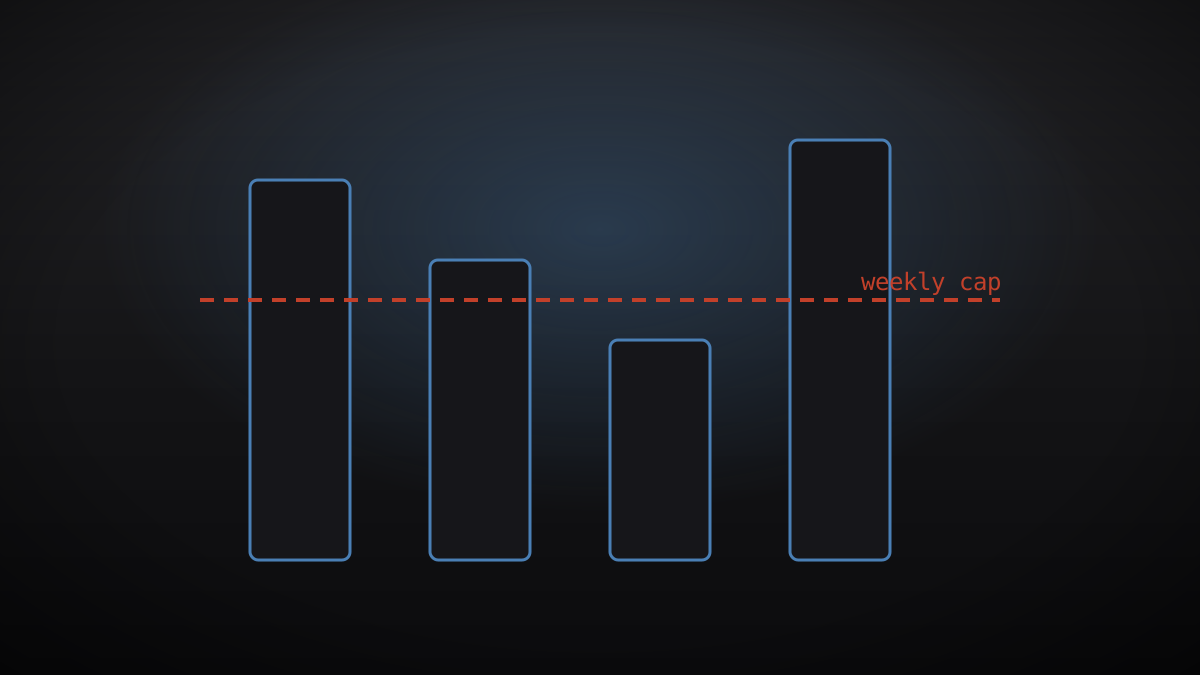
models, multi-app workflows. Each tier gets a weekly cap (e.g. Tier 3:
one task per week, only on a named day). - Set the cadence (input: urgency ladder -> output: check-in schedule).
Not everything needs checking every few hours. Split sources into:
every check-in (calendar, priority inbox), twice daily (general inbox,
payments), daily (social, news). An urgent message can sit until the
next check-in — so the cadence for a source must match how long you can
actually tolerate not knowing. - Write kill criteria (input: tier caps -> output: stop rules).
A task stops when: it exceeds its tier's time/cost estimate by 2x, it
retries the same failing step three times, or it asks for a new
permission mid-task. Stopped tasks report what they did and what they
did not finish — a silent stop is a failed task, not a saved budget. - Weekly review (input: the week's meter -> output: one adjustment).
Each week, change exactly one thing: a cadence, a cap, or a tier
assignment. If the meter moved less than expected, the agent is not
checking enough to be useful; if it moved more, something is Tier 3 in
Tier 1 clothing.
Rules of thumb
- A brief that costs more than the 5 minutes it saves is a hobby, not a tool.
- Background work should never exceed one third of your weekly allowance;
reserve the rest for work you initiate. - Never let the agent's own usage dashboard be the only record — copy the
weekly numbers into your own note. Product dashboards change; your note
does not.
Anteprima del modello
Background Task Budget Worksheet
1. Baseline week
- Plan limit:
- Check-ins per day:
- Large task + cost (if visible):
2. Tiers
3. Cadence
4. Kill criteria
- Cost/time overrun:
- Retry limit:
- New permission mid-task:
5. Weekly adjustment (one change only)
-
Il pacchetto della skill (SKILL.md + modello) è scritto in inglese.
Potrebbe piacerti anche
 Flussi di lavoro
Grok Bot Routine Rescue
Find which scheduled routine is eating your weekly pool — and kill it
 Flussi di lavoro
Inbox Triage
La tua casella, già letta: urgenti segnalati, risposte in bozza, tu devi solo premere invio
 Flussi di lavoro
Bill Fighter
Contesta addebiti ingiusti e reclami respinti con lettere supportate dalle prove