Vehicle Anatomy Poster
Ein ganzes Fahrzeug, beschriftet, auf einen Blick.
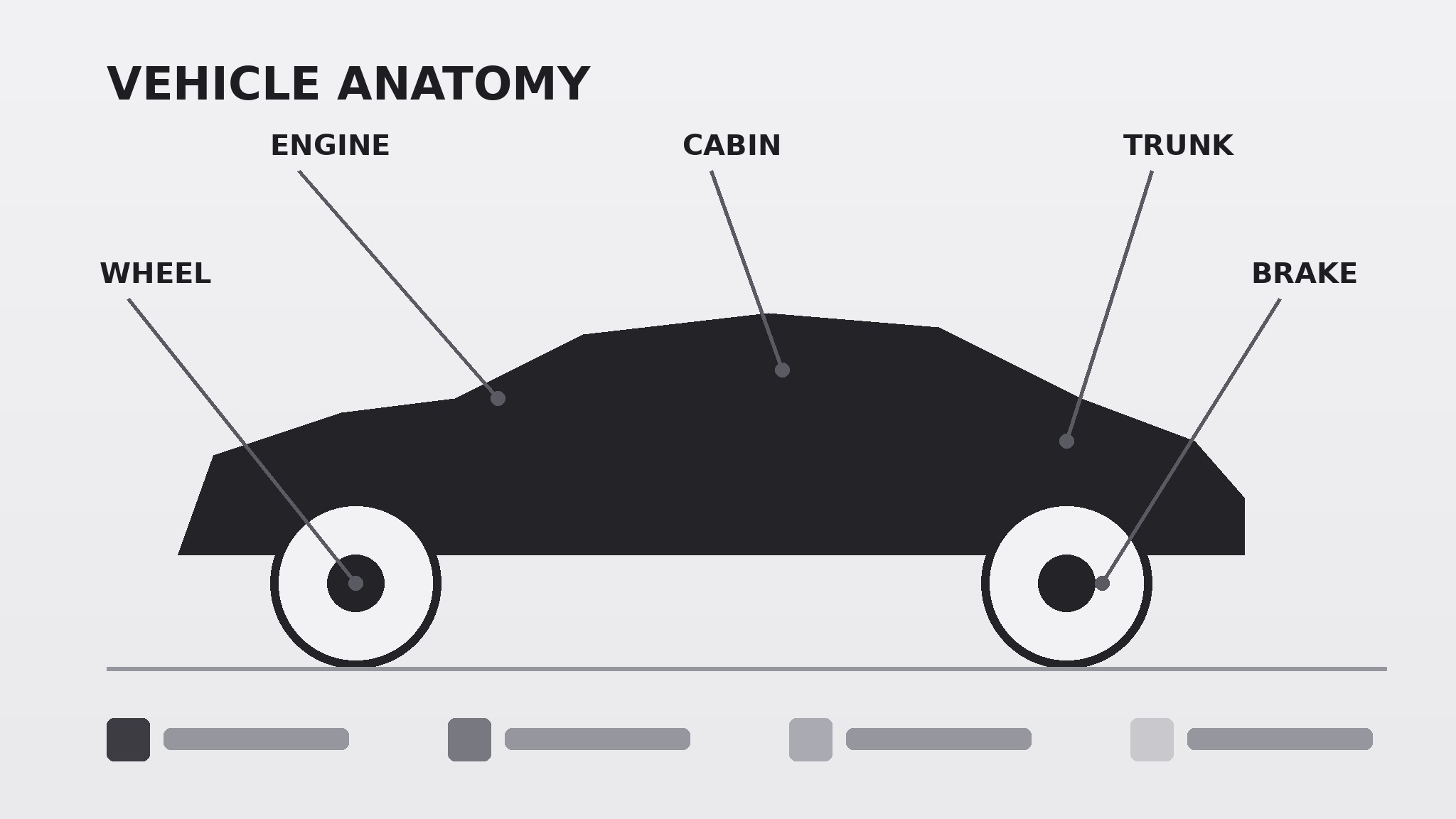
Verwandelt Ihre KI in einen Poster-Designer, der ein Fahrzeug in ein beschriftetes Anatomie-Diagramm zerlegt — Karosserie, Antriebsstrang, Innenraum und Sicherheitssysteme — mit klaren Hinweisen und einer Legende, sodass eine komplexe Maschine auf einen Blick verständlich wird.
In 3 Schritten installieren
Keine Anmeldung. Keine CLI-Tools. Wählen Sie Ihre AI, kopieren Sie eine Zeile und fügen Sie sie ein.
Lieber selbst machen? Kaufen Sie den Skill ($4.99), laden Sie die ZIP-Datei aus Ihrer Kaufbestätigung herunter, entpacken Sie sie in das oben angezeigte Verzeichnis und starten Sie Ihre AI-Sitzung neu — gleiches Ergebnis. Haben Sie ihn schon gekauft? Ihr AI-Assistent kann ihn für Sie herunterladen.
Was ist enthalten
Eine SKILL.md (die Anleitung) + eine Startvorlage. Eine Vorschau:
Vehicle Anatomy Poster
When to use
- You need a teaching poster for a classroom, garage, showroom, or training room that explains how a vehicle fits together
- You are writing a buyer's guide, a maintenance manual, or a beginner's explainer and need one diagram that orients the reader
- You want a wall-worthy poster that a curious person can read in two minutes and a student can study for an hour
- You are comparing vehicle types (sedan, SUV, hatchback, pickup, electric) and need a consistent diagram style across all of them
- You need a reference that names parts correctly — for new drivers, new technicians, or anyone who has ever nodded along while a mechanic talked
Workflow
- Pick the vehicle and the view (input: your audience + purpose → output: vehicle type + view choice)
Choose one vehicle type and one view: a side profile is the best all-rounder because it shows body, wheels, drivetrain, and cabin in one silhouette. A front three-quarter view looks more dramatic but hides half the parts; save it for a decorative poster, not a teaching one. Name the exact vehicle class on the poster ("Mid-size sedan" beats "Car") so the reader knows how far the diagram generalizes. - Group the systems (input: vehicle type → output: system groups + part list)
Sort the parts into four to six system groups: Body & chassis, Drivetrain & power, Suspension & steering, Braking, Cabin & controls, and Safety systems. Pick 12–20 parts total — enough to be genuinely useful, few enough that the labels stay readable. For each part, write one plain-language line: what it is and what it does, in under 12 words. If a part needs a paragraph to explain, it belongs in the manual, not on the poster. - Draw the silhouette and place the callouts (input: part list → output: composed diagram)
Draw one clean side-profile silhouette in a single dark tone, with wheels, windows, and the ground line clearly visible. Place callout lines from each part to its label, keeping the lines short, straight or single-elbowed, and never crossing. Put labels outside the silhouette in two columns — front systems on one side, rear and cabin systems on the other — so the eye travels naturally around the vehicle instead of hunting for labels. - Color-code by system (input: composed diagram → output: color-coded poster)
Give each system group one color and use it consistently: the callout line, the label marker, and the legend swatch all share the group's color. Keep the palette to four to six muted colors on a light background, or light colors on a dark background — never both. The silhouette itself stays one neutral tone so the color means "system," not "decoration." - Add the legend and the reading path (input: color-coded poster → output: print-ready poster)
Add a legend naming each system group and its color, a title stating the vehicle class, and a one-line reading guide ("Start at the engine, follow the drivetrain back to the wheels."). Add a small scale or size note (length, wheelbase) and a footer line stating the drivetrain type shown (front-wheel drive, rear-wheel drive, all-wheel drive, or electric) so the reader knows what the diagram does and does not cover. Export at print resolution with margins for framing.
Vorschau der Startvorlage
Vehicle Anatomy Poster — Template
One vehicle class, one clean diagram. Fill in the blanks, then draw the poster.
Vehicle and view
- Vehicle class (title): {e.g. Mid-size sedan}
- View: side profile
- Drivetrain shown: {front-wheel drive / rear-wheel drive / all-wheel drive / electric / hybrid}
- Size note (optional, real figures only): length {m} · wheelbase {m}
Part list (12–20 parts, 4–6 system groups)
Rule: parts must match the drivetrain shown — electric means battery pack and motors, no fuel tank or exhaust.
Diagram spec
- Silhouette: one neutral dark tone, wheels + windows + ground line visible
Das Skill-Paket selbst (SKILL.md + Vorlage) ist auf Englisch verfasst.


