Support Chat OG Image
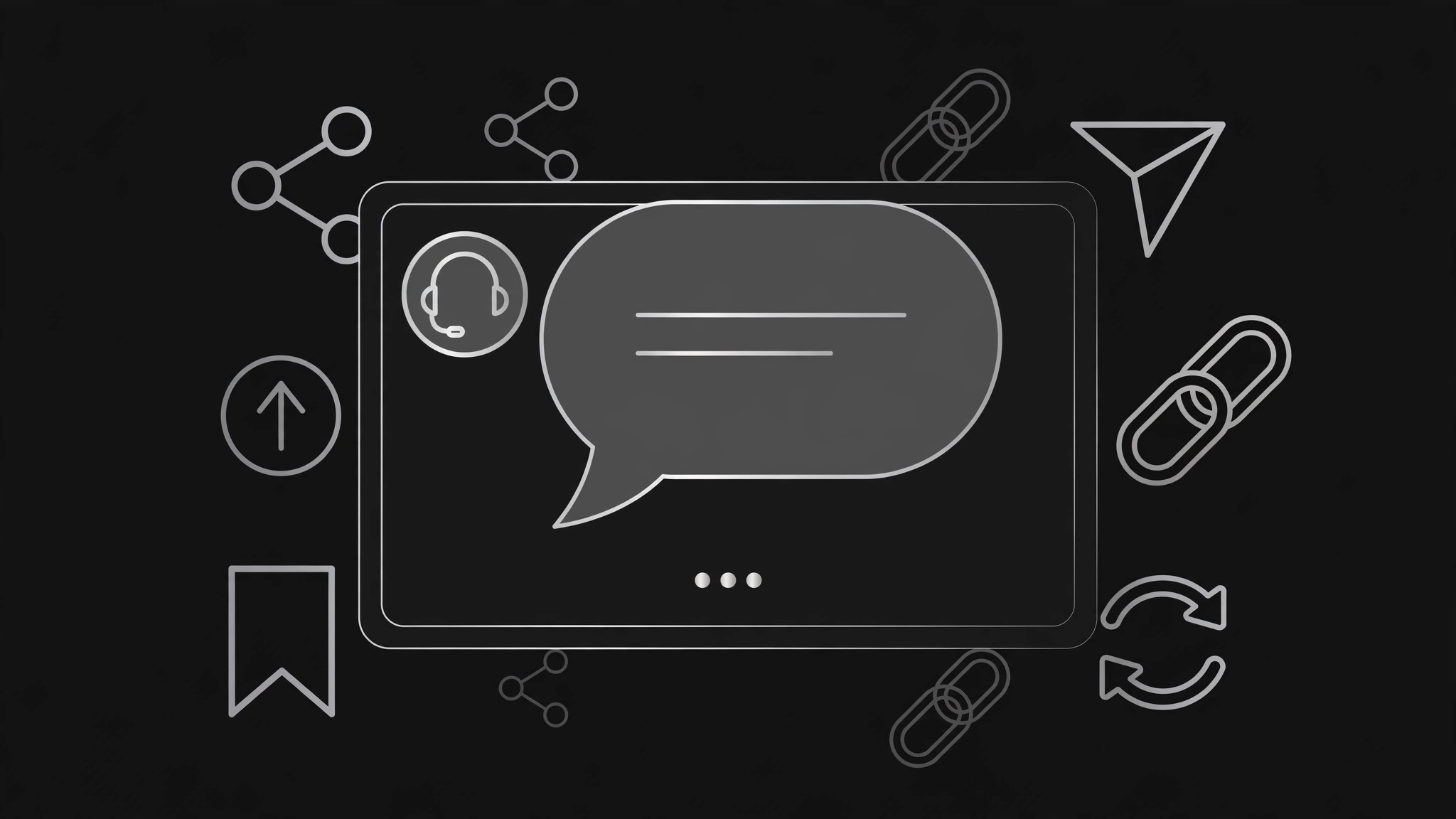
Eine Share-Karte, die auf einen Blick sagt: Hier antworten echte Menschen.
Verwandelt Ihre KI in einen Designer für Social-Previews — erstellt ein 1200×630 Share-Bild für ein Support- oder Live-Chat-Produkt: ein Chat-Sprechblasen-Motiv, ein kurzes Versprechen und Schrift, die auch in Miniaturgröße lesbar bleibt.
In 3 Schritten installieren
Keine Anmeldung. Keine CLI-Tools. Wählen Sie Ihre AI, kopieren Sie eine Zeile und fügen Sie sie ein.
Lieber selbst machen? Kaufen Sie den Skill ($4.99), laden Sie die ZIP-Datei aus Ihrer Kaufbestätigung herunter, entpacken Sie sie in das oben angezeigte Verzeichnis und starten Sie Ihre AI-Sitzung neu — gleiches Ergebnis. Haben Sie ihn schon gekauft? Ihr AI-Assistent kann ihn für Sie herunterladen.
Was ist enthalten
Eine SKILL.md (die Anleitung) + eine Startvorlage. Eine Vorschau:
Support Chat OG Image
When to use
- Your support, live-chat, or helpdesk product gets shared on X, LinkedIn, Slack, or Discord and the preview is a blank grey box or a cropped logo
- A launch or landing page for a chat widget, inbox, or support platform needs a share card that explains the product before anyone clicks
- A blog post or changelog about support features needs a preview image that reads as "chat" instantly, not as generic SaaS
- A help-center or docs page gets shared by customers and the preview should reassure the reader that help is real and fast
- An ad or social post needs a consistent share image across platforms without redesigning it per channel
Workflow
- Write the promise in nine words or fewer (input: your product + audience → output: headline + subline)
The headline is the one thing a reader learns at thumbnail size — something like "Real answers, in minutes, from real people." The subline gets one supporting fact you can stand behind, such as the channels you cover or who answers. No jargon, no feature list, no superlatives you cannot prove. If the headline needs explaining, it is too long — cut it until a stranger gets it in two seconds. - Choose one chat motif (input: headline → output: single visual motif)
Pick exactly one chat visual: a single speech bubble with a short realistic exchange, a chat window with one answered question, or an agent avatar with a typing indicator. One motif, not a collage — the share card has under a second to register. The exchange, if you show one, must be a plausible support conversation with a real answer, never a fake five-star testimonial or an invented customer quote. Keep the bubble large, the text short, and the contrast high. - Lay out the 1200×630 card (input: headline + motif → output: card layout)
Use the standard 1200×630 canvas. Put the headline in the largest type, the subline beneath it, and the chat motif on the opposite side — never let the motif crowd the type. Keep every important element inside the center safe area, away from the edges where platforms crop. Place your product name or mark once, small, in a corner. Check the layout at 240 pixels wide: if the headline is unreadable there, the type is too small or the words are too many. - Set color and contrast (input: layout → output: finished color pass)
Use your brand's colors, but guarantee contrast: dark text on a light card, or light text on a dark card, with the headline passing a basic contrast check against its background. Keep the palette to two or three colors — the chat motif gets one accent, everything else stays neutral. Test the card on both a light chat background and a dark one, since the same image appears in both; a card that only reads on white will vanish in dark mode. - Export and verify everywhere (input: finished card → output: verified share image)
Export at exactly 1200×630 as a JPG or PNG, and check it with each platform's card debugger or a quick share test in X, LinkedIn, Slack, and Discord. Confirm the title and description that travel with the card match the image — a card promising "real answers" next to a page title about pricing is a broken promise. Fix mismatches, re-export, and re-verify before launch.
Vorschau der Startvorlage
Support Chat OG Image — Build Template
One card, one motif, one promise. Fill in the copy first — the layout serves it.
Copy
Headline (nine words or fewer): {e.g. "Real answers, in minutes, from real people"}
Subline (one provable fact): {e.g. "Live chat and email, answered by your own team"}
Product name / mark: {once, small, in a corner}
Chat motif (pick ONE)
- [ ] Single speech bubble with a short realistic exchange
- [ ] Chat window with one answered question
- [ ] Agent avatar with a typing indicator
Exchange shown (must be plausible, never an invented quote): > Them: {short realistic question} > You: {short realistic answer}
Layout — 1200×630
Das Skill-Paket selbst (SKILL.md + Vorlage) ist auf Englisch verfasst.


