Skyline Developer Journal
Ihre Projekte als Skyline — Fortschritt, den Sie sehen können.
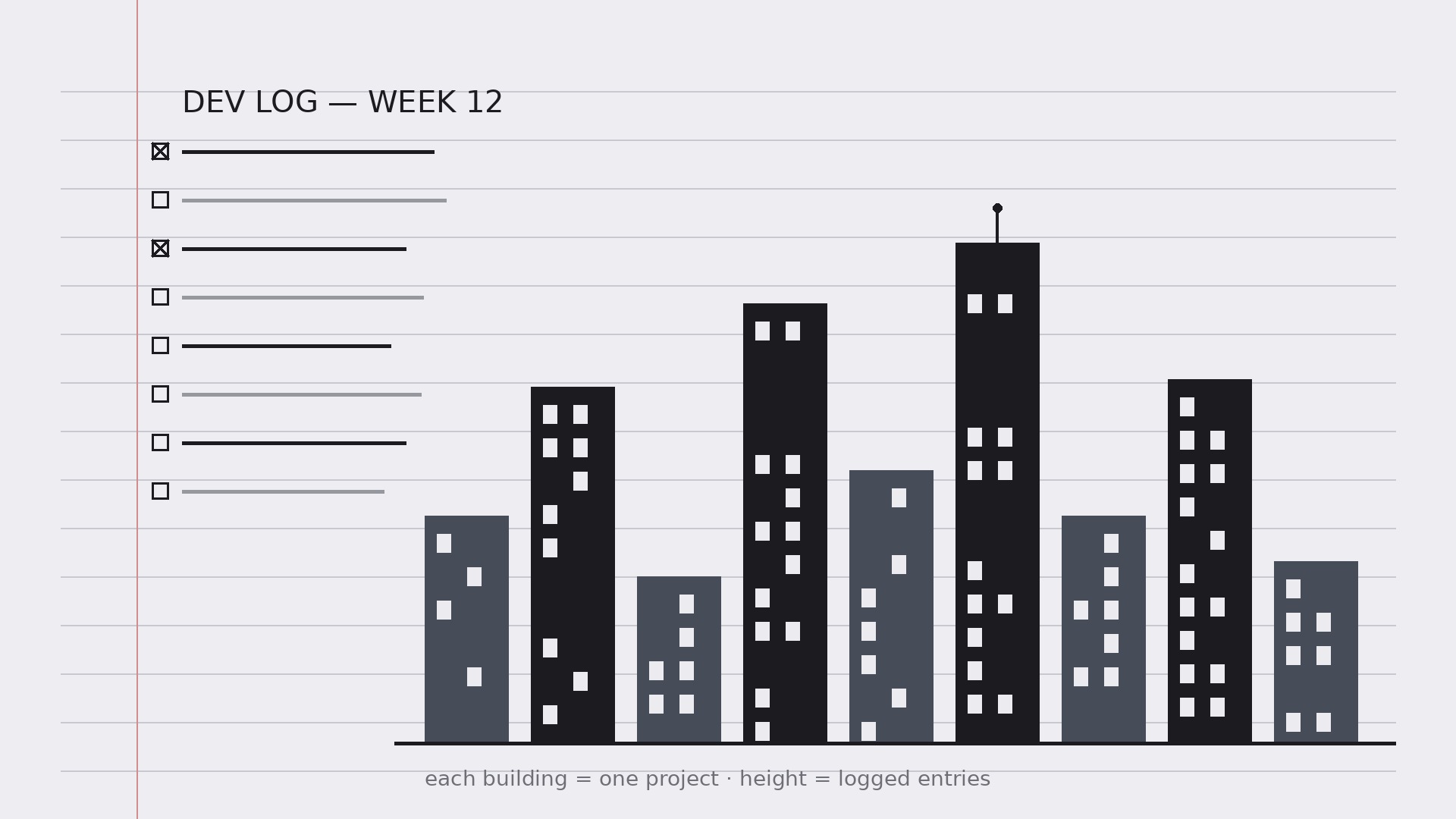
Verwandelt Ihre KI in einen Developer-Journal-Coach — richtet ein tägliches Dev-Log ein, in dem jedes Projekt zu einem Gebäude in einer persönlichen Skyline wird, sodass Fortschritt auf einen Blick sichtbar ist und das Journal wirklich geführt wird.
In 3 Schritten installieren
Keine Anmeldung. Keine CLI-Tools. Wählen Sie Ihre AI, kopieren Sie eine Zeile und fügen Sie sie ein.
Lieber selbst machen? Kaufen Sie den Skill ($4.99), laden Sie die ZIP-Datei aus Ihrer Kaufbestätigung herunter, entpacken Sie sie in das oben angezeigte Verzeichnis und starten Sie Ihre AI-Sitzung neu — gleiches Ergebnis. Haben Sie ihn schon gekauft? Ihr AI-Assistent kann ihn für Sie herunterladen.
Was ist enthalten
Eine SKILL.md (die Anleitung) + eine Startvorlage. Eine Vorschau:
Skyline Developer Journal
When to use
- A developer's notes are scattered across sticky notes, chat messages, and half-finished docs, and nothing shows what actually got done
- A side project keeps stalling because progress is invisible week to week
- A team lead wants a lightweight personal log — not another reporting tool — that still surfaces patterns
- A learner wants to track what they built and what they learned, day by day, in one place
- A portfolio needs honest raw material: dated entries that later become case studies and release notes
Workflow
- Set up the journal (input: projects → output: journal structure)
One journal, one entry per working day, one fixed format. Each entry has five fields: date, project, what I did (facts, not adjectives), what I learned, and next step. Then set up the skyline: every active project gets a building, and the building's height grows with completed entries about that project. A project with no entries stays a flat lot — which is exactly the point: the skyline shows where your time really went, not where you meant it to go. - Log entries the same way every time (input: daily work → output: entries)
Write the entry at the end of the working day, in under ten minutes, in the fixed format. "What I did" is a list of concrete actions ("Shipped the login form; fixed the token refresh bug") — not moods ("worked on auth stuff"). "What I learned" is one sentence about something you now know that you didn't this morning, even if it is small ("Refresh tokens must be rotated on use"). "Next step" is the single thing you will do first tomorrow. Same format every day is what makes the journal searchable later; a journal that reinvents its format weekly is a diary, not a log. - Grow the skyline (input: entries → output: skyline view)
Once a week, update the skyline: each building's height reflects that project's logged entries, and each building gets a one-line status ("In progress — auth done, billing next") plus a color or marker for its state (active, paused, shipped, shelved). Keep the skyline honest — a paused project is a paused building, not a demolished one; a shelved project stays on the skyline with a "shelved" marker so you can see what you chose to stop. The skyline is a mirror, not a motivational poster. - Review weekly (input: week of entries → output: weekly review)
At the end of each week, read the week's entries together and write a short review: what shipped, what got stuck, what you learned, and what changes next week. The review is where patterns appear — the same bug class twice, the project that keeps eating Fridays, the learning that unlocked two other tasks. If a week has no entries, the review says so plainly; a missing week is information, not a failure to hide. - Keep it going (input: review → output: habit)
The journal survives on a low bar: an entry can be three lines, a missed day is just a missed day, and the format never grows new required fields. Tie it to an existing habit — end of the workday, last thing before closing the laptop — and keep the skyline somewhere you see it daily. After a month, the skyline itself becomes the motivation: nobody wants to look at a flat lot where their main project should be.
Vorschau der Startvorlage
Skyline Developer Journal — Template
One journal, one entry per working day, one fixed format. Three lines minimum.
Setup
Active projects (one building each):
- {Project A} — status: {active / paused / shipped / shelved}
- {Project B} — status: {…}
- {Project C} — status: {…}
Skyline rule: building height grows with logged entries for that project. A project with no entries stays a flat lot — that's the point.
Daily entry
Date: {YYYY-MM-DD} | Project: {name}
What I did (concrete actions, not adjectives):
- {e.g. Shipped the login form; fixed the token refresh bug}
- {…}
Das Skill-Paket selbst (SKILL.md + Vorlage) ist auf Englisch verfasst.


