Records Data Grid
Ein Datensatz-Raster, das auch bei Tausenden Zeilen schnell und lesbar bleibt.
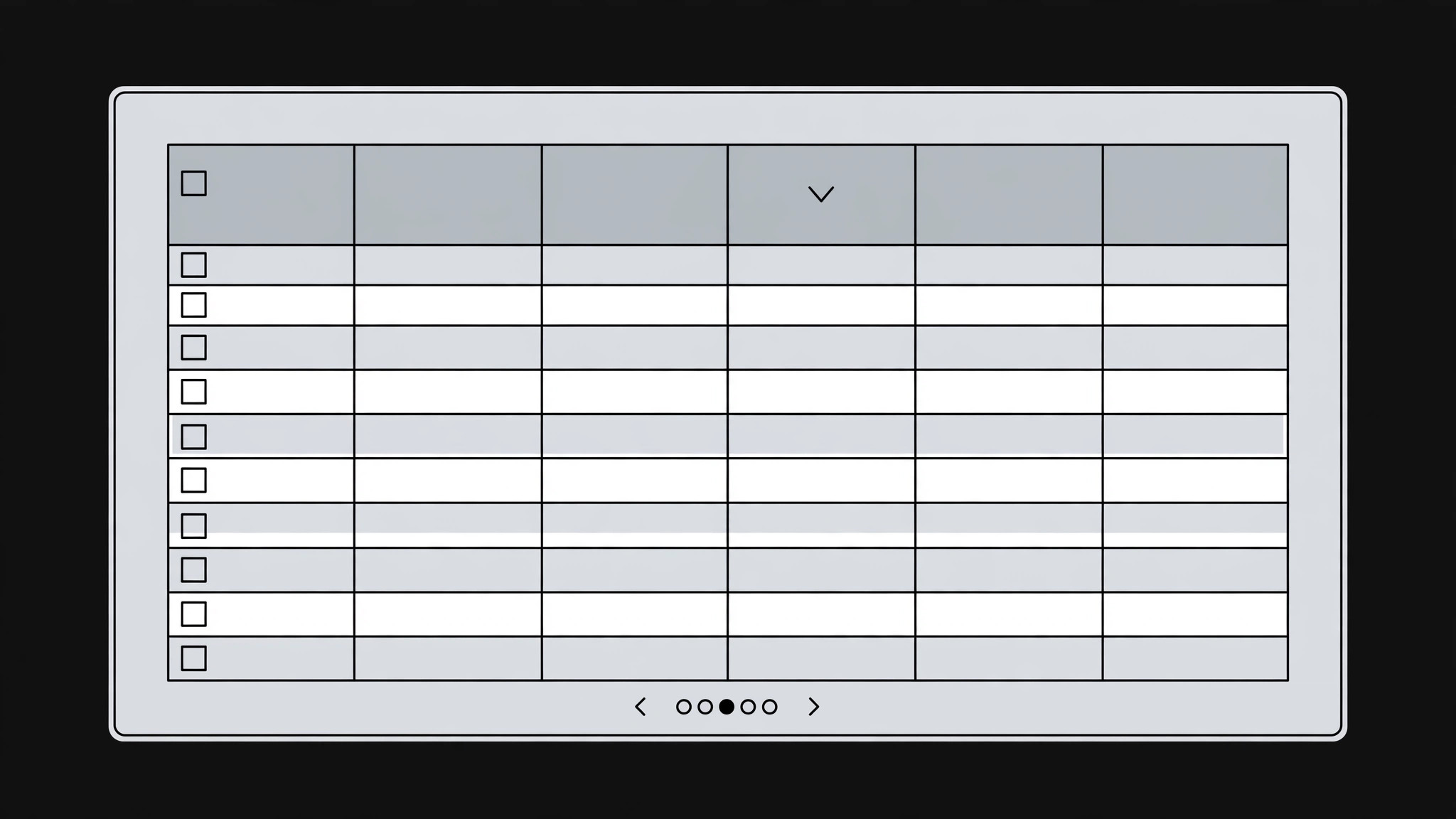
Verwandelt Ihre KI in einen Produkt-Designer, der ein Datensatz-Raster baut — sortierbare Spalten, Filter, Bulk-Aktionen und Paginierung, die auch bei Tausenden Zeilen schnell und lesbar bleibt.
In 3 Schritten installieren
Keine Anmeldung. Keine CLI-Tools. Wählen Sie Ihre AI, kopieren Sie eine Zeile und fügen Sie sie ein.
Lieber selbst machen? Kaufen Sie den Skill ($4.99), laden Sie die ZIP-Datei aus Ihrer Kaufbestätigung herunter, entpacken Sie sie in das oben angezeigte Verzeichnis und starten Sie Ihre AI-Sitzung neu — gleiches Ergebnis. Haben Sie ihn schon gekauft? Ihr AI-Assistent kann ihn für Sie herunterladen.
Was ist enthalten
Eine SKILL.md (die Anleitung) + eine Startvorlage. Eine Vorschau:
Records Data Grid
When to use
- Your app shows lists of records — orders, customers, invoices, tickets, files — and the current list is a plain table with no sorting, no filtering, and no way to act on more than one row
- Users keep exporting to a spreadsheet to do the work your grid should do: find records, compare them, update them in bulk
- A table that worked at 50 rows is collapsing at 5,000: slow loads, endless scrolling, and columns that run off the screen
- You're building an admin panel, CRM view, or operations dashboard and the record list is the screen people will live in
- Stakeholders keep asking for "just one more column" and the grid needs rules for what belongs and what doesn't
Workflow
- Define the record and the columns (input: data model + user tasks → output: column set)
Start from the tasks, not the database: what do people actually do with these records — find one, compare several, update many, export a set? Then pick columns that serve those tasks: an identifier, the two or three fields people scan to recognize a record, one status, one date, and one owner or assignee. Everything else lives in the detail view or a column picker, not on by default. Cap the default column set at six or seven — a grid with fifteen visible columns is a grid nobody can scan. Write the column rules down: each column's field, its alignment (text left, numbers right, dates in one fixed format), and its empty-state text ("—" or "Unassigned", never a blank that looks broken). - Design sorting and filtering (input: column set → output: sort + filter behavior)
Every column that holds an ordered value (dates, numbers, status in a defined order) gets sorting — click the header to sort, click again to reverse, with a visible arrow showing the active sort. Filtering gets two layers: a search box that matches across the recognisable fields (name, ID, email — say which), and per-column filters for the fields people actually narrow by (status, date range, assignee). Filters must be visible, removable one at a time, and clearable all at once — a filter a user can't see is a filter that makes records "disappear". Always show the result count ("Showing 24 of 5,312") so people trust the grid is showing them the truth. - Design row actions and bulk actions (input: user tasks → output: action model)
Each row gets one primary action (click the row to open the record) and a small set of row actions (edit, duplicate, delete, or the domain's equivalent) in a consistent spot — an actions menu at the row's end, not a scattered set of buttons. Checkboxes enable bulk actions: a toolbar appears when at least one row is checked, offering only the actions that make sense for a selection (change status, assign, export, delete with confirmation). Bulk actions that apply to "all filtered" versus "all checked" must be labeled exactly — confusing the two deletes records nobody selected. Destructive actions always ask for confirmation, and the confirmation names what will happen ("Delete 14 invoices?"). - Handle empty, loading, and error states (input: action model → output: state designs)
A grid is judged by its states, not its full state: empty (no records exist yet) gets guidance — what this grid will hold and how to add the first record; no results (filters matched nothing) gets the filter summary and a one-click "Clear filters"; loading gets skeleton rows in the grid's shape, not a spinner floating in a void; error gets the plain-language cause and a retry button. Never show an empty grid with column headers and silence — silence reads as broken. Each state keeps the toolbar, search, and filters visible so the user can act instead of staring. - Pagination, performance, and accessibility (input: state designs → output: verified grid)
At thousands of rows, paginate or virtualize — never render all rows into the page. Show page size options (25 / 50 / 100) and keep the sort, filters, and selection stable across pages; a selection that silently resets on page two will cost someone a bulk action. Keep row heights fixed, truncate long text with a tooltip or an expanded view, and pin the identifier column when horizontal scrolling is unavoidable. Accessibility: full keyboard navigation (arrow keys move between cells, Enter opens, Space toggles selection), column headers announced as sortable, and checkboxes with labels. Verify with a large realistic dataset, not ten tidy rows — performance and readability only show up at scale.
Vorschau der Startvorlage
Records Data Grid — Build Template
Tasks first, columns second. Fill this in before designing the grid.
Record + tasks
Record type: {e.g. invoice / order / ticket}
What people do with these records:
- {task — e.g. find one record fast}
- {task — e.g. compare several}
- {task — e.g. update many at once}
Column set (≤7 default)
Columns in the picker (not default): {field, field, …}
Sorting + filtering
- Sortable columns: {which columns, and their sort order for status}
- Search box matches: {fields — state them, e.g. name, ID, email}
- Per-column filters: {status / date range / assignee / …}
- Result count format: "Showing {X} of {Y}"
Das Skill-Paket selbst (SKILL.md + Vorlage) ist auf Englisch verfasst.


