Project Tool OG Image
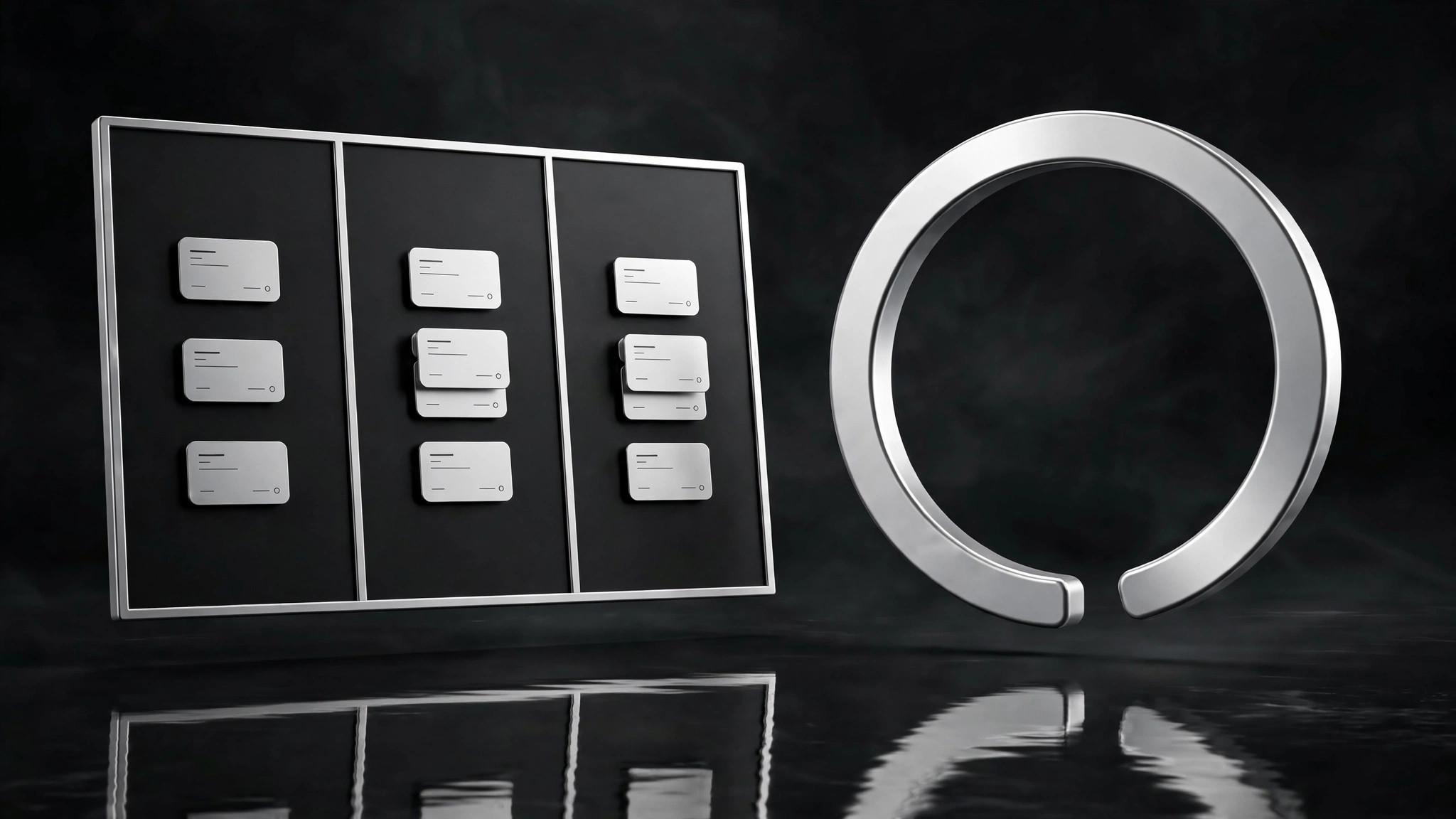
Eine Share-Karte, die das Tool bei der Arbeit zeigt — nicht nur seinen Namen.
Verwandelt Ihre KI in einen Designer für Social-Previews für ein Projektmanagement- oder Issue-Tracking-Tool — erstellt ein 1200×630 OG-Bild mit Board-Motiv, einem gut lesbaren Versprechen und einem Layout, das auch in Miniaturgröße funktioniert.
In 3 Schritten installieren
Keine Anmeldung. Keine CLI-Tools. Wählen Sie Ihre AI, kopieren Sie eine Zeile und fügen Sie sie ein.
Lieber selbst machen? Kaufen Sie den Skill ($4.99), laden Sie die ZIP-Datei aus Ihrer Kaufbestätigung herunter, entpacken Sie sie in das oben angezeigte Verzeichnis und starten Sie Ihre AI-Sitzung neu — gleiches Ergebnis. Haben Sie ihn schon gekauft? Ihr AI-Assistent kann ihn für Sie herunterladen.
Was ist enthalten
Eine SKILL.md (die Anleitung) + eine Startvorlage. Eine Vorschau:
Project Tool OG Image
When to use
- You are launching or relaunching a project-management, issue-tracking, or task-planning tool and your link previews are a grey box or a cropped screenshot
- Your tool's homepage, changelog, or docs links get shared in Slack, X, LinkedIn, or Discord and you want the card to carry the pitch
- You need one share card per major surface (homepage, pricing, changelog, a flagship feature) that still looks like one family
- You are announcing a feature (boards, sprints, roadmaps, triage) and want a card that shows it in one glance
- You want a repeatable OG recipe your team can reuse without a designer for every post
Workflow
- Write the one-line promise (input: your tool's pitch → output: promise + proof)
Write the card's message as one promise plus one proof: promise = what the tool does for the user ("Every task, tracked to done"), proof = one concrete detail ("Boards, sprints, and triage in one place"). If the promise needs a second sentence, it won't survive thumbnail size — shorten it until it fits in one breath. The proof must be something the product actually does; an OG image is a claim, and the link behind it is where the claim gets checked. - Sketch the board motif (input: promise + proof → output: three-zone layout)
Lay out the 1200×630 canvas in three zones: left — the promise in large type (max 6 words in the headline); middle — a board motif: three narrow columns with a few small task cards, one card mid-move between columns to imply progress; right or bottom — your product mark + name in a lockup that stays legible at 120 px wide. The board is a motif, not a screenshot: simplified cards, no real data, no readable small text. One accent color for the moving card only — everything else stays in your neutral palette. - Set the thumbnail rules (input: layout sketch → output: type + contrast spec)
Fix the legibility rules before generating: headline at least 90 px tall on the 1200-px canvas, body/proof line at least 40 px, contrast ratio that holds on both light and dark chat backgrounds (test both — put the card on a white and a near-black background and check). No text smaller than 40 px, no text over the busy part of the board motif, no more than 12 words total on the card. If a word doesn't earn its place at thumbnail size, delete it. - Generate and thumbnail-test (input: layout + spec → output: candidate cards)
Generate the card, then immediately test it the way it will actually be seen: shrink it to 240 px wide (a phone feed), to 120 px wide (a chat sidebar), and view it on both light and dark backgrounds. Ask three questions: can I read the promise? Do I get that it's a project tool? Can I read the product name? If any answer is no, fix that zone and regenerate — do not ship a card that fails its own thumbnail test. Keep the winning layout as the family template for future cards. - Build the family set (input: winning template → output: one card per surface)
Reuse the exact template for each surface you need — homepage, pricing, changelog, flagship feature — changing only the promise line and the moving card's position or label. Same board motif, same type sizes, same lockup placement. Export each as 1200×630 PNG or JPG, name files by surface (og-home.png,og-pricing.png), and verify each one renders in a real link preview (post a test link in a private channel) before shipping. Update the set when the product's promise changes — a stale OG card is a stale pitch.
Vorschau der Startvorlage
Project Tool OG Image — Template
1200×630. ≤12 words total. Test at 240 px and 120 px, on light AND dark backgrounds.
Copy (fill before designing)
- Promise (headline, ≤6 words): {e.g. "Every task, tracked to done."}
- Proof (one line, a real capability): {e.g. "Boards, sprints, and triage in one place."}
- Product lockup: {name in plain type + mark — must read at 120 px wide}
Layout — three zones
Legibility spec
- Headline ≥ 90 px · Body ≥ 40 px · No text under 40 px
- No text over the busy part of the board motif
- Contrast holds on white AND near-black backgrounds
Thumbnail test (must pass all three)
[ ] At 240 px wide: promise readable
Das Skill-Paket selbst (SKILL.md + Vorlage) ist auf Englisch verfasst.


