Music App OG Image
Share-Karten, die aussehen wie Releases — nicht wie leere Karten.
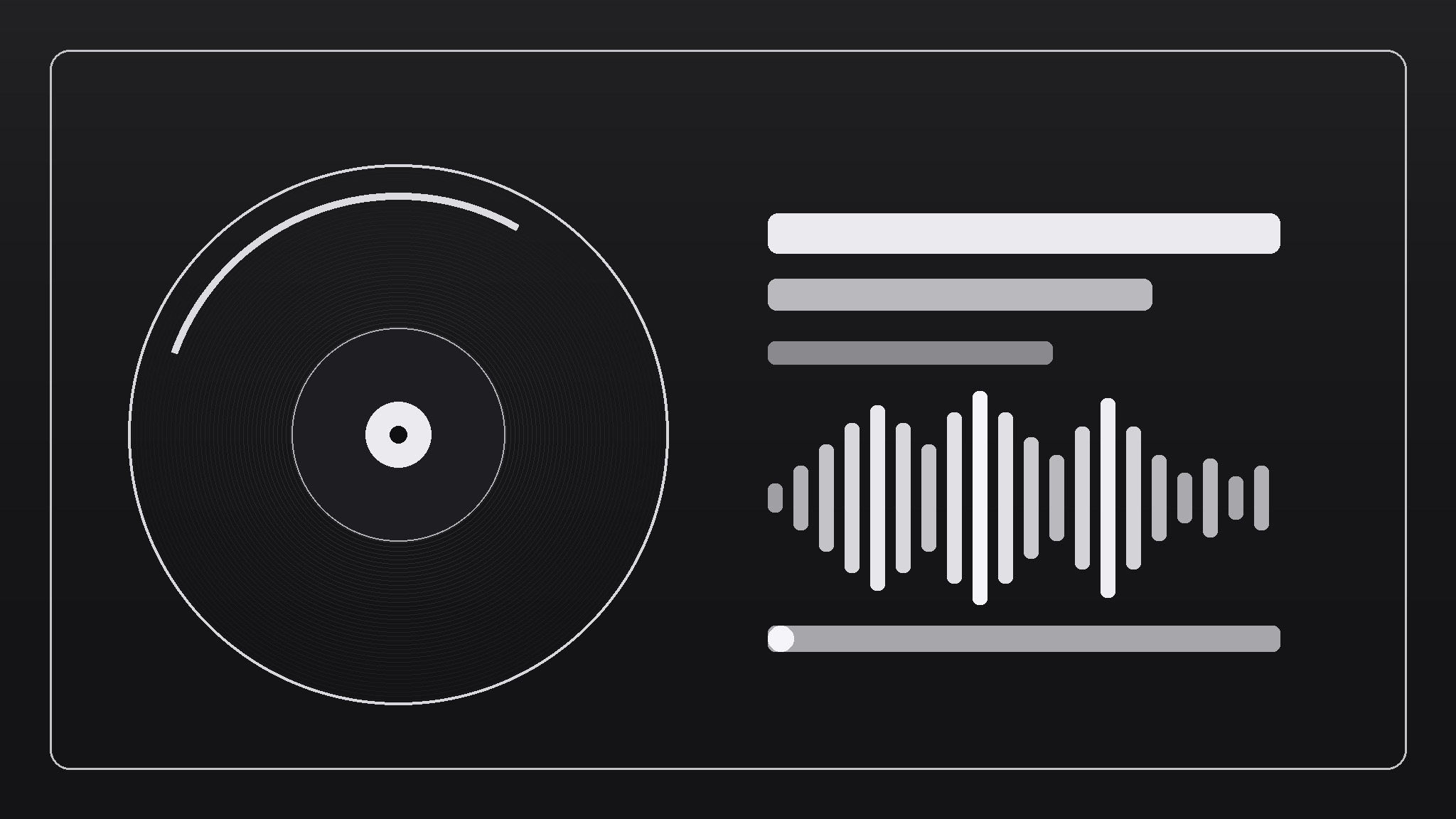
Verwandelt Ihre KI in einen Social-Preview-Designer für Musik-Apps — ein 1200×630-Bild mit Album-Art-Energie, einem lesbaren Titel und einem Wellenform-Motiv — sodass jeder geteilte Link aussieht wie ein Release, nicht wie eine leere Karte.
In 3 Schritten installieren
Keine Anmeldung. Keine CLI-Tools. Wählen Sie Ihre AI, kopieren Sie eine Zeile und fügen Sie sie ein.
Lieber selbst machen? Kaufen Sie den Skill ($4.99), laden Sie die ZIP-Datei aus Ihrer Kaufbestätigung herunter, entpacken Sie sie in das oben angezeigte Verzeichnis und starten Sie Ihre AI-Sitzung neu — gleiches Ergebnis. Haben Sie ihn schon gekauft? Ihr AI-Assistent kann ihn für Sie herunterladen.
Was ist enthalten
Eine SKILL.md (die Anleitung) + eine Startvorlage. Eine Vorschau:
Music App OG Image
When to use
- Your music app's links share as a grey blank card (or the wrong screenshot) on X, Discord, iMessage, or Slack
- You're launching a playlist, artist page, or feature and want the share card to carry the announcement
- Your app has cover art and you want shares to show it, not your logo on white
- You need one template that works for releases, playlists, and artist pages with only the art and text swapped
- A share card needs to read at thumbnail size — title in two seconds, brand in one
Workflow
- Lock the template grid (input: brand assets → output: 1200×630 grid: art zone, title zone, brand strip)
Divide the canvas: a large art zone (cover art or a generated abstract in your palette) on one side, a title zone with the name and one subtitle line on the other, and a thin brand strip (app name + small mark) along one edge. Fix the grid once; every future card swaps art and text into the same slots. A template that changes shape per card isn't a template. - Set the type rules (input: brand type → output: title size, subtitle size, contrast rule)
Title: one line, large, high-contrast, readable at 240px wide (test it — that's roughly how small share cards render in feeds). Subtitle: one line, smaller, carries the context ("New playlist" / "Artist page" / "Feature"). If the title needs two lines at thumbnail size, shorten the title, not the type. No more than two typefaces, and the title must pass contrast against the art behind it — add a scrim (dark overlay) behind text when the art is busy. - Add the waveform motif (input: art zone → output: one waveform element tied to the music)
One waveform element: a row of bars or a smooth wave, drawn from the track's actual audio shape if you have it, or a stylized wave in brand colors if not. It sits in the art zone or under the title as a signature — the visual cue that says "this is music" before anyone reads a word. One waveform, not three; it should read as a texture at thumbnail size, not a chart. - Produce the card variants (input: template + page content → output: per-page cards for releases, playlists, artist pages)
For each page type, fill the template: cover art in the art zone, page title + one subtitle line in the title zone, same brand strip. Keep text short enough to survive the grid — long playlist names get trimmed with an ellipsis, never shrunk to fit. Export at exactly 1200×630 PNG or JPG, under 1MB, and name files by page so they stay matched to their URLs. - Wire it up and verify (input: exported cards → output: og:image + twitter:card tags + verified previews)
Add the og:image and twitter:card (summary_large_image) tags pointing at the card for each page, then check the real previews: post the link in a private channel or use each platform's card debugger, and look at the actual render — not the file. If a platform crops or caches an old card, fix the tag and re-scrape; a correct file behind a stale cache still shows the old card.
Vorschau der Startvorlage
Music App OG Image — Template
One grid, every card. Fill this in once, then swap art + text per page.
Canvas
Size: 1200 × 630 Format: {PNG / JPG} · File size: under 1MB File name: {matches the page URL — e.g. og-playlist-midnight-drives.jpg}
Template grid (fixed slots — never move these)
Type rules
Title:
- One line only · {typeface} · {size}px · {color}
- Readable at 240px wide: {tested yes / no}
- Long titles: trim with an ellipsis, never shrink to fit
Subtitle:
- One line only · {typeface} · {size}px · {color}
- Carries context: {e.g. "New playlist · 24 tracks" / "Artist page" / "Feature"}
Das Skill-Paket selbst (SKILL.md + Vorlage) ist auf Englisch verfasst.


