Dark Balance Chart
Zweiseitige Vergleiche, die auf dunklen Hintergründen lesbar bleiben.
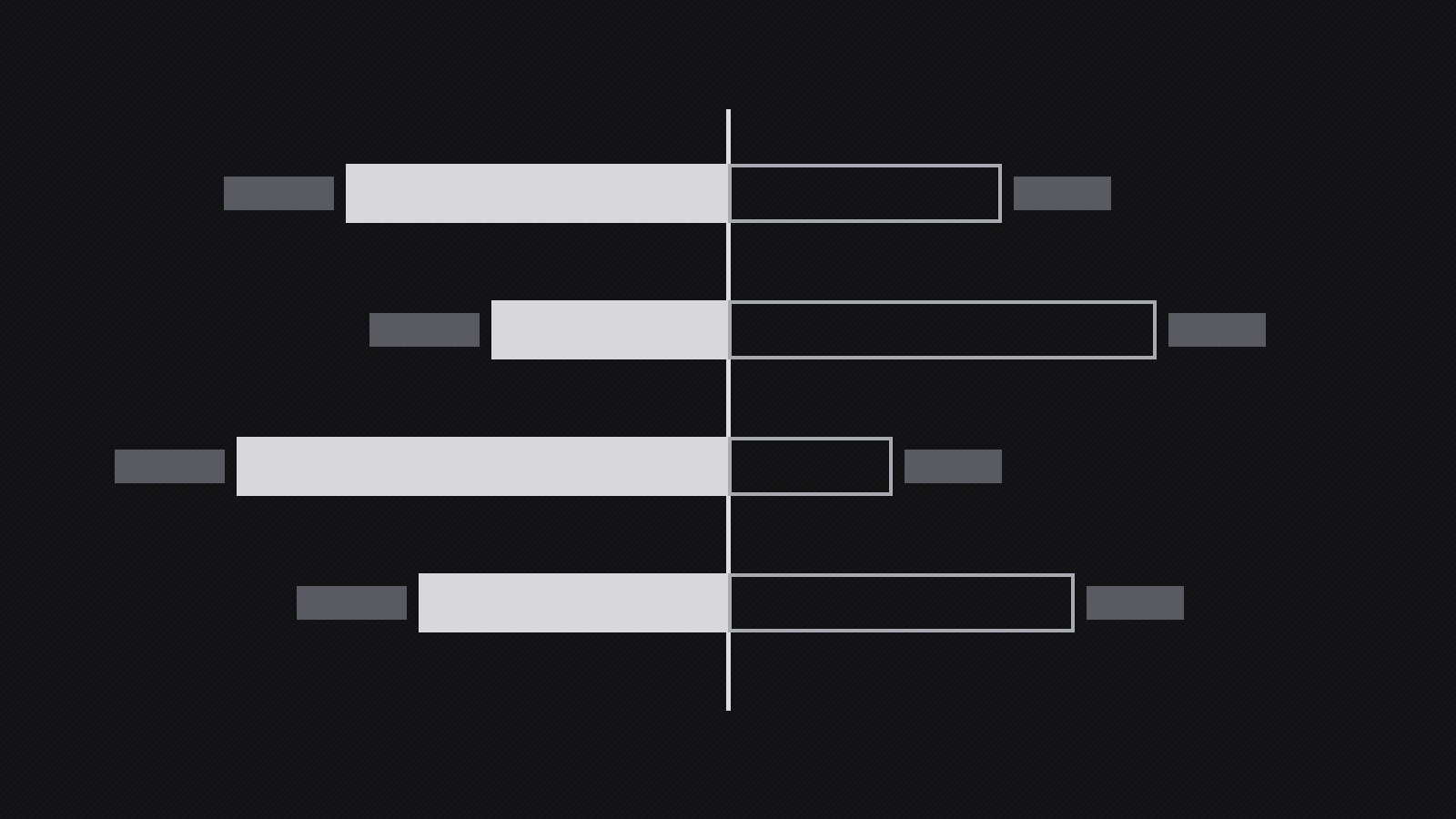
Ein Diagramm-Muster für Balance- und Vergleichsdiagramme auf dunklen Themes: Seiten werden zuerst durch Gewicht und Muster und erst danach durch Farbe unterschieden, Werte werden direkt beschriftet, und der Balancepunkt wird explizit markiert.
In 3 Schritten installieren
Keine Anmeldung. Keine CLI-Tools. Wählen Sie Ihre AI, kopieren Sie eine Zeile und fügen Sie sie ein.
Lieber selbst machen? Kaufen Sie den Skill ($4.99), laden Sie die ZIP-Datei aus Ihrer Kaufbestätigung herunter, entpacken Sie sie in das oben angezeigte Verzeichnis und starten Sie Ihre AI-Sitzung neu — gleiches Ergebnis. Haben Sie ihn schon gekauft? Ihr AI-Assistent kann ihn für Sie herunterladen.
Was ist enthalten
Eine SKILL.md (die Anleitung) + eine Startvorlage. Eine Vorschau:
Dark Balance Chart
When to use
- A report, dashboard, or deck uses a dark theme and a balance or comparison chart must stay legible on it
- You need to show two sides of something — income vs. spending, pros vs. cons, plan A vs. plan B, before vs. after
- A chart that looked fine on white turns muddy, low-contrast, or unreadable on a dark slide
- Stakeholders need to read exact values, not just the overall shape, from a dark-background chart
- An infographic or social graphic needs a dark, premium feel without sacrificing accessibility
Workflow
- Define the comparison (input: message and data → output: comparison brief)
Write the one sentence the chart must prove before drawing anything: "Spending exceeded income in four of six months," "Plan B costs more upfront but less over three years." Then list the two sides being compared and the exact values behind them — a balance chart with vague values is decoration, and decoration on a dark background looks like a mistake. Decide the chart form from the comparison type: a two-pan balance or diverging bar for two-sided totals, paired bars for item-by-item comparison, a slope or dumbbell for before-and-after. If the comparison has more than two sides or more than about eight items per side, split it into two charts; a crowded dark chart becomes unreadable faster than a crowded light one. - Set the dark canvas (input: comparison brief → output: canvas spec)
Pick the background deliberately: a near-black with a hint of warmth or coolness (not pure black, which makes thin lines vibrate, and not mid-gray, which kills contrast). Fix the text colors in two tiers — primary text near-white for values and labels, secondary text in a muted gray for axes, units, and footnotes — and verify the contrast of each tier against the background (secondary text must still clear accessibility contrast for its size). Set the grid: faint, thin, and sparse — gridlines are scaffolding, and on dark backgrounds heavy grids shout. Decide the export context now (slide, dashboard, print, social) because a chart built for a bright projector needs bolder strokes than one built for a phone screen in a dark room. - Encode the two sides (input: canvas spec → output: encoding scheme)
Give the two sides distinct identities that survive without color alone. Use value and weight as the primary difference: one side lighter and heavier, the other darker and thinner — or solid versus hatched/outline — so the chart still reads in grayscale, in print, or to a colorblind viewer. Then add color as a second signal: two hues with similar lightness, one per side, used consistently across bars, labels, and legend. Never encode the difference with red-versus-green alone, and never rely on a legend floating far from the data — label each side directly at its bars or its pan, so the reader never has to look away to decode. Mark the balance point explicitly: a center line, a zero line, or a fulcrum, drawn slightly brighter than the grid so the eye finds the "even" reference instantly. - Place labels and values (input: encoding scheme → output: labeled chart draft)
Put the numbers on the chart, not in a separate table the reader must cross-reference. Label every bar or segment with its value in primary text, large enough to read at the chart's final display size, and label categories directly beside their data rather than on a distant axis where possible. Keep units consistent and visible (one unit note near the title beats repeating "$" on every bar), and round values to the precision the decision needs — a balance chart arguing about millions does not need cents. Check for collisions: on dark backgrounds, overlapping labels become illegible faster because there is no white halo effect to separate them, so shorten labels, stagger them, or move them outside the bars rather than letting them pile up. - Test legibility three ways (input: labeled draft → output: verified chart)
Run three checks before calling the chart done. First, the squint test: shrink the chart to its final display size, squint, and confirm the two sides and the balance point are still obvious. Second, the grayscale test: convert to grayscale and confirm the sides are still distinguishable by weight and pattern — if they merge, the encoding relied on color alone. Third, the distance test: view it from across the room (for slides) or at arm's length on a phone (for social), and confirm the title, the values, and the takeaway all survive. Fix what fails by increasing weight and spacing first and adding color last — on dark backgrounds, contrast and space do more work than hue. - Ship with the takeaway attached (input: verified chart → output: chart plus caption and source)
A balance chart without a stated takeaway invites misreading, so ship the chart with a one-sentence caption stating what it shows ("Plan B costs $4,200 more in year one, $9,800 less by year three"), placed directly under the title or the chart, not buried in a footnote. Add the source and date of the data in small secondary text, and keep the underlying numbers available (a data table in an appendix, a linked sheet, or alt text) so anyone can verify the chart. Export at the resolution the context needs — a chart that will be projected or printed needs larger type and heavier strokes than a dashboard tile — and keep the chart file editable, because balance data changes and rebuilding from scratch guarantees drift.
Vorschau der Startvorlage
Dark Balance Chart — Production Template
Fill this in before drawing. Weight and spacing carry the comparison; color only assists.
Comparison brief
One-sentence message: "{e.g. Spending exceeded income in four of six months.}" Side A: {name} — Side B: {name} Chart form: {two-pan balance / diverging bars / paired bars / slope-dumbbell}
Data (exact values — no vague values)
Source + date: {source, date} · Units: {unit, stated once near title} · Rounding: {precision the decision needs}
Canvas spec
- Background: {near-black with a hint of warm/cool — never pure black}
Das Skill-Paket selbst (SKILL.md + Vorlage) ist auf Englisch verfasst.


