City Street Map Illustrator
Illustrierte Stadtpläne, die auch Ortsfremde in Sekunden lesen — und gern ansehen.
Zeichnet einen Stadtplan als aufeinander abgestimmtes illustriertes Set: ein schriftliches Style Sheet, das auf jedem Blatt gilt, ein ehrliches Straßengerüst nach realem Grundriss, Wahrzeichen in einheitlicher Darstellung und eine Legende, die jedes Symbol erklärt.
In 3 Schritten installieren
Keine Anmeldung. Keine CLI-Tools. Wählen Sie Ihre AI, kopieren Sie eine Zeile und fügen Sie sie ein.
Lieber selbst machen? Kaufen Sie den Skill ($4.99), laden Sie die ZIP-Datei aus Ihrer Kaufbestätigung herunter, entpacken Sie sie in das oben angezeigte Verzeichnis und starten Sie Ihre AI-Sitzung neu — gleiches Ergebnis. Haben Sie ihn schon gekauft? Ihr AI-Assistent kann ihn für Sie herunterladen.
Was ist enthalten
Eine SKILL.md (die Anleitung) + eine Startvorlage. Eine Vorschau:
City Street Map Illustrator
When to use
- You need a map for a guide, brochure, event, or website that shows a neighbourhood's character — not a screenshot of a navigation app
- Your walking tour, festival, or campus needs a map visitors can read in seconds and enjoy looking at
- You are making a neighbourhood guide and want the streets, parks, and landmarks drawn in one consistent illustrated style
- Your current map is either a cluttered screenshot or a diagram so abstract nobody can find the café on it
- You need a set of maps — overview plus zoomed detail sheets — that look like they belong to the same family
Workflow
- Define the territory (input: area + purpose → output: map brief)
State what the map is for and where it stops: a walking-tour map, a festival map, a neighbourhood guide. Draw the boundary — the streets that mark the edge — and list the 8–15 places the map must show (landmarks, venues, stations, parks). Everything else is context. A map that tries to show the whole city shows nothing. - Fix the style sheet (input: map brief → output: style rules)
Write the style rules before drawing a single street: the palette (one ink, two to three accent colors, one paper tone), the line weights (streets, footpaths, boundaries), how landmarks are drawn (one consistent treatment — e.g., simplified top-down shapes with a small icon), how labels are set (one typeface, size rules for streets vs. landmarks), and how water, parks, and built-up blocks are filled. The style sheet is the contract that keeps a set of maps looking like a family. - Draw the street skeleton (input: style rules + real street layout → output: street skeleton)
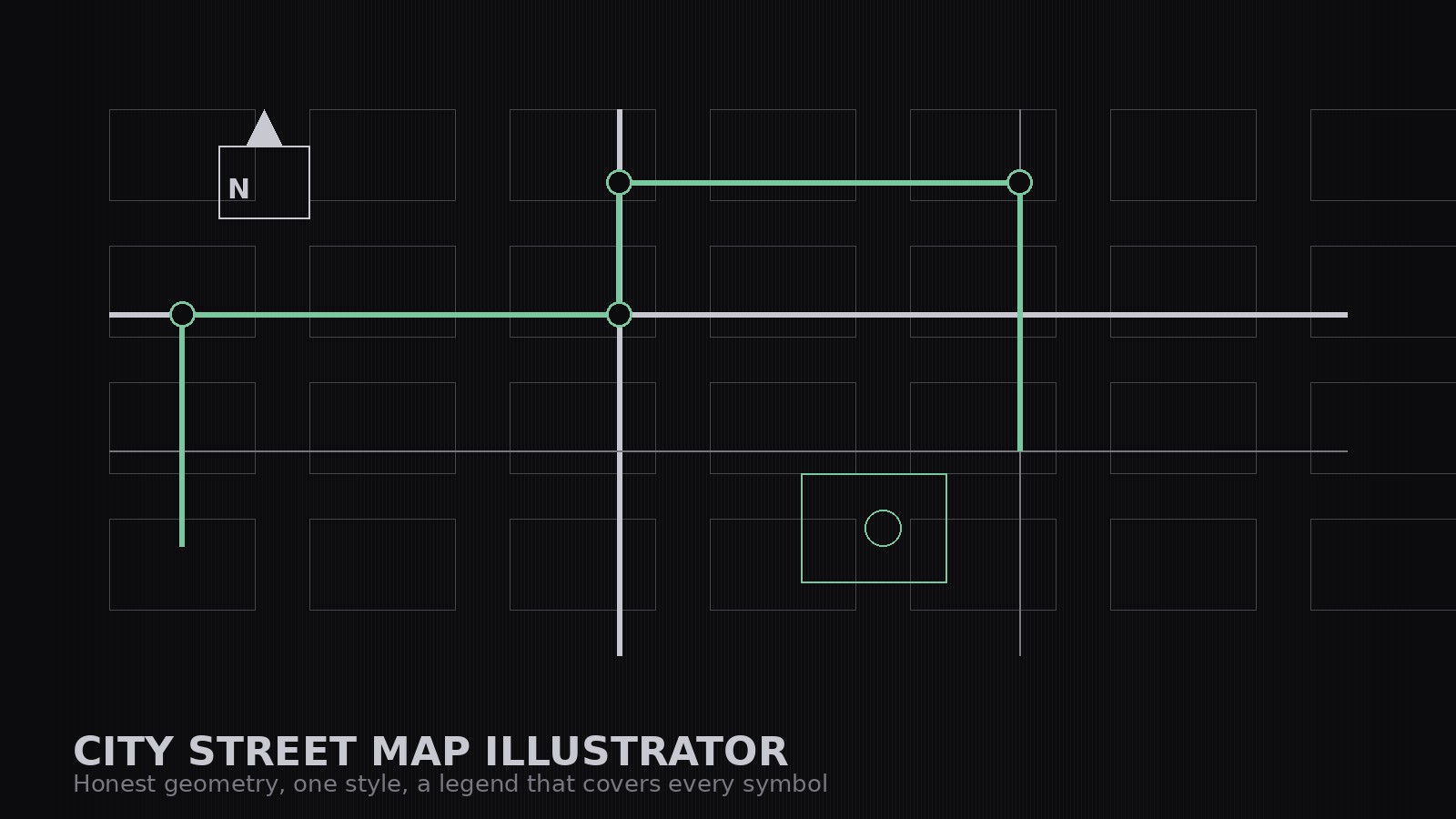
Draw the streets first, from a real street layout: main roads wider and bolder, side streets lighter, footpaths as dotted or thin lines. Simplify ruthlessly — drop alleys and minor turns that don't help a walker — but keep the geometry honest: intersections land where they really are, and the map keeps a consistent north orientation with a north arrow. Label streets as you go, not at the end. - Add landmarks and layers (input: skeleton → output: illustrated map)
Add the must-show places with the consistent landmark treatment, then the layers a stranger needs: parks and water in their fills, stations and entrances marked, the walking route (if any) as one clear highlighted line. Add labels last, placed to avoid crossing streets or covering landmarks. Every label earns its place: if a place doesn't help the map's purpose, it stays off. - Build the set and the legend (input: illustrated map → output: map set + legend)
Produce the set: the overview map, plus zoomed detail sheets for dense areas, all on the same style sheet. Write the legend to cover every symbol on the map — nothing on the map without a legend entry, nothing in the legend that isn't on the map. Finish with a read test: hand the map to someone who doesn't know the area and ask them to find three places and walk a route between two of them. If they can't, fix the map, not the reader.
Vorschau der Startvorlage
City Street Map Illustrator — Map Set Template
One area = one map set. Write the brief and the style sheet before drawing a single street.
Map brief
Area: {area} | Purpose: {walking tour / festival / neighbourhood guide / campus} Boundary (streets marking the edge): {boundary} North orientation: North up, with a north arrow on every sheet
Must-show places (8–15 — everything else is context)
Style sheet (the contract — every sheet follows it)
Street skeleton checklist
[ ] Drawn from a real street layout, not from memory [ ] Main roads bolder, side streets lighter, footpaths dotted/thin [ ] Intersections land where they really are
Das Skill-Paket selbst (SKILL.md + Vorlage) ist auf Englisch verfasst.


