Checkout App OG Image
Eine Checkout-Share-Karte mit dem ehrlichen Preis gleich vorne.
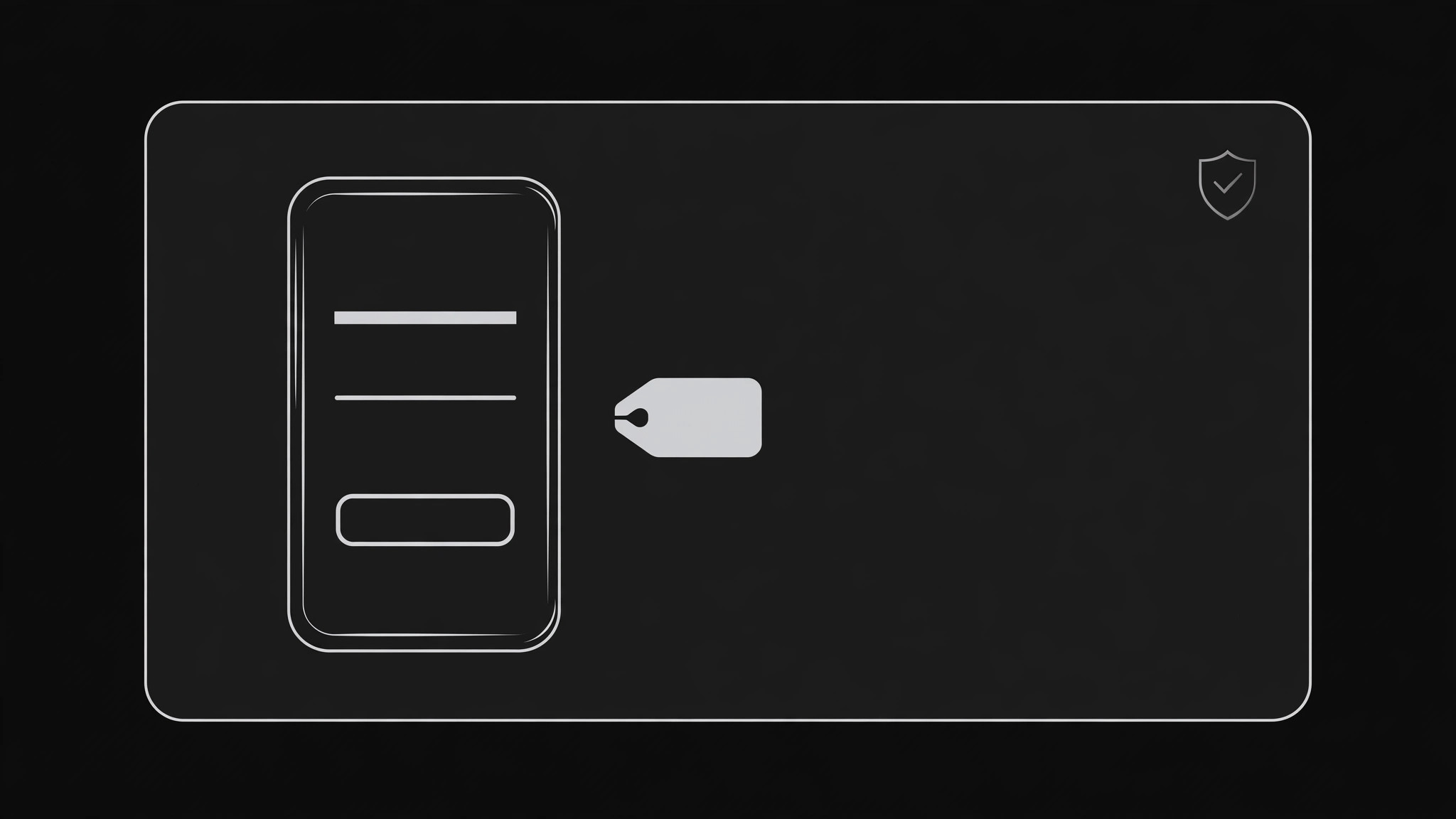
Verwandelt Ihre KI in einen Designer für Social-Previews — erstellt ein 1200×630 Share-Bild für eine Checkout- oder Zahlungs-App: Angebot und genauer Preis gleich vorne, ein Vertrauenssatz und eine Komposition, die auch in Miniaturgröße Bestand hat.
In 3 Schritten installieren
Keine Anmeldung. Keine CLI-Tools. Wählen Sie Ihre AI, kopieren Sie eine Zeile und fügen Sie sie ein.
Lieber selbst machen? Kaufen Sie den Skill ($4.99), laden Sie die ZIP-Datei aus Ihrer Kaufbestätigung herunter, entpacken Sie sie in das oben angezeigte Verzeichnis und starten Sie Ihre AI-Sitzung neu — gleiches Ergebnis. Haben Sie ihn schon gekauft? Ihr AI-Assistent kann ihn für Sie herunterladen.
Was ist enthalten
Eine SKILL.md (die Anleitung) + eine Startvorlage. Eine Vorschau:
Checkout App OG Image
When to use
- Your checkout, payments, or store app gets shared on X, LinkedIn, Slack, or Discord and the preview is a grey box or a cropped dashboard screenshot
- A pricing or checkout page needs a share card that states the offer and price honestly before the click
- A launch post for a payment product needs one consistent preview image across platforms
- A product page for a single item gets shared by customers and the preview should carry the price and the promise, not just the logo
- An email or social campaign links to a checkout flow and the preview is the first trust signal the reader sees
Workflow
- State the offer in one line (input: your product + price → output: offer line + trust line)
Write the offer exactly as it will be charged: product or plan, price, and billing basis ("$19, one-time" or "$9/month"). Then write one trust line you can prove on the linked page — a refund window, a security practice, or a plain "No account needed to check out." No fine-print tricks: if the price needs an asterisk to be true, the asterisk belongs in the offer line itself. A checkout card that hides the real price is a chargeback story in waiting. - Choose one product motif (input: offer line → output: single visual motif)
Pick exactly one motif: a phone or card mockup showing a clean checkout screen, a price tag or receipt, or a simple product shot. The motif shows the thing being bought or the act of paying — not a dashboard, not a feature grid, not a stock photo of a smiling shopper. If you show a checkout screen, keep it to three lines: item, price, button. The motif supports the offer; it never competes with it. - Lay out the 1200×630 card (input: offer + motif → output: card layout)
Use the standard 1200×630 canvas. Put the offer line in the largest type, the trust line beneath it, and the motif on the opposite side. Keep every important element inside the center safe area, away from the edges where platforms crop. Place your product name or mark once, small, in a corner. Check the layout at 240 pixels wide: if the price is unreadable there, the type is too small or the layout is too busy. - Set color and contrast (input: layout → output: finished color pass)
Use your brand's colors, but guarantee contrast: dark text on a light card, or light text on a dark card, with the price passing a basic contrast check against its background. Keep the palette to two or three colors. Test the card on both a light chat background and a dark one, since the same image appears in both. Money visuals demand extra care: green for "go" and red for warnings should never be the only signal — pair color with words. - Export and verify everywhere (input: finished card → output: verified share image)
Export at exactly 1200×630 as a JPG or PNG, and check it with each platform's card debugger or a quick share test in X, LinkedIn, Slack, and Discord. Confirm the title, description, and price on the linked page match the card exactly — a card showing one price next to a page showing another destroys trust in one glance. Fix mismatches, re-export, and re-verify before launch.
Vorschau der Startvorlage
Checkout App OG Image — Build Template
One card, one motif, one honest price. The price on the card is a commitment.
Offer (exactly as it will be charged)
Offer line: {product / plan — price, billing basis, e.g. "Pro plan — $19, one-time"}
Trust line (one provable fact): {e.g. "30-day refund, no questions asked"}
Product name / mark: {once, small, in a corner}
Product motif (pick ONE)
- [ ] Phone or card mockup showing a clean checkout screen (3 lines max: item, price, button)
- [ ] Price tag or receipt
- [ ] Simple product shot
Checkout screen shown (if used): > Item: {item} > Price: {price} > Button: {button label}
Layout — 1200×630
Das Skill-Paket selbst (SKILL.md + Vorlage) ist auf Englisch verfasst.


