Browser Task Agent
Sagen Sie die Aufgabe, erhalten Sie die Screenshots — Web-Aufgaben richtig erledigt
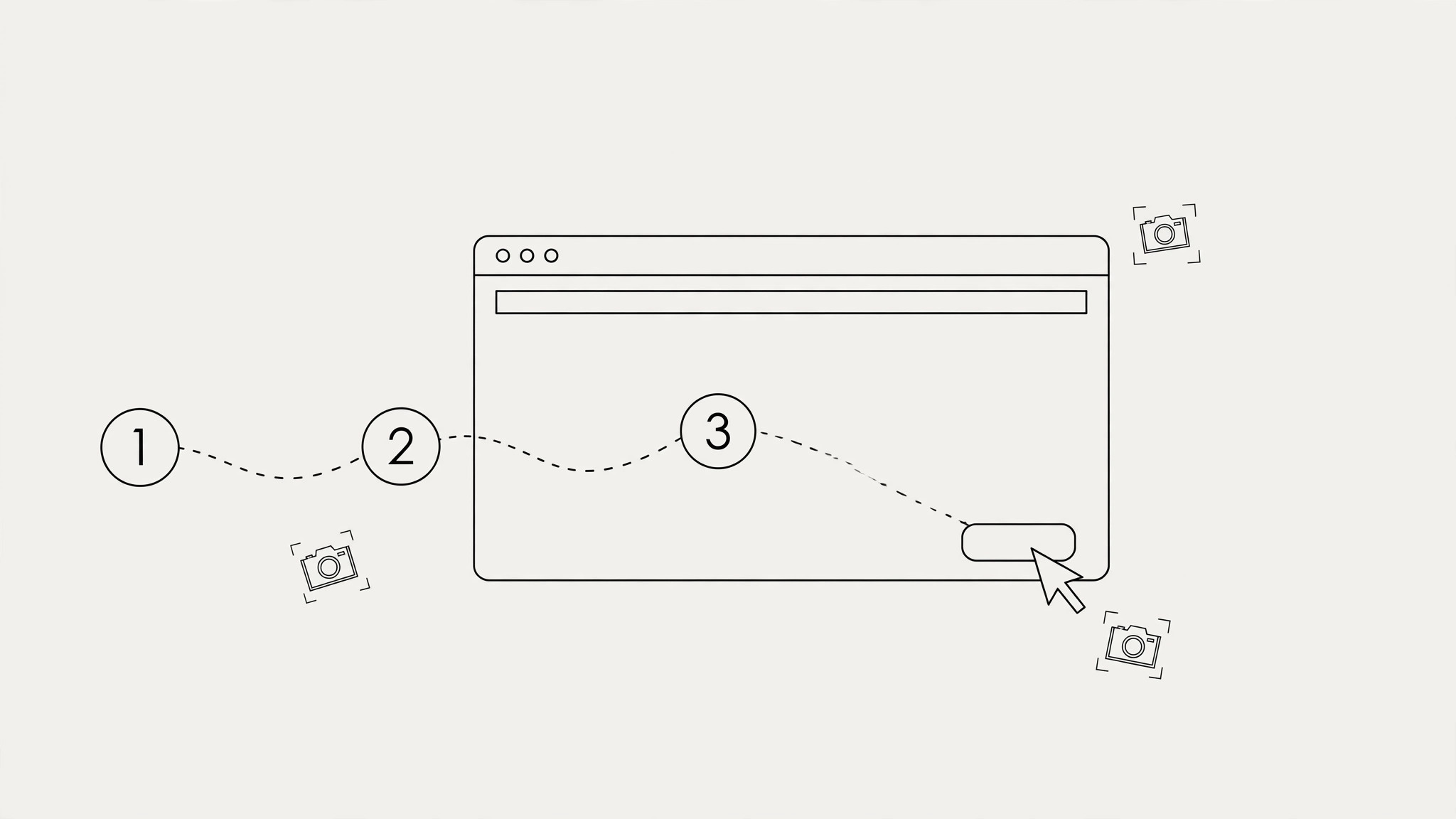
Übergeben Sie Web-Aufgaben an Ihre KI: Beschreiben Sie die Aufgabe in Worten, erhalten Sie einen Schrittplan mit Verifikations-Checkpoints, und der Agent führt sie aus — navigieren, ausfüllen, klicken — mit Screenshots als Beleg. Unumkehrbare Schritte stoppen immer für Ihre Freigabe.
In 3 Schritten installieren
Keine Anmeldung. Keine CLI-Tools. Wählen Sie Ihre AI, kopieren Sie eine Zeile und fügen Sie sie ein.
Lieber selbst machen? Kaufen Sie den Skill ($4.99), laden Sie die ZIP-Datei aus Ihrer Kaufbestätigung herunter, entpacken Sie sie in das oben angezeigte Verzeichnis und starten Sie Ihre AI-Sitzung neu — gleiches Ergebnis. Haben Sie ihn schon gekauft? Ihr AI-Assistent kann ihn für Sie herunterladen.
Was ist enthalten
Eine SKILL.md (die Anleitung) + eine Startvorlage. Eine Vorschau:
Browser Task Agent
When to use
- Filling out long web forms: applications, registrations, government portals, supplier onboarding
- Multi-step web jobs: checking a price across five sites, booking something with no API, updating listings
- Reading a page and acting on it: "find the cheapest flight for these dates and hold it," "check if this item is back in stock"
- Repetitive browser chores you do weekly: pulling a report from a dashboard, copying data between two sites
- Anything where you want proof it was done right — every run ends with screenshots
Workflow
- Task brief (input: your words → output: task spec)
State the task plainly: what (fill the supplier form), where (URL), and the done-criteria (submitted + confirmation number, or data copied into the sheet). Include the inputs the task needs (your details for the form, the dates for the search) and the hard stops (never submit a payment, never agree to terms, stop and ask if the site asks for something unexpected). A task without done-criteria can't be verified — "check the prices" needs "report the three cheapest with links." - Step plan (input: task spec → output: plan with checkpoints)
Break the task into steps, each with a checkpoint: after step 2, verify the search results loaded; after step 4, verify the form shows your name correctly. Checkpoints are where the agent stops, looks, and confirms before continuing — they're what keep a 15-step task from going off the rails at step 3. Mark which steps are irreversible (submit, purchase, delete) — those always stop for your approval. - Playbook + evidence (input: step plan → output: executed playbook with screenshots)
The agent runs the plan: navigate, read, click, fill — following the checkpoints. Every checkpoint gets a screenshot. At the end, you get the playbook back filled in: each step marked done / skipped / failed, the screenshots as evidence, and the result (confirmation number, the data, the report). If a step failed, the playbook says exactly which one and what the page showed — enough for you or the agent to retry just that step.
Output spec
- Task spec: what / where (URL) / done-criteria / inputs / hard stops — one page
- Step plan: numbered steps, each with its checkpoint (what to verify) and reversibility marked
- Executed playbook: step / status (done/skipped/failed) / screenshot / notes
- Final result: the confirmation number, the collected data, or the report — whatever the done-criteria demanded
- Any failed step must record what the page actually showed, not just "it didn't work"
Good vs. bad examples
Vorschau der Startvorlage
Browser Task Pack
Task spec
- What: […]
- Where (URL): […]
- Done-criteria: […]
- Inputs: […]
- Hard stops: [never submit payment / never agree to terms / stop and ask if …]
Step plan
Executed playbook
Result
- […]
- Confirmation / reference: […]
Das Skill-Paket selbst (SKILL.md + Vorlage) ist auf Englisch verfasst.
Das könnte Ihnen auch gefallen
 Workflows
Grok Bot Routine Rescue
Find which scheduled routine is eating your weekly pool — and kill it
 Workflows
Inbox Triage
Ihr Postfach, vorsortiert: Dringendes markiert, Antworten entworfen, Sie klicken nur noch auf Senden
 Workflows
Bill Fighter
Fechten Sie Überpreise und abgelehnte Ansprüche mit beleggestützten Schreiben an