Inbox Triage
Ihr Postfach, vorsortiert: Dringendes markiert, Antworten entworfen, Sie klicken nur noch auf Senden
Verwandelt Ihre KI in eine Assistenz für die Postfach-Triage: E-Mails werden nach Dringlichkeit und Absicht sortiert, Bestell- und Kundenkontext wird nachgeschlagen, Antworten in Ihrem Ton entworfen — und alles wartet auf Ihre Freigabe per Klick. Nichts versendet sich von selbst.

In 3 Schritten installieren
Keine Anmeldung. Keine CLI-Tools. Wählen Sie Ihre AI, kopieren Sie eine Zeile und fügen Sie sie ein.
Lieber selbst machen? Kaufen Sie den Skill ($4.99), laden Sie die ZIP-Datei aus Ihrer Kaufbestätigung herunter, entpacken Sie sie in das oben angezeigte Verzeichnis und starten Sie Ihre AI-Sitzung neu — gleiches Ergebnis. Haben Sie ihn schon gekauft? Ihr AI-Assistent kann ihn für Sie herunterladen.
Beweise aus der Praxis
Echte Menschen haben genau diese Aufgabe mit AI-Agenten erledigt.
Triage support emails and draft refund-policy replies
Anwendungsfall ansehen →AnwendungsfallHandle incoming emails with automatic triggers
Anwendungsfall ansehen →Was ist enthalten
Eine SKILL.md (die Anleitung) + eine Startvorlage. Eine Vorschau:
Inbox Triage
When to use
- You wake up to 50+ unread emails and need the urgent ones surfaced before your coffee cools
- You run customer support and every reply needs order details looked up before it's written
- You're a founder whose inbox is three accounts stitched together and nothing gets answered twice
- You want drafted replies in your tone, but you refuse to let AI send anything without your approval
- Invoice emails, refund requests, and angry customers all land in the same pile and need different handling
Workflow
- Connect the inbox (input: your email access → output: live mail feed)
Set up the feed first: Gmail/Outlook triggers, or a scheduled fetch every 15–30 minutes. One inbox or three — the triage logic doesn't care, but tell it which addresses are yours so it never drafts a reply to itself. Decide the batch rhythm: real-time for support, twice-daily digest for personal. - Classify before reading (input: raw emails → output: urgency × intent labels)
Every email gets two labels. Urgency: now (customer blocked, money moving, boss asking), today (needs a reply, nothing burning), later (FYI, newsletters, can wait). Intent: question, complaint, request, invoice/billing, spam/noise. Write your classification rules down once — "anything with 'urgent' from a paying customer = now", "receipts auto-file, never surface" — the skill follows them literally. - Gather context (input: labeled email → output: enriched brief)
For anything labeled "now" or "today", look up what the sender is talking about before drafting: order status, previous thread, account tier, attached invoices. A reply drafted without context is worse than no reply — it invents. If the lookup comes back empty, the draft says so instead of guessing. - Draft in your voice (input: enriched brief → output: reply draft)
Draft against your tone guide: short or thorough, formal or blunt, sign-off style. Match the customer's language. Every draft includes the facts it used (order #123, policy §4) so you can verify in one glance. Hard or angry cases get flagged for escalation, not drafted — some emails need a human from the first word. - Hold for approval (input: drafts → output: approval queue)
Nothing sends itself. You get a queue: each item shows the original email, the labels, the draft, and one-click approve / edit / skip. This is the load-bearing wall of the whole skill — the 36 real-world cases this was distilled from all converge here: approve outbound, always. - Learn the patterns (input: your approvals → output: tighter rules)
After a week, review what you kept editing. "You always soften the refund refusals" becomes a tone rule. "You always escalate anything mentioning lawyers" becomes a classification rule. The skill gets sharper the longer it watches you.
Vorschau der Startvorlage
Inbox Triage — Approval Queue Template
Copy this format for each triage batch. One screen per batch; approve / edit / skip each item.
Triage summary — {date} {batch: morning/evening}
Item 1/3 — 🔴 NOW / complaint
From: {name} <{email}> — {customer tier, e.g. Pro plan since 2024} Subject: {subject} Labels: now × complaint Context: Order #{n} — {one-line fact, e.g. delivered 3 days late}; {prior thread summary if any} Draft: > {reply draft, ≤150 words, cites facts, ends with next step}
[ ] Approve & send [ ] Edit first [ ] Skip [ ] Escalate to me
Item 2/3 — 🟡 TODAY / question
From: {name} <{email}> Subject: {subject}
Das Skill-Paket selbst (SKILL.md + Vorlage) ist auf Englisch verfasst.
Das könnte Ihnen auch gefallen
 Workflows
Grok Bot Routine Rescue
Find which scheduled routine is eating your weekly pool — and kill it
 Workflows
Bill Fighter
Fechten Sie Überpreise und abgelehnte Ansprüche mit beleggestützten Schreiben an
 Workflows
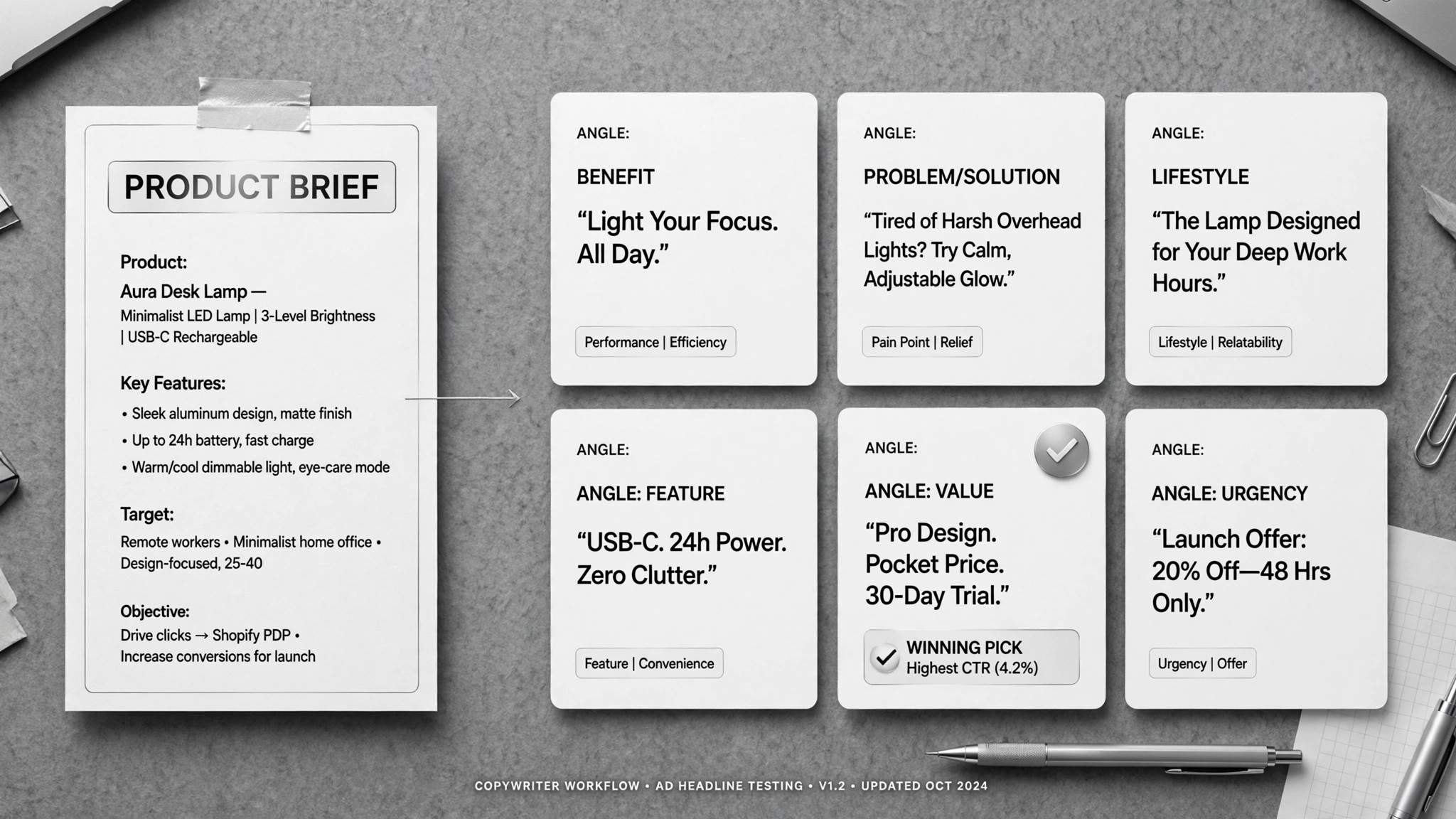
Ad Copywriter
Ein Briefing rein, ein Stapel Werbung nach Vorgabe raus — Sie wählen die Gewinner