Backend Platform OG Image
Daten, API, App — der ganze Stack auf einen Blick.
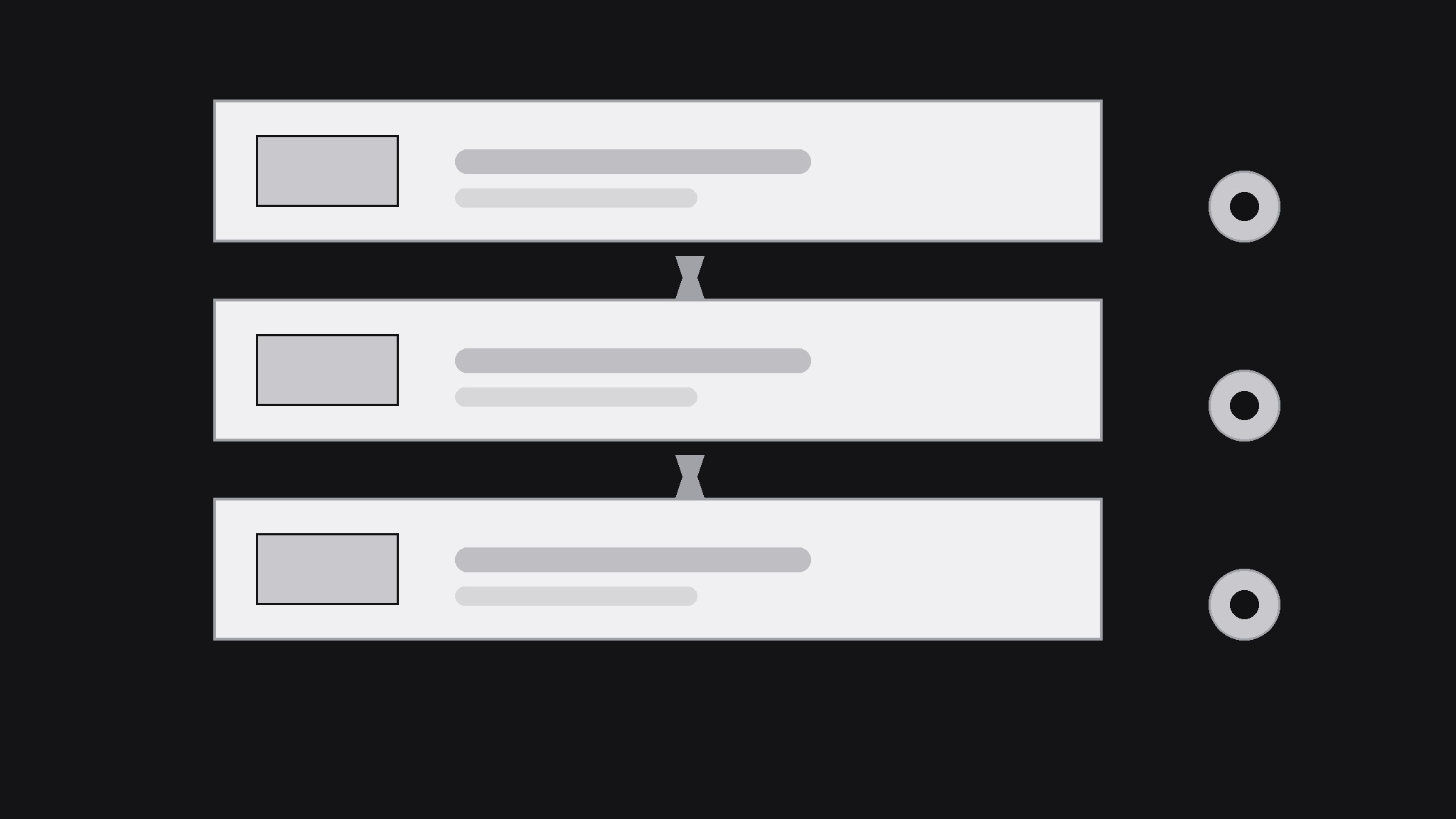
Verwandelt Ihre KI in einen Designer für Social Previews — erstellt ein 1200×630 OG-Bild für eine Backend- oder Datenbankplattform, das die Schichten der Plattform schon in Miniaturgröße verständlich macht: Daten, API und die App darüber.
In 3 Schritten installieren
Keine Anmeldung. Keine CLI-Tools. Wählen Sie Ihre AI, kopieren Sie eine Zeile und fügen Sie sie ein.
Lieber selbst machen? Kaufen Sie den Skill ($4.99), laden Sie die ZIP-Datei aus Ihrer Kaufbestätigung herunter, entpacken Sie sie in das oben angezeigte Verzeichnis und starten Sie Ihre AI-Sitzung neu — gleiches Ergebnis. Haben Sie ihn schon gekauft? Ihr AI-Assistent kann ihn für Sie herunterladen.
Was ist enthalten
Eine SKILL.md (die Anleitung) + eine Startvorlage. Eine Vorschau:
Backend Platform OG Image
When to use
- You're launching or announcing a backend, database, or developer platform and the share card needs to explain what the platform does at a glance
- A docs page, changelog, or blog post about a backend product shares with a blank or generic preview
- Your platform's current preview shows a logo on a flat background and says nothing about data, APIs, or hosting
- A developer audience will judge the card in half a second — it has to signal "this is infrastructure" without a paragraph
- You're posting the same platform link across feeds, chats, and docs and want one consistent card everywhere
Workflow
- Name the one capability (input: platform description → output: one-line promise)
Reduce the platform to the one thing a developer gets: "a database with an instant API," "hosted backend with auth built in," "real-time data sync for your app." If the platform does five things, pick the one the announcement is about — the card advertises the news, not the whole product. A card that lists every feature advertises none of them. - Stack the layers (input: one-line promise → output: layer diagram plan)
Draw the platform as a stack of at most three layers — data at the bottom, API or logic in the middle, the app on top — with one icon and one short label per layer. The stack is the card's visual argument: it says "this is infrastructure" faster than any sentence. Keep the layers as simple blocks; a realistic architecture diagram belongs in the docs, not in a 1200×630 card that will be seen at 240 pixels wide. - Design for the thumbnail (input: layer plan → output: 1200×630 draft)
Build at 1200×630 with all text inside the central 1000×500 safe area. Put the one-line promise in large type on one side and the three-layer stack on the other — never stack text on top of the diagram, or both become unreadable. Use at most two typefaces and three colors, and make the background dark or light enough that the stack reads as solid shapes, not outlines. Test at phone-feed size: the promise and the three layers must be distinguishable at arm's length. - Add one proof point (input: draft → output: finished card)
Add at most one proof point that is genuinely true of the platform: free tier, open-source, self-hosting option, or a latency or uptime figure you can stand behind. One proof point, small, below the promise. Never invent a user count, an uptime percentage, or a performance figure — developers check, and a caught exaggeration costs more credibility than a plain card ever would. - Export and verify across platforms (input: finished card → output: verified preview)
Export as JPEG or PNG at exactly 1200×630, under 1 MB, and check the live preview on at least two platforms (a chat app and a social feed). Refresh cached previews with a fresh query parameter or the platform's debugger when the card changes. Keep the source file: every launch, pricing, or positioning change means a new card, and the layer-stack layout is worth reusing.
Vorschau der Startvorlage
Backend Platform OG Image — Template
One card per announcement. One capability per card.
Platform: {name} — {announcement: launch / feature / release}
Link: {URL}
One-line promise
- Capability (one thing): {e.g. a database with an instant API}
- Plain-language promise for the card: {…}
- Audience: {e.g. developers building mobile apps}
Layer stack (max 3 layers)
Card copy
- Headline (promise, ≤10 words): {…}
- Proof point (max 1, must be true): {e.g. Self-hostable · Open source}
- Colors (max 3): {1} {2} {3} | Typefaces (max 2): {1} {2}
- Layout: promise {left / right} · stack {right / left} — never overlapping
Thumbnail check
Das Skill-Paket selbst (SKILL.md + Vorlage) ist auf Englisch verfasst.


