Allegorical Engraving Cover
Ein Cover mit der Gravität einer alten Meisterplatte
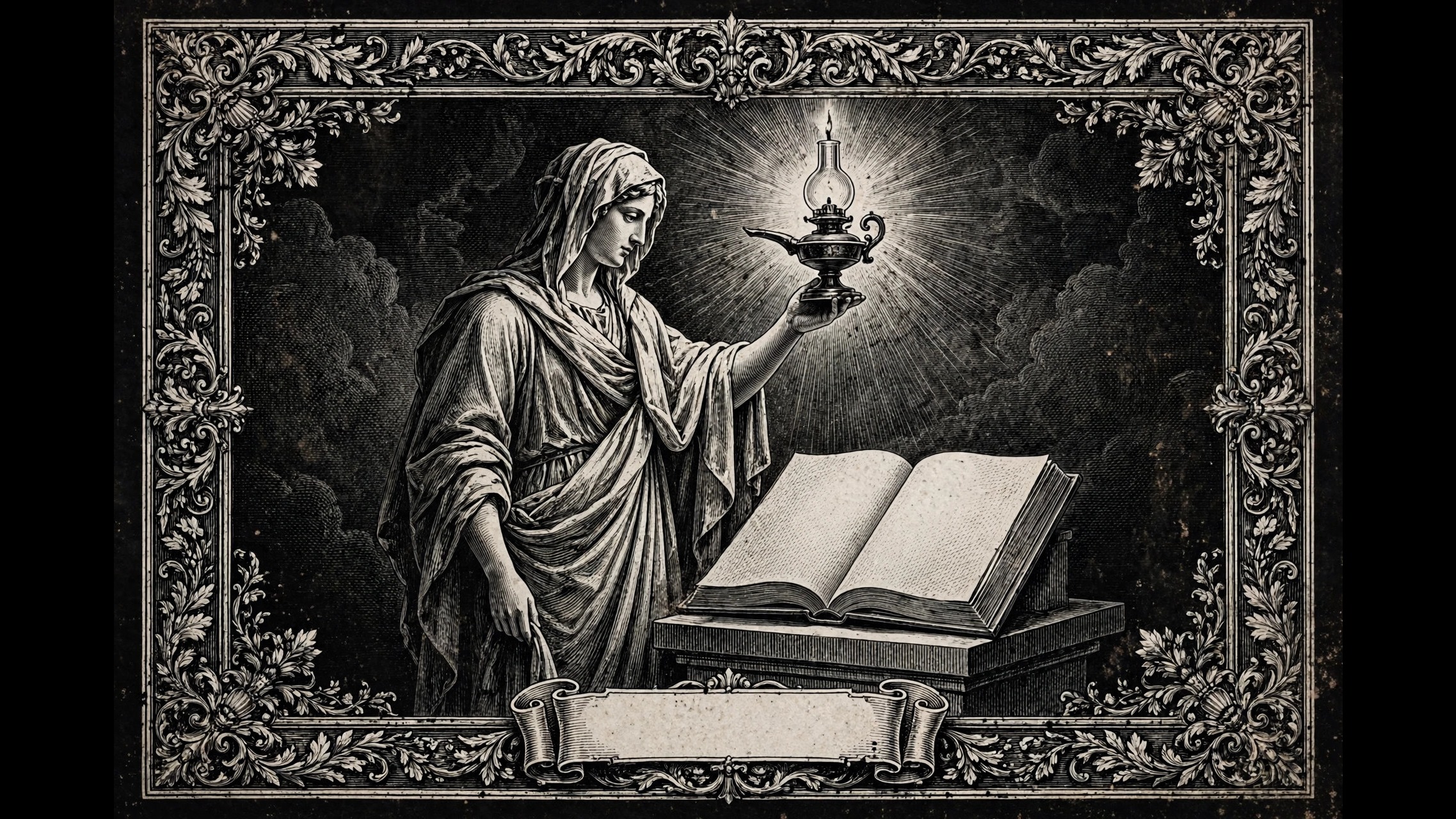
Gestalten Sie ein Buch- oder Berichtscover im klassischen Kupferstich-Stil: eine allegorische Figur, ein zurückhaltender Zierrahmen und eine Titelkartusche, die vom Druck bis zum Thumbnail lesbar bleibt.
In 3 Schritten installieren
Keine Anmeldung. Keine CLI-Tools. Wählen Sie Ihre AI, kopieren Sie eine Zeile und fügen Sie sie ein.
Lieber selbst machen? Kaufen Sie den Skill ($4.99), laden Sie die ZIP-Datei aus Ihrer Kaufbestätigung herunter, entpacken Sie sie in das oben angezeigte Verzeichnis und starten Sie Ihre AI-Sitzung neu — gleiches Ergebnis. Haben Sie ihn schon gekauft? Ihr AI-Assistent kann ihn für Sie herunterladen.
Was ist enthalten
Eine SKILL.md (die Anleitung) + eine Startvorlage. Eine Vorschau:
Allegorical Engraving Cover
When to use
- You are publishing a book, essay, or long report and want a cover that signals "serious, timeless, crafted" rather than "stock photo with a title"
- You have a theme that lends itself to personification — knowledge, industry, fortune, memory, justice — and want the cover to express it symbolically instead of literally
- You are designing a report or white paper cover for an institution that wants gravitas without looking like a corporate brochure
- You need a cover that works both as a full-size print and as a small store thumbnail, where the title must still read
- You want ornamental borders, cartouches, and engraving texture, but composed with intent rather than pasted on as decoration
Workflow
- Choose the allegory (input: the work's theme → output: one allegorical concept)
Pick a single personified figure or scene that stands for the book's central idea: a figure holding a lamp for inquiry, scales for judgment, a loom for industry. One allegory, not a crowd of symbols — a cover with five personifications is a puzzle, not a cover. Write one sentence explaining what the figure represents and why it fits this specific work; if the sentence needs a footnote, the allegory is too obscure. - Compose the plate (input: allegorical concept → output: layout sketch)
Classical engraving covers follow a clear hierarchy: a central figural scene, an ornamental border framing it, and a title cartouche or banner where the lettering lives. Sketch the geometry first — where the figure stands, where the border runs, where the title sits — before any detail work. Keep the title area clean and flat: fine hatching behind lettering kills legibility, so reserve an unhatched cartouche or banner for the words. - Draw with engraving grammar (input: layout sketch → output: finished linework)
Engraving reads through line, not tone: parallel hatching for mid-tones, cross-hatching for shadow, stipple for soft transitions, and white paper left for highlights. Keep line weight consistent within each passage, and let the darkest passages be the figure's shadow side and the border's inner edge — contrast is what gives the plate depth. Avoid photographic shading habits like smooth gradients; in engraving, every tone is built from visible lines, and that visible craft is the point. - Set the lettering (input: finished linework → output: title treatment)
Set the title in a serif or engraved-style face with generous tracking, sized so it reads at thumbnail width (test at 200px wide — that is how most buyers will first see it). Author name and subtitle sit in a clear hierarchy: title largest, subtitle smaller, author name steady. Never let ornament cross the lettering, and never set the title over the figural scene — the cartouche exists precisely to keep words legible. - Prepare for print and screen (input: title treatment → output: print-ready + thumbnail files)
Export a high-resolution master (at least 300 dpi at trim size) for print, and a separate RGB export for store thumbnails. Check the thumbnail: the title must read, the central figure must be recognizable, and the border must frame rather than clutter. If the border disappears into noise at small size, simplify it — a border that only works at full size is decoration for the printer, not the reader.
Vorschau der Startvorlage
Allegorical Engraving Cover — Brief Template
Fill this in before any linework. One allegory, one plate.
Work: {book / report title}
Author: {name} | Trim size: {e.g. 6×9 in} | Format: {print / ebook / both}
The allegory
Central figure / scene: {e.g. a figure holding a lamp over an open ledger}
What it represents (one sentence): {the figure stands for … because …}
Border motifs: {e.g. laurel, gear-and-wheat — must echo the theme, not generic ornament}
Plate layout
Thumbnail check (at 200px wide): [ ] title reads · [ ] figure recognizable · [ ] border frames, not clutters
Production
- [ ] Print master: 300 dpi at trim size
Das Skill-Paket selbst (SKILL.md + Vorlage) ist auf Englisch verfasst.


