AI Assistant Illustration
Eine freundliche geometrische Figur, ein Style Sheet, die ganze Illustrationsfamilie.
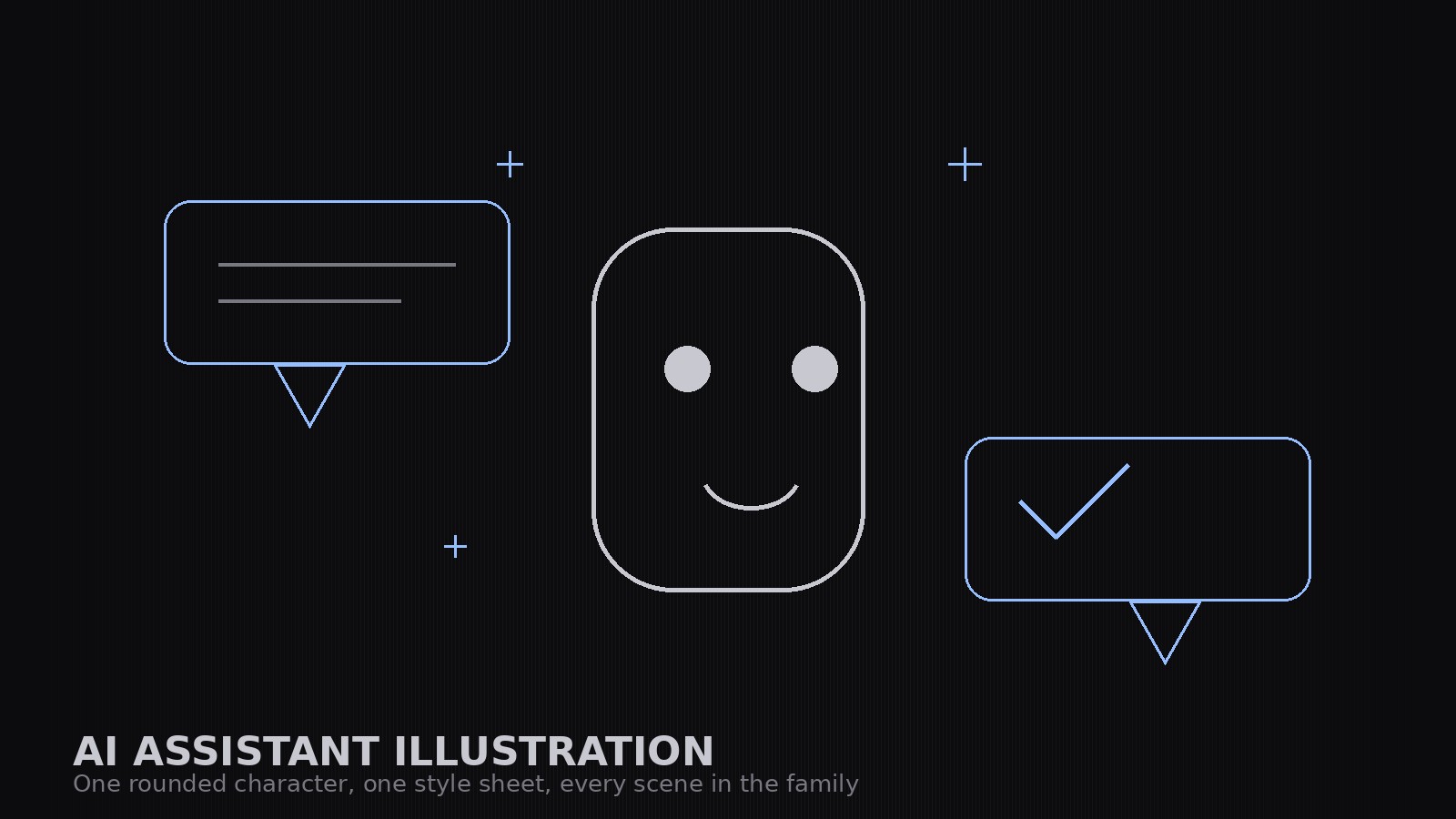
Erstellt ein aufeinander abgestimmtes Illustrationsset für KI-Assistenten-Produkte in freundlichem geometrischem Stil — eine abgerundete Figur mit festem Aufbau, Motive wie Sprechblasen und Dokumente sowie ein Style Sheet, das Doku, Marketing und Leerzustände wie ein einziges Produkt aussehen lässt.
In 3 Schritten installieren
Keine Anmeldung. Keine CLI-Tools. Wählen Sie Ihre AI, kopieren Sie eine Zeile und fügen Sie sie ein.
Lieber selbst machen? Kaufen Sie den Skill ($4.99), laden Sie die ZIP-Datei aus Ihrer Kaufbestätigung herunter, entpacken Sie sie in das oben angezeigte Verzeichnis und starten Sie Ihre AI-Sitzung neu — gleiches Ergebnis. Haben Sie ihn schon gekauft? Ihr AI-Assistent kann ihn für Sie herunterladen.
Was ist enthalten
Eine SKILL.md (die Anleitung) + eine Startvorlage. Eine Vorschau:
AI Assistant Illustration
When to use
- You are launching or documenting an AI assistant product and need illustrations that feel friendly, not robotic or menacing
- Your docs, marketing pages, and empty states each have illustrations in a different style and the product looks stitched together
- You need a mascot-style character for an assistant that can appear in many poses and situations without being redrawn from scratch each time
- Your current art is stock robots and glowing brains — and it says nothing about what your assistant actually does
- You want an illustration set a designer can extend: new scenes built from the same shapes, colors, and character
Workflow
- Define the character (input: product personality → output: character sheet)
Write the character down before drawing it: a simple geometric build (rounded rectangle body, dot eyes, a small smile — no photorealism, no human face), its proportions, its palette, and its personality in three adjectives (e.g., calm, curious, helpful). The character is a helper, not a hero: it never looks angry, smug, or sinister, and it never holds a weapon. Lock the build — every future illustration reuses these exact shapes. - Fix the style sheet (input: character sheet → output: style rules)
Write the style rules: the palette (one primary, one secondary, one neutral, one paper tone), the shapes (rounded corners at one radius, one stroke weight, no gradients unless the sheet allows them), how chat bubbles, sparkles, and documents are drawn, and how backgrounds are treated (flat color or simple shapes, never photographic). The style sheet is what makes ten illustrations look like one set. - Build the core set (input: style rules → output: core illustrations)
Draw the core set first: the character alone (neutral pose), the character with a chat bubble, the character presenting a document, the character thinking (with a small thought cluster), and the character with a checkmark for success. Each illustration uses only the sheet's shapes and colors. If an illustration needs a new shape, the shape goes into the style sheet first — never a one-off. - Extend to situations (input: core set + use cases → output: full set)
Build the situation illustrations from the core set: empty states (no results, loading, error — the character waiting, working, apologizing), onboarding (the character greeting, explaining, celebrating a first success), and feature scenes (the character sorting, searching, summarizing — each with the same bubble/document motifs). Keep compositions simple: one character, one motif, one idea per illustration. A busy illustration explains nothing. - Test at real sizes (input: full set → output: production-ready set)
Check every illustration at the sizes it will actually ship at: 16px favicon-adjacent marks, in-app empty states, docs headers, and marketing heroes. Simplify anything that turns to mush at small sizes — small illustrations lose detail first. Export each illustration in the formats the product needs, and file the style sheet with the set so the next designer extends it instead of reinventing it.
Vorschau der Startvorlage
AI Assistant Illustration — Set Template
One product = one set. Lock the character and the style sheet before drawing a single scene.
Character sheet
Product: {product} | Character name (if any): {name} Personality (three adjectives): {adjective}, {adjective}, {adjective} Geometric build: {body shape, proportions — e.g. rounded rectangle, 3:4, dot eyes, small smile} Palette: primary {color}, secondary {color}, neutral {color}, paper {color}
Never-do list
[ ] Never angry, smug, or sinister [ ] Never holding a weapon [ ] Never doing something the product can't do [ ] Never copying another product's mascot, logo, or color scheme
Das Skill-Paket selbst (SKILL.md + Vorlage) ist auf Englisch verfasst.


