Yellow Balance Deck
すべてのスライドが均衡し、1色の黄色が指し示します。
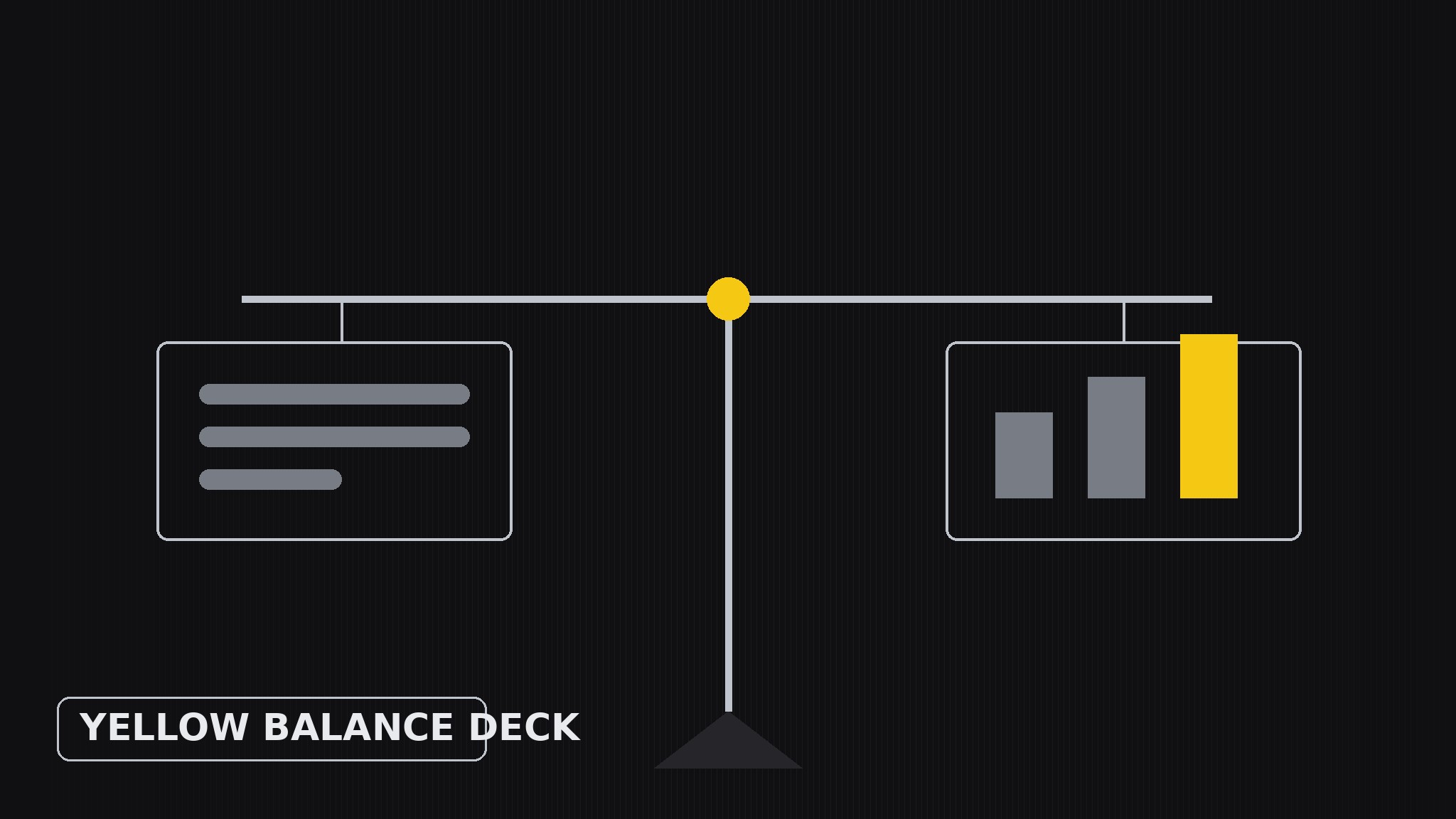
AIがプレゼンテーションデザイナーになります——バランスレイアウトのシステムでスライドデッキを作成します。すべてのスライドで視覚的な重みを均等に配分し、黄色を意図的な1色のアクセントとして使い、たっぷりの余白を保つことで、説得するのは装飾ではなく論旨になります。
3ステップでインストール
登録不要。CLIツールも不要です。お使いのAIを選んで、1行コピーして貼るだけです。
ご自分で入れたい場合は、スキルを購入($4.99)し、購入完了画面からZIPをダウンロードして、上のディレクトリに展開し、AIのセッションを再起動してください。結果は同じです。すでに購入済みの場合は、AIアシスタントにダウンロードしてもらうこともできます。
パックの内容
SKILL.md(手順書)1点とスターターテンプレート1点が入っています。プレビューはこちらです:
Yellow Balance Deck
When to use
- A pitch, proposal, or report deck where the argument matters more than the decoration
- Your slides currently feel lopsided — a wall of text on one side, a lonely chart on the other
- You want a deck with a recognizable identity (yellow accent, calm layout) without a loud theme
- You are presenting numbers and need the audience to compare two things without getting lost
- A team deck where several people edit slides and the layout system has to survive many hands
Workflow
- Define one idea per slide (input: your raw material → output: slide outline)
Boil the deck down to one claim per slide, written as a full sentence ("Our churn fell because onboarding got faster"), not a label ("Churn"). If a slide needs two claims, it is two slides. Order the claims into an argument — setup, evidence, turn, ask — and give each slide a number so the flow is visible before any design happens. - Sketch the weight map (input: slide outline → output: layout sketch per slide)
For each slide, decide where the visual weight goes before placing anything: text block on one side balanced by a visual on the other, or a centered claim with two equal columns beneath it. Think of each slide as a scale — a heavy chart on the right needs a strong headline and a short caption on the left to balance it. Sketch this as rough rectangles, not finished slides; the point is the balance, not the beauty. - Place yellow deliberately (input: layout sketch → output: accent plan)
Yellow is the only accent, so it must mean something: use it for exactly one job per slide — the key number, the winning bar, the arrow that shows the direction, the one word in the headline that carries the claim. Never use yellow for decoration (borders, backgrounds, bullet dots) and never let it appear in more than one place per slide. When everything is yellow, nothing is; when one thing is yellow, the eye goes there first. - Set the type hierarchy (input: accent plan → output: finished slide layouts)
Three type sizes, no more: a large claim headline (the sentence from step 1), a medium sub-point or caption, and small supporting text or labels. The headline carries the argument; the body never exceeds three short lines per block; chart labels stay large enough to read from the back of the room. Keep all text black or dark grey on white or near-white — yellow is for the accent, never for text, because yellow text on white is unreadable. - Balance-check pass (input: finished slide layouts → output: polished deck)
Squint at every slide: does one side feel heavier than the other? Fix it by resizing, not by adding decoration — shrink the chart, shorten the text, move the yellow accent to the lighter side. Then flip through the deck fast: the yellow accents should march through the slides like a thread, one per slide, never two, never zero. Finally read only the headlines in order — they should tell the whole argument with the slides closed.
テンプレートのプレビュー
Yellow Balance Deck — Deck Template
One claim per slide, one yellow accent per slide, three type sizes.
Deck brief
Audience: {who is in the room} Occasion: {pitch / proposal / report / update} Argument in one line: {what the deck must prove} Slides: {count}
Slide outline (one full-sentence claim per slide)
Weight map (per slide — sketch before designing)
Slide {n}: {text block left, visual right / centered claim, two equal columns / other} Left weight: {headline + caption} Right weight: {chart / image + label} Balance check: {does one side feel heavier? resize, don't decorate}
Type hierarchy (three sizes only)
スキルパック本体(SKILL.md とテンプレート)は英語で書かれています。


