Warm Hospitality OG Image
迎え入れられるような温かさを感じるプレビューを
ホスピタリティブランド向けの1200×630 SNSプレビュー画像をデザインします。施設の実写写真、温かく柔らかなグレーディング、そして読む前に滞在への期待が高まる明確な見出しを組み合わせます。
3ステップでインストール
登録不要。CLIツールも不要です。お使いのAIを選んで、1行コピーして貼るだけです。
ご自分で入れたい場合は、スキルを購入($4.99)し、購入完了画面からZIPをダウンロードして、上のディレクトリに展開し、AIのセッションを再起動してください。結果は同じです。すでに購入済みの場合は、AIアシスタントにダウンロードしてもらうこともできます。
パックの内容
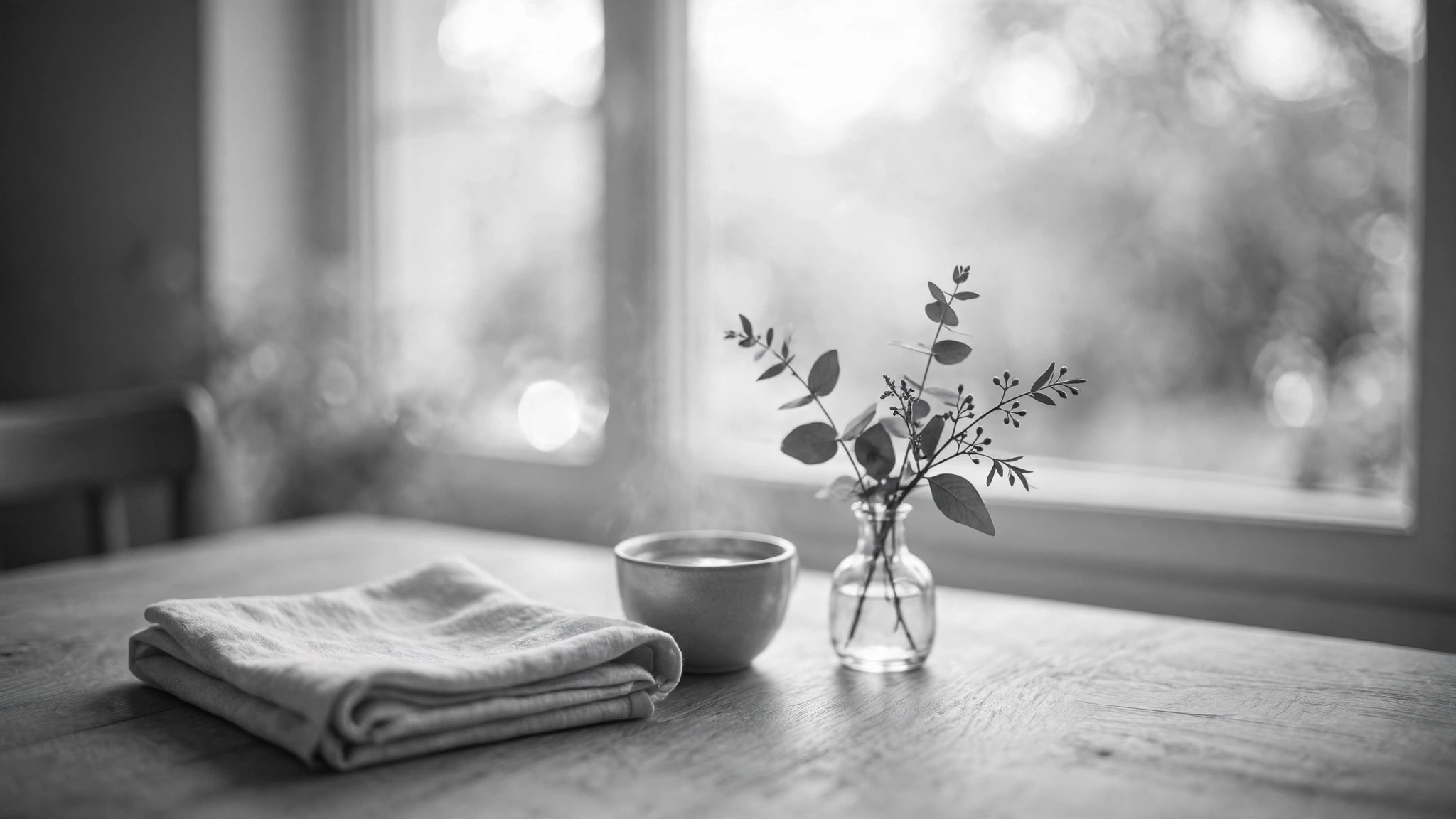
SKILL.md(手順書)1点とスターターテンプレート1点が入っています。プレビューはこちらです:
Warm Hospitality OG Image
When to use
- Your hotel, guesthouse, restaurant, or rental listing needs a link preview that feels welcoming, not corporate
- You are sharing a hospitality page on social feeds and the auto-pulled preview crops the photo badly or shows no headline
- You want a consistent warm look across all your property pages — same tones, same type, different photos
- Your current preview image is a cold stock photo or a logo on white that says nothing about the stay
- You are launching a seasonal offer or a new property and the first impression should feel like being welcomed in
Workflow
- Pick the welcoming moment (input: property page + photos → output: photo choice)
Choose one photo that shows what a guest actually experiences: a made bed in morning light, a table set for breakfast, a porch with a view. People beat empty rooms — a set table implies a host. Use a real photo of the real property whenever one exists; a beautiful photo of somewhere else is a broken promise the guest discovers on arrival. - Write the headline (input: page content → output: headline + subline)
Write a headline of 3–7 words that names the stay, not the category: "Slow mornings by the harbor" beats "Luxury Accommodation Available." Add an optional subline with one concrete fact — the location, the room count, or the signature detail. If the headline could belong to any property in the world, rewrite it until it could only be yours. - Set the warm treatment (input: photo + headline → output: graded composition)
Grade warm, not orange: lift the shadows slightly, add a gentle warm cast, keep skin tones and whites natural. Place the headline in clear space — sky, a dark wall, or over a soft gradient scrim — in a warm, readable typeface. Keep the composition calm: the photo invites, the type informs, and neither crowds the other. - Place the practical details (input: composition → output: finished layout)
Add at most one practical element: the property name, the town, or a short offer line. Put it small, in a quiet corner, away from the headline. Never stack a headline, an offer, a price, a phone number, and a URL on one image — the preview earns the click; the page carries the details. - Test at real sizes (input: finished layout → output: approved 1200×630 file)
Check the image at three sizes: full 1200×630, a ~500px feed card, and a ~240px chat thumbnail. At every size the headline must be readable and the photo must still feel warm and inviting. If the headline vanishes into the photo at small size, strengthen the scrim, increase type weight, or shorten the headline — never ship a preview that only works at full size.
Output spec
テンプレートのプレビュー
Warm Hospitality OG Image — Brief Template
One property page = one image. Use a real photo of the real property.
Page: {property / page title} — {page URL}
Property name: {name} | Location: {town / area} One-line promise (the click reason): {what the guest feels, in one sentence}
Headline + subline
Headline (3–7 words, specific to this property): {headline} Subline (optional, one concrete fact): {location / room count / signature detail} Corner detail (at most one): {property name / town / short offer line}
Specificity test: could this headline belong to any property in the world? If yes, rewrite it until it could only be yours.
The photo
スキルパック本体(SKILL.md とテンプレート)は英語で書かれています。


