Video Maker
動画を説明するだけ——台本・映像素材・音声まで完成カットが届きます
ブリーフ(商品写真でもアイデアだけでも)を完成動画に変換します。台本、ショットリスト、映像素材、ナレーション、そして最終カットまで。公開前に必ずあなたが確認します。
3ステップでインストール
登録不要。CLIツールも不要です。お使いのAIを選んで、1行コピーして貼るだけです。
ご自分で入れたい場合は、スキルを購入($4.99)し、購入完了画面からZIPをダウンロードして、上のディレクトリに展開し、AIのセッションを再起動してください。結果は同じです。すでに購入済みの場合は、AIアシスタントにダウンロードしてもらうこともできます。
実際の活用事例
実際のユーザーがAIエージェントで、まさにこの仕事をやり遂げた事例です。
Turn product photos into video ads with an ad agent
事例を読む →活用事例Turn ideas into finished videos
事例を読む →パックの内容
SKILL.md(手順書)1点とスターターテンプレート1点が入っています。プレビューはこちらです:
Video Maker
When to use
- You have product photos and need a short video ad (15–60 seconds) without hiring a production crew
- You have an idea for a video — an explainer, a promo, a social clip — and want it turned into a finished file
- You need a voiceover and don't want to record one yourself
- You want to iterate on scenes cheaply instead of reshooting
- A marketing channel needs steady video content and you want the pipeline, not a one-off
Workflow
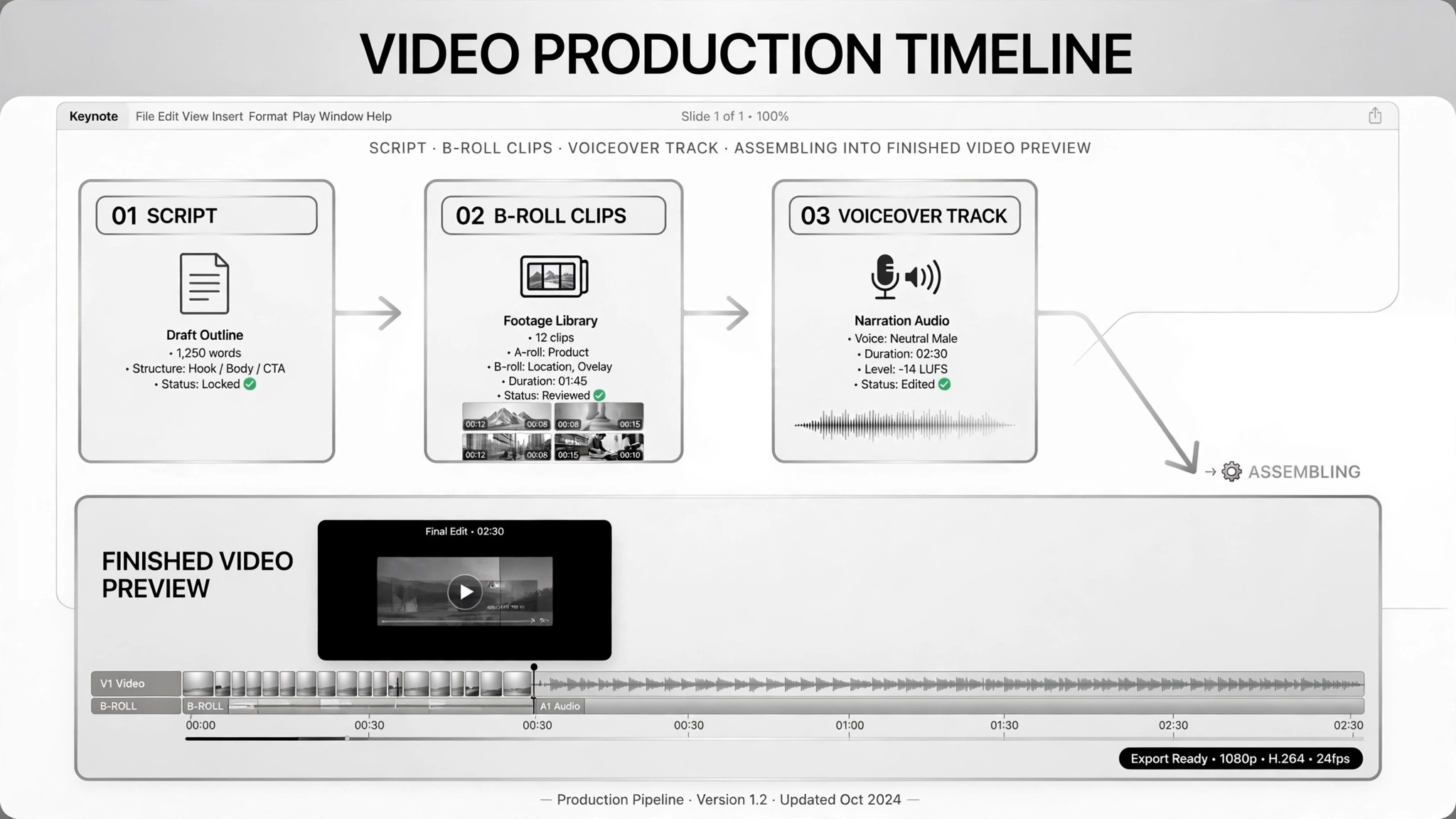
- Lock the brief (input: photos / idea + audience + length → output: brief)
Get three things in writing: what the video is about, who it's for, and how long it should be. In one real case the input was just "product photos + target audience description"; in another, a plain idea plus audience and target length. Everything downstream — script, tone, shot list — leans on this. - Write and approve the script first (input: brief → output: approved script + shot list)
Break the video into shots with a script and per-shot notes (what happens, what the voiceover says). Get your approval on the script before any footage is made — fixing a sentence now costs nothing; reshooting a scene later costs everything. - Generate or assemble the footage (input: shot list → output: raw clips)
Generate b-roll per shot from the shot prompts, or assemble existing photos and clips. One real case generated b-roll from ad scripts and kept the per-shot generation prompts so any single bad shot could be re-run alone without rebuilding the whole video. - Add voiceover and sound (input: raw clips + script → output: assembled cut)
Write the voiceover copy from the script and synthesize or record it in the target tone, then mix voice, footage, effects, and music together. The idea-to-video case did this as a distinct step: picture, motion, voiceover, and music mixed as one pass. - Export and review (input: assembled cut → output: review copy)
Export a review copy and send it to the human. The deliverable includes the per-shot prompts and a note on "what the second version would change" — so iteration is fast. Review for brand fit, facts, and anything that feels off: in the real case, "where it's awkward only a human can see" was the explicit acceptance criterion. - Iterate on scenes, not the whole video (input: review notes → output: final video)
Re-do only the shots that are bad; leave the good ones alone. One case's agent output the prompt for each shot specifically so a failed scene could be regenerated in isolation. Approve the final cut, then publish — publishing is human.
Output spec
テンプレートのプレビュー
Video Maker — Production Brief Template
One video = one brief. Lock this before any footage is made.
Brief
Subject: {product / idea — one sentence} Audience: {who it's for, e.g. "busy parents 30–45"} Length: {e.g. 30 seconds} Tone: {e.g. warm and practical} Format: {e.g. 16:9, 1080p, MP4}
Source material: [ ] Product photos attached: {count} [ ] Idea description written: {one-liner}
Script & shot list (approve before production)
Script approval: [ ] approved by {me} on {date}
Production checklist
[ ] Footage generated / assembled per shot [ ] Per-shot generation prompts saved (for single-shot re-runs)
スキルパック本体(SKILL.md とテンプレート)は英語で書かれています。


