AI Services Market › スキルファクトリー › Web › Typed Testimonial Row
$4.99 · サインイン不要v1.0.0– 回表示
Typed Testimonial Row
トランスクリプトのように読める社会的証明を。
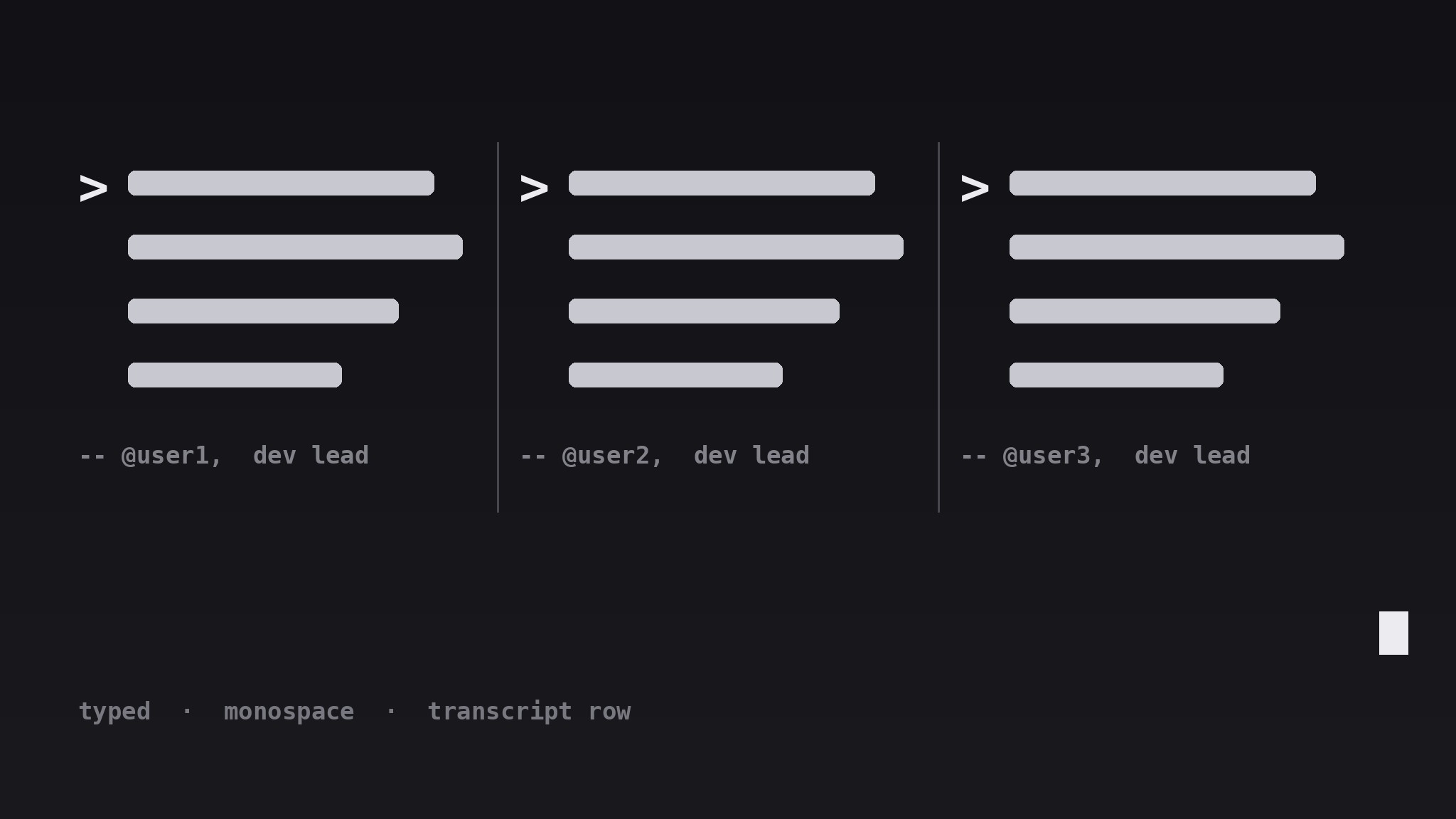
AIがお客様の声セクションのデザイナーになります——短い引用を横一列に並べ、等幅フォントのタイプライター風に仕上げます。プロンプト記号やキャレット、均一なリズムにより、社会的証明がライブのターミナルログのように読めます。
こんな方におすすめ
ターミナルの声で社会的証明を出したい開発者ツールチームやドキュメントサイト
所要時間
約30分
レベル
初心者向け
3ステップでインストール
登録不要。CLIツールも不要です。お使いのAIを選んで、1行コピーして貼るだけです。
ご自分で入れたい場合は、スキルを購入($4.99)し、購入完了画面からZIPをダウンロードして、上のディレクトリに展開し、AIのセッションを再起動してください。結果は同じです。すでに購入済みの場合は、AIアシスタントにダウンロードしてもらうこともできます。
パックの内容
SKILL.md(手順書)1点とスターターテンプレート1点が入っています。プレビューはこちらです:
Typed Testimonial Row
When to use
- Your product is aimed at developers, engineers, or technical teams who will smile at a terminal-styled section
- You have three to five short testimonials that are punchy enough to survive being set in monospace type
- Your page is visually quiet and needs one section with a distinct voice — a transcript, not another card grid
- You want social proof inside a docs site, a changelog page, or a developer landing page where a glossy marketing grid would feel wrong
- You have quotes that sound like things people actually typed — short, specific, a little informal — rather than polished press blurbs
Workflow
- Collect short, typeable quotes (input: your raw testimonials → output: 3–5 trimmed quotes)
Pick three to five quotes, each one sentence and under 25 words, each with a different angle (speed, reliability, ease of setup, support, one surprise). Trim them to how a person would type them in chat — keep contractions, keep the specific detail, cut the corporate polish. Anything that needs a paragraph to make sense does not belong in this row; save it for a case study. - Set the typewriter treatment (input: trimmed quotes → output: type style spec)
Set every quote in a monospace typeface at a comfortable reading size, with a prompt marker (such as>) before each quote and a block caret after the final line. Keep the line length short — the row should feel like lines being typed, not paragraphs being pasted. Use one accent color for the prompt markers and the caret only; the quote text itself stays in the main text color so it stays readable. - Lay out the horizontal row (input: style spec → output: row layout)
Arrange the quotes in a single horizontal row of three to five columns on desktop, separated by thin vertical dividers or generous gutters — no boxes, no shadows, no cards. Each column holds one quote, one attribution line, and nothing else. The row should read left to right like a transcript scrolling past: even rhythm, even weight, no column shouting louder than the others. - Write attributions like a transcript (input: row layout → output: finished section)
Attribute each quote on one line below it: a handle or name, a role, and a short context tag — e.g.— @maya, backend lead, ships with it daily. Keep attributions in a dimmer tone than the quotes so the words stay the stars. If a quote came from a public post, link the attribution to the original; if it was given privately, confirm the speaker is happy to be quoted before publishing. - Make it behave on small screens (input: finished section → output: responsive section)
On narrow screens, let the row become a vertical stack or a horizontal scroll with snap points — never shrink the monospace type below a readable size to force the row to fit. If you use a typing animation, keep it subtle: a caret blink is enough; never animate the quotes typing out on every page load, and always respect reduced-motion settings by showing the full text immediately.
テンプレートのプレビュー
Typed Testimonial Row — Template
A row of quotes that reads like a live transcript. Fill in the blanks, then lay out the row.
The quotes (3–5, one sentence each, ≤25 words, different angles)
Source for each: {public post link / privately given with permission — confirm before publishing}
Type style
- Typeface: {monospace}
- Quote size: {px, readable at all breakpoints}
- Prompt marker: {>} in accent color {hex}
- Caret: {block caret} after the final line, blink {on / off}
- Attribution tone: {dimmer than quote text}
Row layout
- Desktop: {3–5} even columns, separated by {thin dividers / wide gutters}
スキルパック本体(SKILL.md とテンプレート)は英語で書かれています。


