AI Services Market › スキルファクトリー › ドキュメント › Spreadsheet Data Grid
$4.99 · サインイン不要v1.0.0– 回表示
Spreadsheet Data Grid
どんなテーマも、自分でテストできるグリッドに。
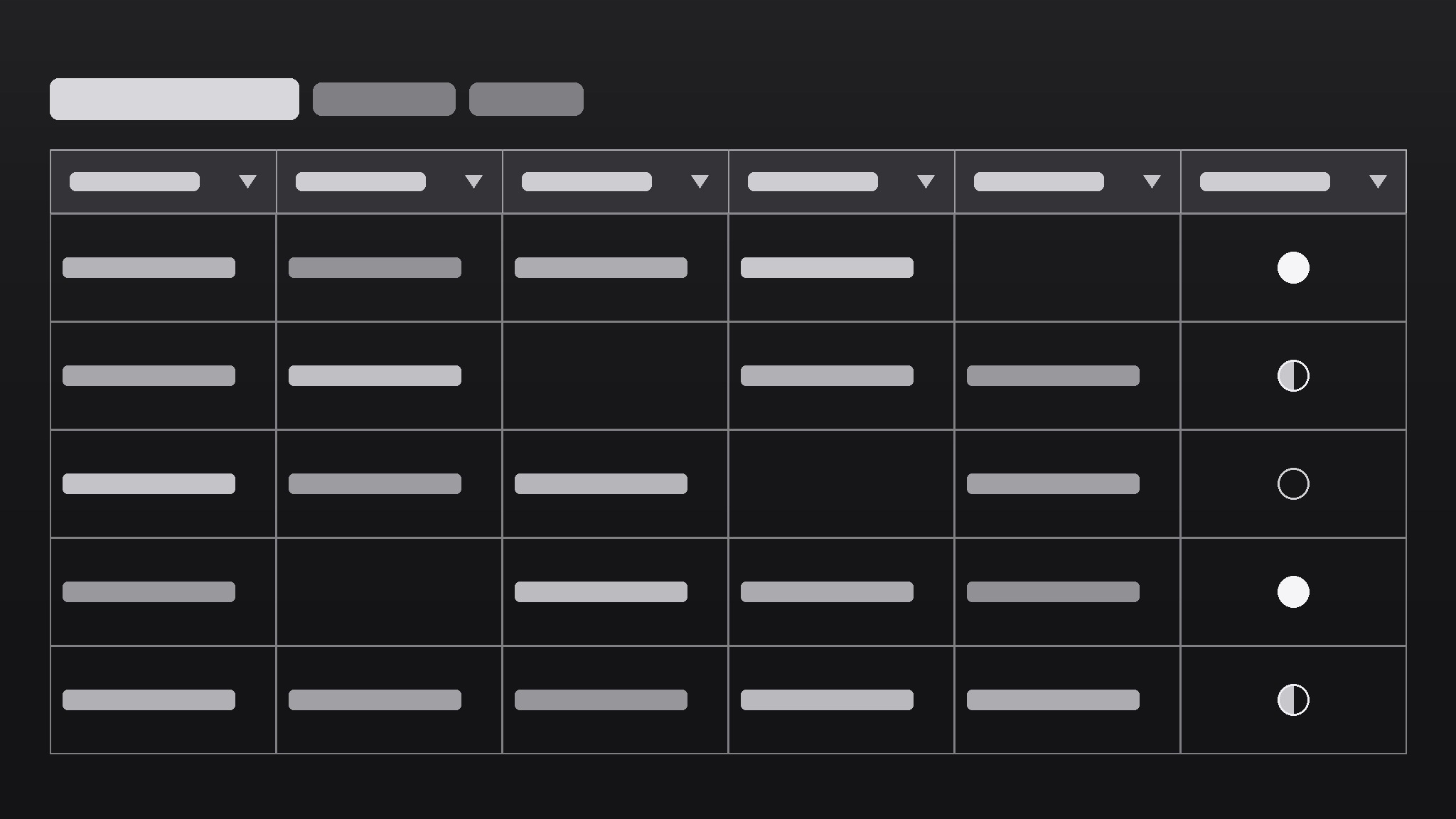
AIが学習シートデザイナーになり、どんなテーマもスプレッドシートのデータグリッドに変えます。行ごとに概念ひとつ、列ごとに問われる質問ひとつで、学習がノートの読み直しではなく、空欄を埋める作業になります。
こんな方におすすめ
比較できる概念の多い試験に向けて学ぶ学生や独学者の皆さま
所要時間
~30分
レベル
初心者向け
3ステップでインストール
登録不要。CLIツールも不要です。お使いのAIを選んで、1行コピーして貼るだけです。
ご自分で入れたい場合は、スキルを購入($4.99)し、購入完了画面からZIPをダウンロードして、上のディレクトリに展開し、AIのセッションを再起動してください。結果は同じです。すでに購入済みの場合は、AIアシスタントにダウンロードしてもらうこともできます。
パックの内容
SKILL.md(手順書)1点とスターターテンプレート1点が入っています。プレビューはこちらです:
Spreadsheet Data Grid
When to use
- You're studying for an exam and your notes are long paragraphs you keep re-reading without retaining them
- You need to compare many similar concepts (drugs, cases, formulas, verb forms) side by side
- You study with a partner and want a sheet you can quiz each other from
- You keep mixing up lookalike terms and need a column that forces the distinction
- You want a study tool that tracks what you know and what you keep getting wrong
Workflow
- List the rows (input: topic + syllabus → output: one row per concept, no duplicates)
Break the topic into its testable concepts: one row per term, case, formula, or mechanism. Aim for the granularity the exam uses — if the exam asks about each drug separately, each drug gets a row; if it asks about drug classes, classes get rows. Merge duplicates ruthlessly: two rows for the same concept is how a 60-row sheet quietly becomes 90 rows of mush. - Design the columns as exam questions (input: how the topic is tested → output: 4–6 columns, each one question type)
Each column is one question the exam could ask: Definition ("What is it?"), Mechanism/How ("How does it work?"), Example ("Give an example"), Distinction ("How does it differ from its lookalike?"), Pitfall ("What mistake do people make here?"), Self-test ("Can I recall it cold?"). Four to six columns; more and the grid becomes a wall of text nobody fills in. The Distinction column is the one most study sheets lack and most need. - Fill one row completely, then the rest (input: columns + source material → output: fully filled grid)
Fill the first row completely as the quality bar: each cell in your own words, one to three lines, no copied paragraphs. Then fill the rest to the same bar. Own words matter — copying the textbook into cells feels productive and retains nothing. Leave a cell blank rather than stuffing it with a vague sentence; a blank cell is a visible gap to close, a vague cell is a gap pretending to be filled. - Add the self-test layer (input: filled grid → output: confidence column + filter views)
Add a Self-test column with three values: Know / Shaky / Blank. Fill it honestly after attempting recall from memory, not while looking at the row. Then use filters: study the Shaky + Blank rows first, hide the Know rows until review day. Re-test weekly: the column's movement over time is the only progress measure that matters. - Review on a schedule, prune as you learn (input: grid + self-test → output: review routine + pruned grid)
Review in short sessions: filter to Shaky/Blank, attempt recall, update the column, done. When a row has been Know twice in a row, move it to a "Mastered" sheet — off the main grid, still searchable. The grid should shrink as you learn; a grid that only grows is a to-do list, not a study tool.
テンプレートのプレビュー
Spreadsheet Data Grid — Study Sheet Template
One topic per sheet. Fill this in before opening the textbook.
Topic
Topic: {e.g. Cardiovascular drugs — exam block 3} Exam date: {date} Source material: {textbook chapters / lecture slides / syllabus} Granularity rule: {e.g. "one row per drug, not per class — the exam asks per drug"}
Columns (4–6 — each one an exam question)
Grid (one row per concept)
Cell rules:
- Own words only — no copied paragraphs
- 1–3 lines per cell
- Blank beats vague: leave it blank rather than padding it
Quality bar (first row, filled completely)
スキルパック本体(SKILL.md とテンプレート)は英語で書かれています。