Specification Status Reveal
数字を並べるのではなく、行ごとにライブで評価するスペック表。
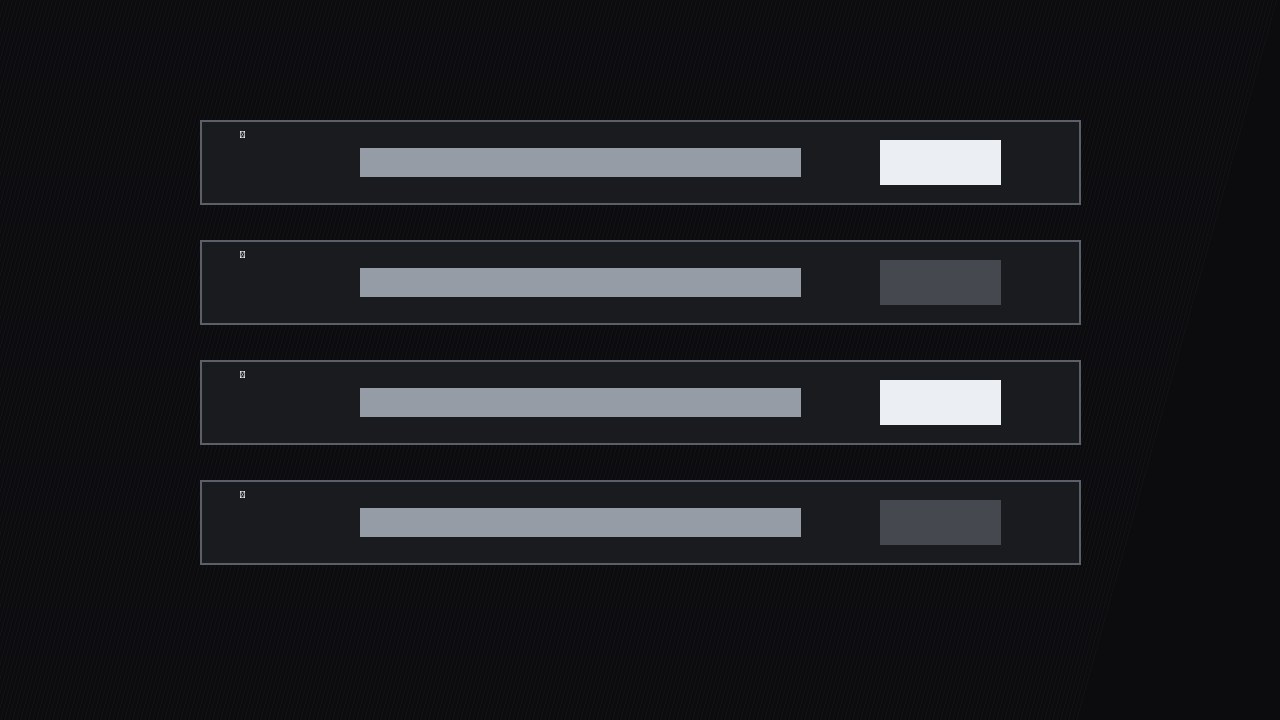
スペック表を数字の壁から判定へと変えます。各スペック行が『確認中』から実際のステータスへひとつずつ切り替わるので、視聴者は製品がライブで評価される感覚を味わえます。
3ステップでインストール
登録不要。CLIツールも不要です。お使いのAIを選んで、1行コピーして貼るだけです。
ご自分で入れたい場合は、スキルを購入($4.99)し、購入完了画面からZIPをダウンロードして、上のディレクトリに展開し、AIのセッションを再起動してください。結果は同じです。すでに購入済みの場合は、AIアシスタントにダウンロードしてもらうこともできます。
パックの内容
SKILL.md(手順書)1点とスターターテンプレート1点が入っています。プレビューはこちらです:
Specification Status Reveal
When to use
- You're reviewing a product and the spec table is doing the real persuading — battery, weight, ports, warranty — but a static table makes viewers' eyes glaze over
- You're comparing two or three products and want the audience to see, row by row, where each one wins or fails instead of dumping three tables at once
- Your video walks through a requirements checklist (does it meet the spec?) and each row needs its own moment of suspense
- You're presenting test results where some specs passed, some failed, and some need a footnote — and the mix is the story
- You want a repeatable spec-reveal style across reviews so returning viewers instantly know how to read your verdicts
Workflow
- Write the spec rows (input: product specs + test results → output: spec table)
Build the table as rows, one spec per row: spec name, claimed value, measured or verified value, status. Keep it to 5–9 rows — the specs that decide a purchase, not every line from the datasheet. Cut anything the audience can't act on ("operating humidity 10–90%") unless the video is specifically about it. Each row gets a status now, before animating: pass, fail, partial, or untested. No row ships with a status you haven't verified — "untested" is an honest status, a guessed "pass" is a lie with a green checkmark. - Order the rows for drama (input: spec table → output: ordered reveal sequence)
Order the rows so the reveal builds: open with one easy pass to establish the rhythm, alternate pass and fail through the middle, and put the most decision-relevant row last — the battery life, the price, the one spec the audience actually buys on. Never group all the fails together at the end unless the product genuinely collapses; a clump of red at the end feels like an ambush, while fails spread through the sequence feel like honest evaluation. If you're comparing products, reveal the same row across all products before moving to the next row — row-by-row comparison beats product-by-product dumps. - Stage the "checking" state (input: ordered rows → output: checking-state layout)
Every row starts in a "checking" state: spec name visible, value area showing a pulsing placeholder (three animated dots or a shimmering bar), status area empty. The checking state is what creates the suspense — the audience watches a row get evaluated instead of reading a finished table. Placeholder animation: a 1.2s shimmer loop, subtle enough to read as "working," never as a loading spinner that suggests the video is buffering. Keep the checking state on screen for 0.6–1.2s per row before the reveal; shorter feels fake, longer feels slow. - Reveal each status (input: checking rows → output: 0.6–1.2s per-row reveal)
Reveal one row at a time: the measured value slides in from the left over 0.3s, then the status stamps in — pass (check mark + silver bar), fail (cross mark + dark bar), partial (half-filled mark + note), untested (dash + "not tested" label) — with a 0.2s scale-in from 90% to 100% and a soft tick sound at the stamp frame. The status stamp lands on the beat of the voiceover's verdict word ("passed," "missed"). Hold each revealed row visible while the next row checks — the table accumulates, so by the final row the audience sees the whole verdict at once. Never reveal two rows on the same frame: the accumulation is the point. - Footnote the partials (input: revealed rows → output: footnote callouts)
Partial and untested rows earn a footnote line that appears under the table for 1.5–2s: "Partial: 4K at 30fps confirmed, 60fps drops frames in low light." The footnote is the difference between a verdict and a smear — a fail with no explanation reads as bias, a fail with a one-line reason reads as testing. Keep footnotes to one line, plain language, no jargon the audience can't use. If a row needs more than one line of explanation, it needs its own segment, not a footnote. - Close with the tally (input: full revealed table → output: 2–3s summary strip)
After the last row, a summary strip slides up under the table: counts by status ("5 pass · 2 partial · 1 fail · 1 untested") plus a one-line verdict in the voiceover's words, never a single-number verdict — the table is the verdict, and reducing it to a number throws away the detail the audience just watched. Hold the full table + tally for 2–3s so viewers can screenshot it. Then cut.
テンプレートのプレビュー
Specification Status Reveal — Spec Table Template
One table per product (or one table, same rows across products for comparisons).
Product: {name} | Verdict line: {one sentence, no single-number verdict}
Spec rows (5–9, in reveal order)
Reveal order rule: one easy pass first, most decision-relevant row last. Comparisons: reveal the same row across all products before moving on.
Animation timing (per row)
Status marks: {pass = check · fail = cross · partial = half-mark · untested = dash — shape, never color alone} Accumulation: {revealed rows stay visible; full table present by final row}
Closing tally
スキルパック本体(SKILL.md とテンプレート)は英語で書かれています。


