AI Services Market › スキルファクトリー › 動画 › Question Bubble Pause
$4.99 · サインイン不要v1.0.0– 回表示
Question Bubble Pause
ひとつの質問、ひとつの吹き出し、本物の間
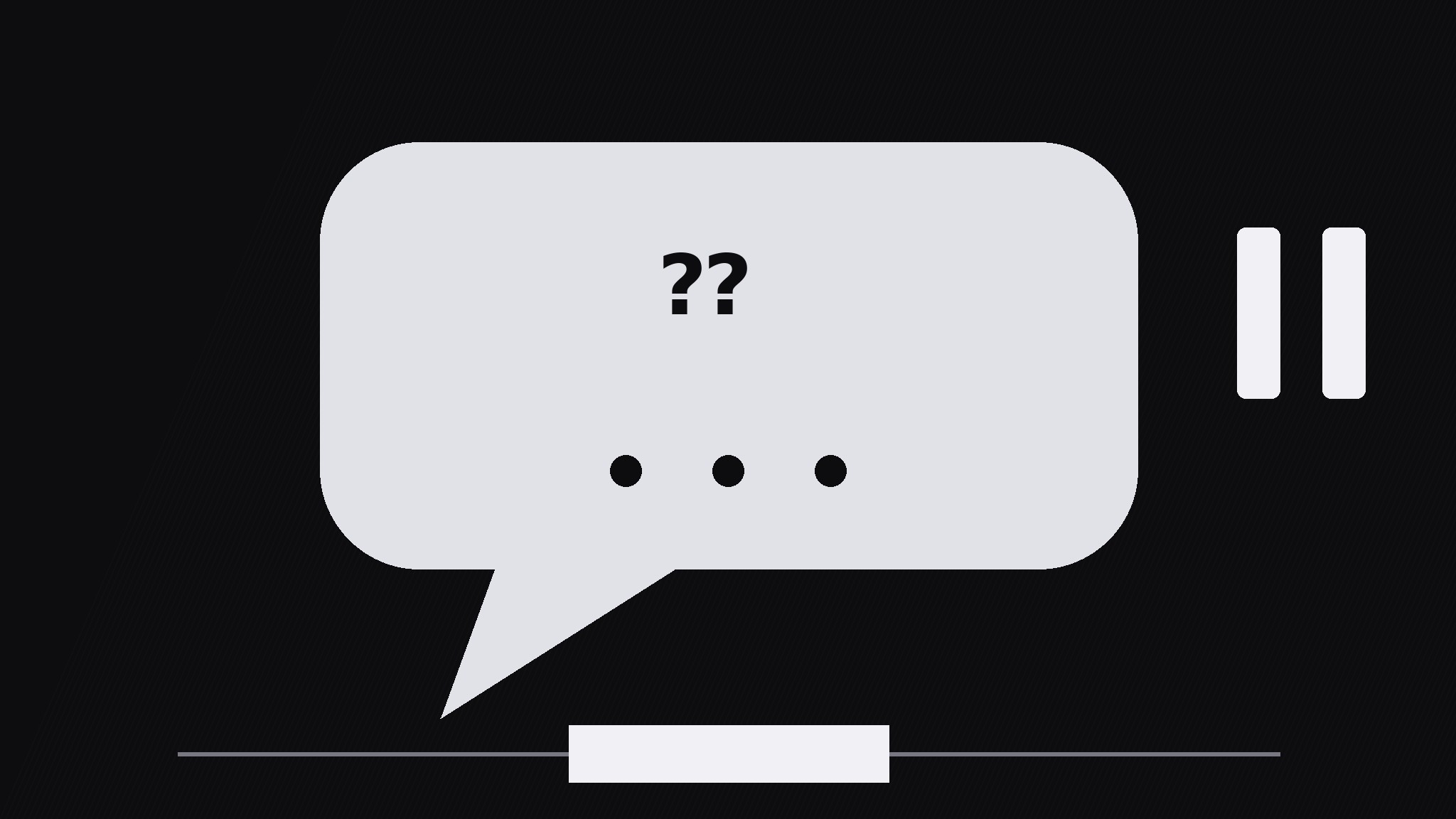
AIが『クエスチョン・バブル・ポーズ』パターンのモーショングラフィックスディレクターになります——吹き出しにひとつの質問を浮かべ、動きを一拍止めることで、答えが届く前に視聴者が実際に考える時間を作ります。
こんな方におすすめ
動画編集者、教育者、クイズ・解説コンテンツ制作者
所要時間
動画1本あたり約10分
レベル
初心者向け
3ステップでインストール
登録不要。CLIツールも不要です。お使いのAIを選んで、1行コピーして貼るだけです。
ご自分で入れたい場合は、スキルを購入($4.99)し、購入完了画面からZIPをダウンロードして、上のディレクトリに展開し、AIのセッションを再起動してください。結果は同じです。すでに購入済みの場合は、AIアシスタントにダウンロードしてもらうこともできます。
パックの内容
SKILL.md(手順書)1点とスターターテンプレート1点が入っています。プレビューはこちらです:
Question Bubble Pause
When to use
- A lesson or explainer where the viewer should guess the answer before hearing it
- A quiz-style video where each question needs a genuine think-beat, not a flash-and-answer
- A talking-head video where the presenter asks the audience a question and the edit must hold the silence
- A training video where a wrong guess is the lesson, so the pause has to feel long enough to commit to one
- A hook moment: one provocative question up front, held, before the video earns the answer
Workflow
- Write the one question (input: topic → output: single question)
Write exactly one question, max 12 words, ending in a question mark, answerable in a few seconds of thought. If the question needs setup, put the setup in the narration before the bubble appears — never inside the bubble. Test it: if a viewer cannot start thinking within one second of reading it, rewrite it shorter. One bubble = one question; two questions in one bubble splits the pause and kills both. - Bubble entrance (input: question → output: bubble on screen)
The bubble pops in over 250ms with a slight overshoot (scale to 106%, settle to 100%) and a soft bounce easing — it should feel like it arrived, not like it faded in. Place the bubble center-frame or beside the presenter, with its tail pointing at whoever is "asking". Keep the bubble's text at least 64px tall so it reads instantly on a phone. The background dims slightly (to 80% brightness) as the bubble arrives, so the question owns the frame. - The pause (input: bubble on screen → output: held think-beat)
Hold everything for 1.2–2.0s: no cuts, no camera moves, no new elements. The only motion allowed is a gentle breathing scale on the bubble (100% → 102% → 100% over the full pause) and a row of three small dots filling in one by one (one per 0.4s) to mark the passing time. Silence or a soft tick is fine; narration during the pause is not — talking over the think-beat tells viewers they do not actually need to think. For harder questions use the long end (2.0s); for quick checks use 1.2s. - Answer reveal (input: held bubble → output: answer beat)
Reveal the answer with a clear visual break from the question: the bubble shifts up or shrinks to 90% and the answer card slides in below it over 300ms, or the bubble flips to show the answer on its reverse. The answer must be short — one line, max 10 words — and it must directly answer the question as written. Hold the question + answer together for at least 1.5s so viewers can compare the two. - Bubble exit (input: answered bubble → output: clean frame)
Exit the bubble in 250ms: fade + scale to 95% with an ease-in curve, or pop it like a soap bubble for lighter videos. The frame must be fully clean before the next section starts — a lingering bubble tail or dimmed background reads as an unfinished thought. If the video chains several questions, return to the same clean frame between each one so every question starts from the same baseline.
テンプレートのプレビュー
Question Bubble Pause — Build Template
One bubble, one question, one real pause.
The question (exactly one, max 12 words)
> {question ending in "?"}
Setup (spoken in narration BEFORE the bubble, never inside it): {one sentence max} Word count: {≤12} | Answerable in seconds of thought? [ ]
Bubble entrance
- Pop-in: 250ms, overshoot to 106% → settle 100%, soft bounce easing
- Placement: {center-frame / beside presenter} | Tail points at: {presenter / camera}
- Text size: ≥64px | Background dims to 80% brightness as bubble arrives
The pause (the pattern — protect it)
- Pause length: {1.2s quick check / 1.6s standard / 2.0s hard question}
スキルパック本体(SKILL.md とテンプレート)は英語で書かれています。


