Payments OG Image
決済リンクのための、信頼できるプレビューを
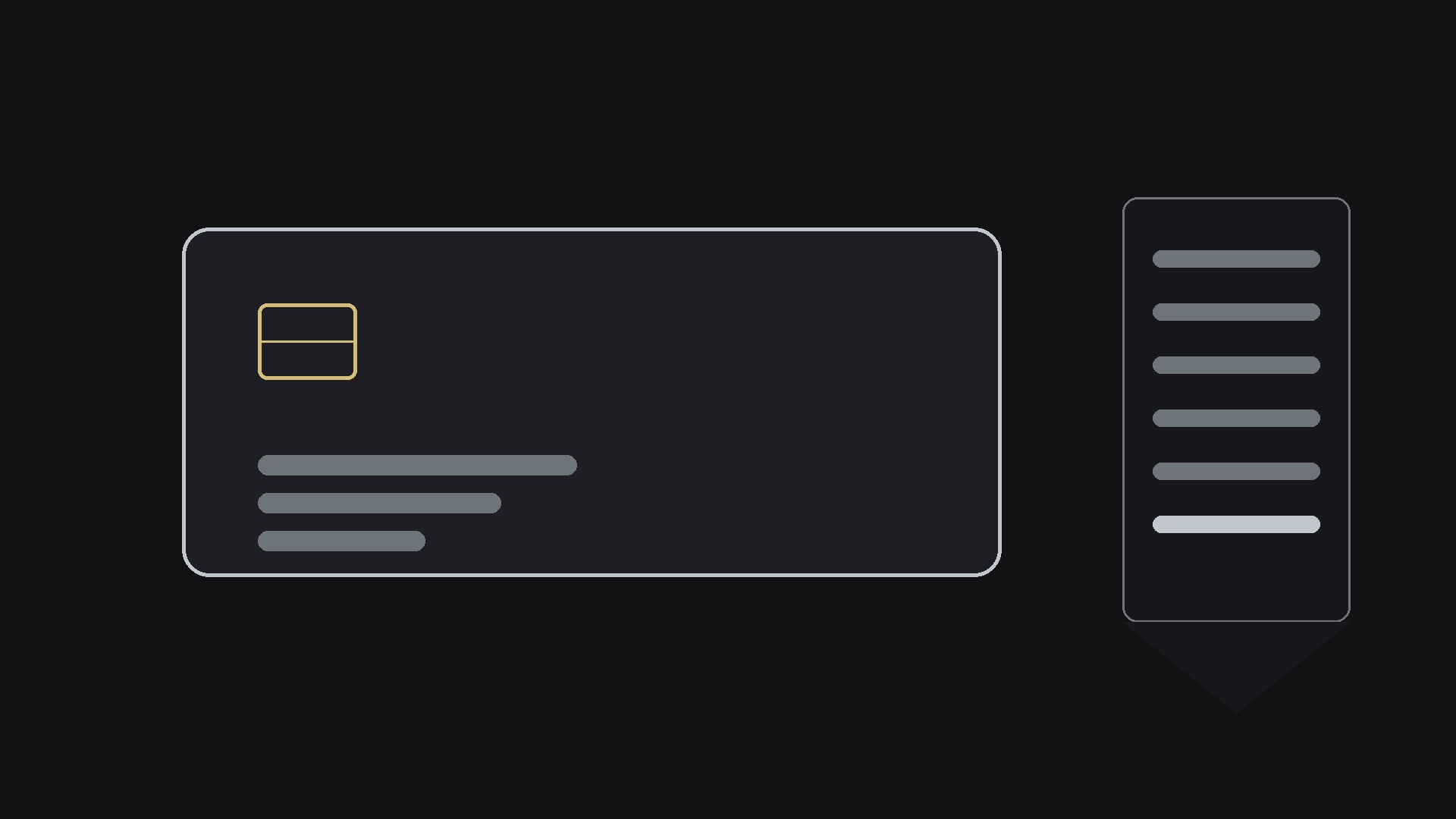
チェックアウトページと料金ページ向けの1200×630 SNSプレビュー画像をデザインします。オファーと正確な価格を前面に、信頼の一文をサブラインに置き、明るいチャットでも暗いチャットでもサムネイルサイズで崩れない構成を備えます。
3ステップでインストール
登録不要。CLIツールも不要です。お使いのAIを選んで、1行コピーして貼るだけです。
ご自分で入れたい場合は、スキルを購入($4.99)し、購入完了画面からZIPをダウンロードして、上のディレクトリに展開し、AIのセッションを再起動してください。結果は同じです。すでに購入済みの場合は、AIアシスタントにダウンロードしてもらうこともできます。
パックの内容
SKILL.md(手順書)1点とスターターテンプレート1点が入っています。プレビューはこちらです:
Payments OG Image
When to use
- You share a checkout or payment link in email, chat, or social posts and the preview looks empty or untrustworthy
- Your pricing page gets linked in threads and the card shows a random cropped screenshot instead of the offer
- You run a payment product, a store, or a paid service and the link preview is the first thing people judge
- You want the preview to answer "what am I paying for, and how much?" before anyone clicks
- You need one image that works across messaging apps, social feeds, and link-in-bio slots without looking broken anywhere
Workflow
- Collect the payment facts (input: your checkout or pricing page → output: fact sheet)
Pull the essentials: what the buyer gets, the price, the billing model (one-time, monthly, per-seat), and any trust facts the page already states (guarantee, refund window, secure checkout). If the page hides the price, the image can't show it either — decide what the preview is allowed to promise before designing anything. - Write the preview headline (input: fact sheet → output: headline + subline)
The headline is the offer in 6 words or fewer: "Pro plan — $19 a month". The subline carries the trust line: guarantee, refund window, or what's included. Money talk demands plain numbers — round, vague phrasing ("affordable pricing") reads as hiding something. Test the headline at thumbnail size; if the price isn't readable there, it may as well not be on the image. - Lay out the composition (input: headline + brand → output: layout spec)
1200×630 canvas, safe zone in the middle 80%. Headline prominent, price impossible to miss, one payment-related motif (card, receipt, or checkout mark) as the visual anchor, brand mark small in a corner. Trust cues — a lock glyph, "30-day guarantee" — sit in the subline, not as a badge salad. One motif, one headline, one price: the preview has about one second of attention. - Render and check legibility (input: layout spec → output: preview image)
Produce the image at exactly 1200×630, then check it at three sizes: full size, chat-thumbnail size (~240px wide), and dark-mode chat background. The price and headline must survive the smallest size; the image must not show white-box edges on dark backgrounds. Check that no text sits where platforms crop — the safe zone is law. - Ship and verify the share (input: preview image → output: live link preview)
Set the image as the page's OG image, then share the link in a private chat or a preview debugger and look at the actual card. Confirm the price on the image matches the price on the page to the cent — a preview that advertises a different price than the checkout is a trust-destroying bug, not a marketing win.
Output spec
テンプレートのプレビュー
Payments OG Image — Template
One offer = one OG image. Fill this in before designing.
Page: {checkout / pricing page URL}
Offer: {product / plan name} | Price: {exact price as shown on checkout} | Billing: {one-time / monthly / per-seat}
Fact sheet
Headline + subline
Headline (≤6 words, includes the offer): {e.g. Pro plan — $19 a month}
Subline (price + billing + one trust line): {e.g. Cancel anytime · 30-day money-back guarantee}
Thumbnail test: Price readable at 240px wide? [ ]
Layout spec
- Canvas: 1200×630, safe zone = middle 80%
- Headline placement: {left / centered}
スキルパック本体(SKILL.md とテンプレート)は英語で書かれています。


