Orbital Workshop Deck
すべてのセッションが、ひとつの中心課題を周回するワークショップデッキ。
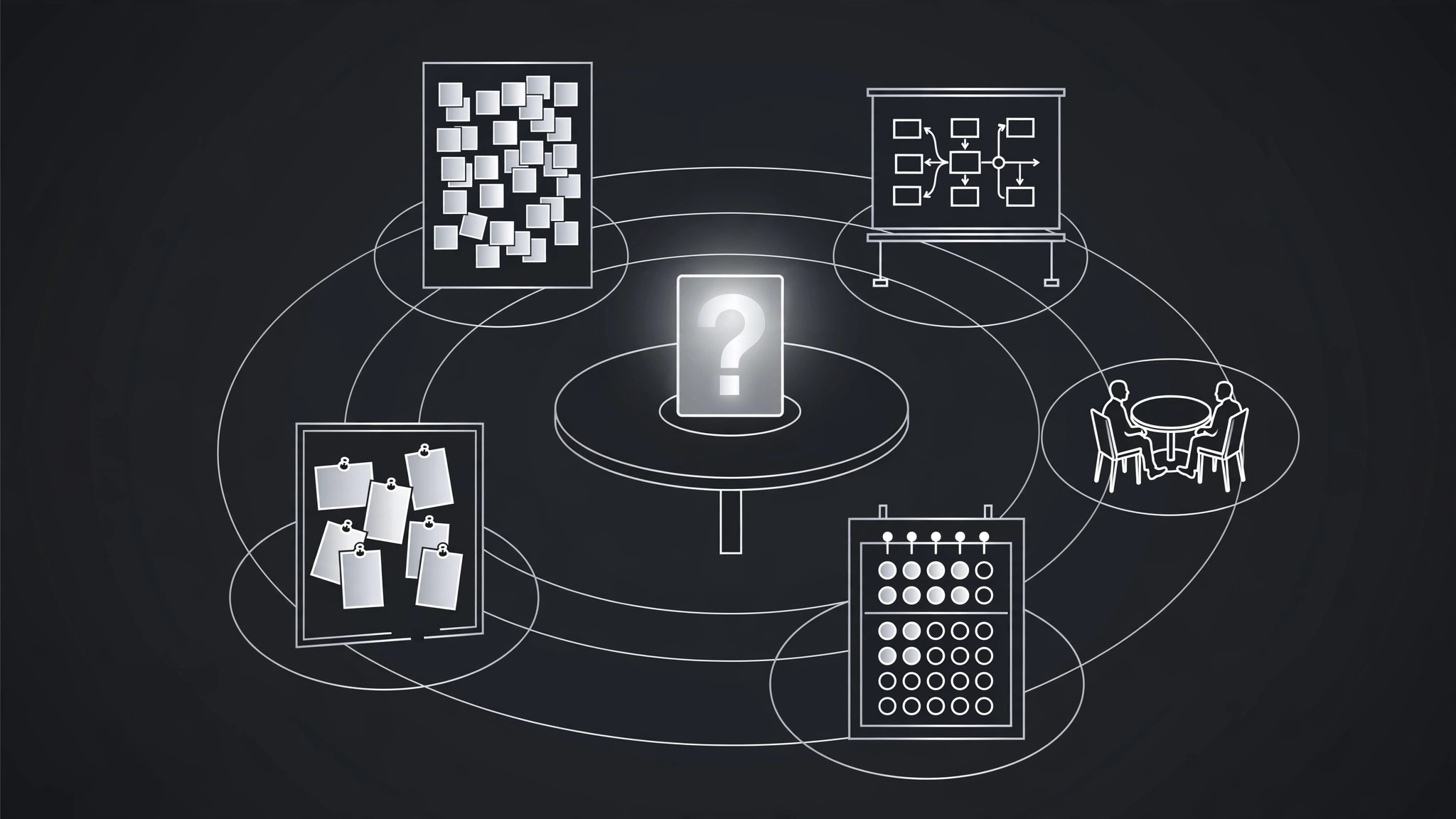
AIがワークショップデザイナーになります。ひとつの中心課題を周回するアクティビティとしてセッションを構成し、すべての演習が散漫にならず、成果に結びついていることが目に見える形にします。
3ステップでインストール
登録不要。CLIツールも不要です。お使いのAIを選んで、1行コピーして貼るだけです。
ご自分で入れたい場合は、スキルを購入($4.99)し、購入完了画面からZIPをダウンロードして、上のディレクトリに展開し、AIのセッションを再起動してください。結果は同じです。すでに購入済みの場合は、AIアシスタントにダウンロードしてもらうこともできます。
パックの内容
SKILL.md(手順書)1点とスターターテンプレート1点が入っています。プレビューはこちらです:
Orbital Workshop Deck
When to use
- You're running a workshop and past sessions drifted into disconnected exercises with no clear outcome
- A team offsite needs to solve one real problem, not sit through a generic team-building day
- You're facilitating a training session and participants keep asking "why are we doing this exercise?"
- A planning workshop has to end with decisions, not just sticky notes
- You're designing a half-day or full-day session for a group that has limited patience for theory
Workflow
- Name the central challenge (input: workshop request → output: challenge statement)
Write the one problem the workshop must move forward, as a question the group can answer by the end: "How do we cut customer onboarding from two weeks to three days?" A vague challenge ("improve collaboration") produces vague exercises; a sharp challenge gives every activity a test — does this exercise move the challenge forward? If it doesn't, it doesn't belong in the deck. Get the challenge agreed with whoever commissioned the workshop before designing anything else, because a challenge disputed halfway through sinks the whole day. - Design the orbit (input: challenge statement → output: activity orbit)
Plan three to five activities, each one an orbit around the central challenge: one to frame it (what do we know, what don't we), one or two to generate options, one to decide, and one to commit. Each activity gets a purpose stated in one line that ties it to the challenge ("Generate six onboarding fixes, then rank them"). Order matters: never decide before generating, never commit before deciding. If an activity's purpose line can't mention the challenge, the activity is orbiting something else — cut it or rewrite it. - Time-box each orbit (input: activity orbit → output: timed agenda)
Give every activity a hard time box with a visible countdown, and make the total fit the session with buffer: a half-day workshop holds three activities plus opening and synthesis; a full day holds five. Plan the energy curve deliberately — the hardest thinking goes in the first half, before lunch and fatigue; the deciding and committing go after a break, when the group has something to decide about. State the time box on every deck section divider so the room can see the shape of the day. - Build the deck (input: timed agenda → output: workshop deck)
Build one deck section per activity, in orbit order, with the same repeating shape: a divider slide naming the activity, its purpose, and its time box; the instruction slide (what to do, in what groups, for how long, what "done" looks like); and the capture slide (where the group's output goes). Keep instruction slides brutally concrete — "In pairs, 8 minutes, write one fix per sticky note" beats "Brainstorm improvements." The deck is the facilitator's clock and the group's map: anyone walking in late should be able to open the deck and know exactly where the session is. - Plan the landing (input: workshop deck → output: closing section)
Design the final section before the workshop starts: synthesis (what did we decide, in the group's own words), commitments (who does what by when — named people, dates), and a one-slide retro (what worked, what to change next time). A workshop that ends on a high-energy activity with no landing leaves the group inspired and the challenge unchanged. The landing is the whole point: the deck's last three slides are the deliverable, and everything before them exists to make those three slides true.
テンプレートのプレビュー
Orbital Workshop Deck — Session Template
One challenge, one orbit. Name the challenge before designing any activity.
Central challenge
> {The one problem this workshop must move forward, as a question the group can answer by the end}
Commissioned by: {name} | Challenge agreed: [ ] yes — {date}
Activity orbit (3–5 activities)
Energy curve: {hardest thinking in the first half; deciding + committing after a break} Total time + buffer: {min + min buffer}
Deck structure (repeat per activity)
Divider slide — {Activity name}
Purpose: {one line tied to the challenge} Time box: {min} — visible countdown: [ ]
Instruction slide — {Activity name}
スキルパック本体(SKILL.md とテンプレート)は英語で書かれています。


