One Query Multiple Screens
一度入力した質問に、すべての画面が答えます
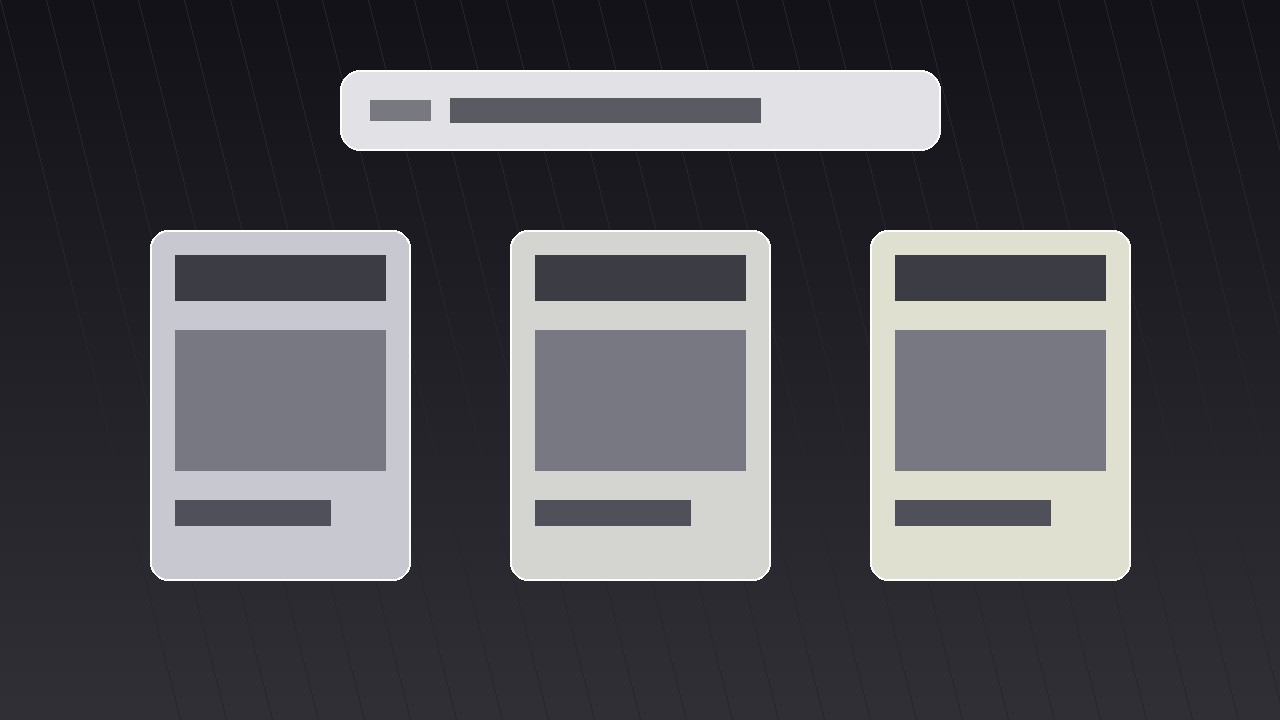
AIが『ワンクエリ・マルチスクリーン』パターンのモーショングラフィックスディレクターになります——クエリを一度だけ入力し、それを複数の画面へ分岐させてそれぞれ異なる答えを返すので、視聴者はひとつのフレームを散らかすことなく全体像をつかめます。
3ステップでインストール
登録不要。CLIツールも不要です。お使いのAIを選んで、1行コピーして貼るだけです。
ご自分で入れたい場合は、スキルを購入($4.99)し、購入完了画面からZIPをダウンロードして、上のディレクトリに展開し、AIのセッションを再起動してください。結果は同じです。すでに購入済みの場合は、AIアシスタントにダウンロードしてもらうこともできます。
パックの内容
SKILL.md(手順書)1点とスターターテンプレート1点が入っています。プレビューはこちらです:
One Query Multiple Screens
When to use
- Your video needs to show that one question has many valid answers — different tools, different angles, different outcomes — without reading a list aloud
- A product demo where the same search, prompt, or command produces different results on phone, desktop, and tablet
- An explainer comparing how several apps, sites, or AI tools respond to the exact same input
- A launch video where one feature fans out into several use cases across screens
- A tutorial intro that previews everything the video will cover, one screen per chapter, before diving in
Workflow
- Lock the one query (input: your topic → output: a single short query line)
Write the query exactly as it will appear on screen — 3 to 8 words, plain language, no jargon. "Best budget laptop," "Plan a weekend in Lisbon," "Fix a leaking tap." This line is the anchor of the whole shot: it gets typed once, centered, in the largest type on screen, and it never changes while the screens branch. If the query needs explaining, it is too long — shorten it until a stranger understands it in two seconds. Everything downstream (screen count, screen content, timing) hangs off this one line, so approve it before building anything else. - Assign one answer per screen (input: query → output: 3–4 screen briefs)
Choose three or four screens — never more than four, or each panel shrinks past readability. Give each screen exactly one job: one answer, one app, one outcome. Write a one-line brief per screen: what it shows, what the headline inside it reads, and what makes it different from its neighbours. The differences must be visible at a glance — different images, different numbers, different verdicts — not four near-identical screenshots. If two screens would look the same, merge them and use the freed slot for a genuinely different angle. - Choreograph the branch (input: screen briefs → output: timed motion plan)
The query types on center screen over ~1.2 seconds, holds for a beat (~0.4 s), then the screens branch outward. Standard timing: the query line scales down to ~85% and slides to the top third while the panels slide or scale in from behind it, staggered 0.12–0.18 s apart, each with an ease-out-cubic curve so they decelerate into place. Total branch move: 0.6–0.9 s. Panels arrive in reading order — left to right, or top-left clockwise — so the eye follows a path instead of hunting. Add a soft drop shadow the moment a panel lands; it sells depth and separates overlapping edges. - Fill each screen with scannable content (input: screen briefs → output: per-screen layouts)
Each panel gets the same internal skeleton: a small label at the top (app name, angle, or category), one hero element (screenshot, photo, or big number), and one caption line of at most 6 words. Keep body text out of the panels entirely — if a panel needs a paragraph, the idea belongs in voiceover, not on screen. Font size inside panels must stay legible at the final panel size, not at full-screen size; test by viewing the finished frame at 50% zoom. Use one accent colour per panel at most, and keep the query line in a neutral tone so it stays the parent of the composition. - Hold, highlight, and exit (input: finished layout → output: hold-and-exit plan)
Hold the full multi-screen frame for 2.5–4 seconds so viewers can actually read it — this is a reading shot, not a flash. During the hold, add one guided highlight: a thin outline, a slight scale-up (103–105%), or a brightness lift on one panel at a time, moving in reading order, ~0.7 s per panel. Never highlight two panels at once. To exit, either collapse the panels back into the query line (reverse the branch, 0.5 s) or push the whole grid off-screen as the voiceover transitions. The collapse-back exit is the cleaner choice when the next shot answers one of the panels in detail — it tells the viewer "we are zooming into this one." - Render and check legibility (input: motion plan → output: final clip)
Render a draft and watch it on a phone, not just a desktop monitor: most viewers meet this pattern on small screens. Check three things: the query line is readable in the first second, each panel's headline is readable during the hold, and no two panels animate at exactly the same instant (simultaneous motion reads as a glitch, staggered motion reads as intention). If any panel's text fails the phone test, cut words before shrinking the panel count — and if cutting words fails, drop to three screens.
テンプレートのプレビュー
One Query Multiple Screens — Starter Template
One query, several screens, one frame. Fill in the query first — everything else hangs off it.
The query
Query (3–8 words, exactly as typed on screen): {query}
Voiceover line: "Same question — {number} very different answers."
Screen briefs (3–4 screens, one answer each)
Cut check: if any two screens would look alike, merge them. Difference must be visible at a glance.
Motion plan
Panel entry order (reading order): {1 → 2 → 3 → 4}
Per-panel layout checklist
- [ ] Label at top (app / angle / category)
- [ ] One hero element only
- [ ] One caption, ≤6 words
- [ ] No body text inside panels
スキルパック本体(SKILL.md とテンプレート)は英語で書かれています。


