Money Transfer OG Image
ここからあそこへ送金、手数料は最初に明示。
AIが送金サービス向けのSNSプレビューデザイナーになります——1200×630のシェア画像を作成します。送金ルートのモチーフ1つ、手数料を明確にして送金する旨の短い一文、サムネイルサイズでも読める文字で構成します。
3ステップでインストール
登録不要。CLIツールも不要です。お使いのAIを選んで、1行コピーして貼るだけです。
ご自分で入れたい場合は、スキルを購入($4.99)し、購入完了画面からZIPをダウンロードして、上のディレクトリに展開し、AIのセッションを再起動してください。結果は同じです。すでに購入済みの場合は、AIアシスタントにダウンロードしてもらうこともできます。
パックの内容
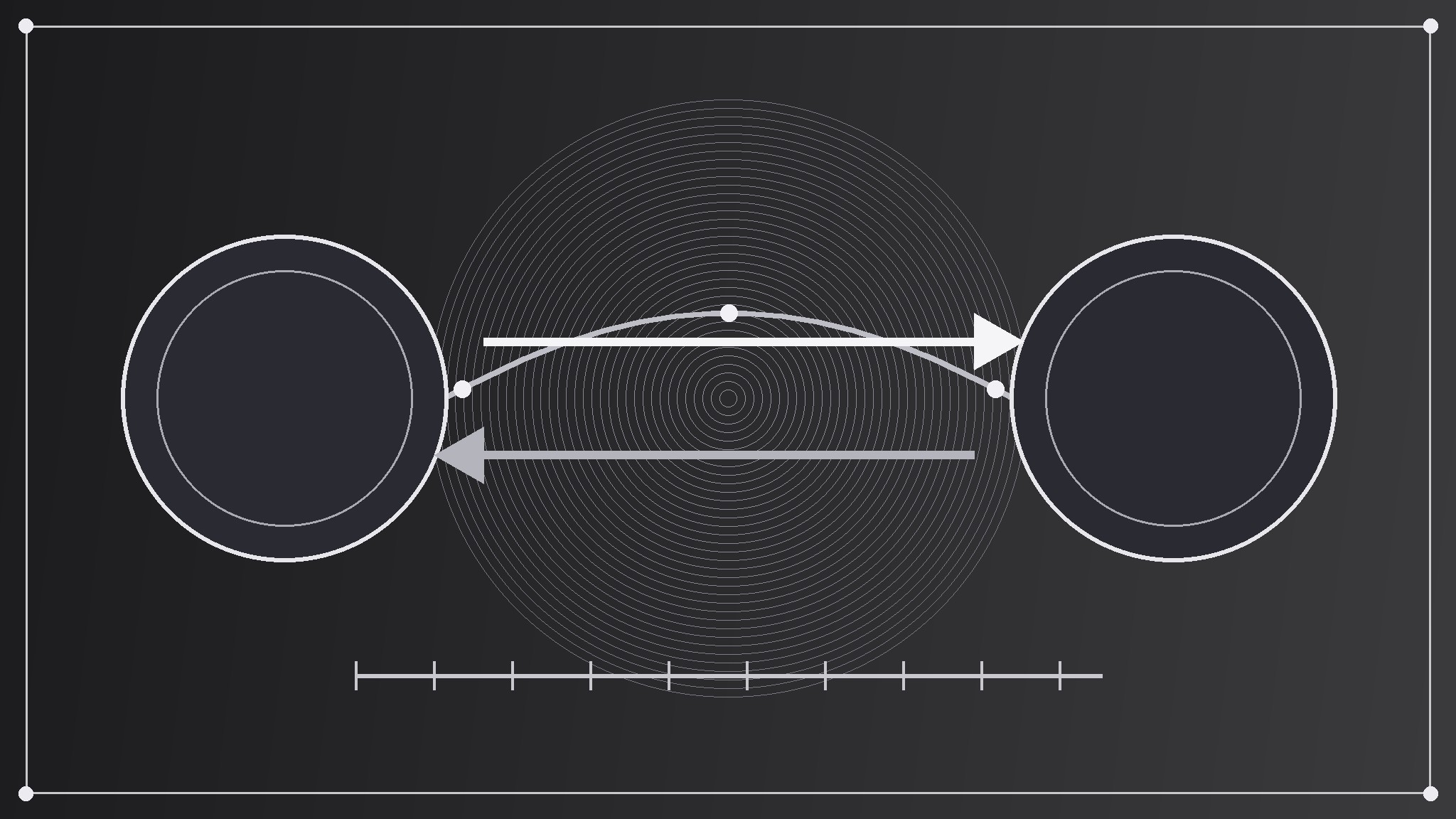
SKILL.md(手順書)1点とスターターテンプレート1点が入っています。プレビューはこちらです:
Money Transfer OG Image
When to use
- Your money-transfer service's shared links preview as a blank box, a cropped app screenshot, or a generic logo that says nothing about sending money
- You are announcing a route, a fee change, a speed improvement, or a new feature and want the link preview to carry the news, not just the service's name
- A help page, route page, pricing page, or blog post about sending money gets shared, and the preview does not distinguish it from any other page
- Your service publishes often and needs one repeatable preview format that works for routes, pricing, help, and posts alike
- A screenshot of the app keeps failing as a preview because its tiny amounts, flags, and form fields turn to noise at thumbnail size
Workflow
- Decide the one sending line (input: the page → output: a one-line sending message)
A transfer preview carries one line about sending money with a clear fee, in eight words or fewer — "Send it home. One clear fee," not "Our innovative global payments platform enables fast, secure, low-cost international money transfers for everyone, everywhere." Read the page and find the sentence a sender would repeat to family; that is the preview line. If the page is a general service homepage, the line is the service's core sending promise; if it is a route or pricing page, the line is that page's payoff. A list of features is not a sending line, and a mission statement is not a sending line — one concrete line is. - Pick the exchange-route motif (input: the sending line → output: a single route motif idea)
Choose one sending gesture that embodies moving money from one place to another without pretending to be a screenshot: two currency circles joined by one exchange arrow over a route arc, a single amount flowing along a route line from one currency code to another, a pair of arrows exchanging places above a straight fee line. The motif is a symbol, not an app screen — no form fields, no keypads, no real amounts, no real exchange rates, no real user balances, no tiny labels. Draw it big and flat, in one or two colors, occupying roughly a third to a half of the canvas. A real app screen crammed into 1200×630 reads as static at thumbnail size; one clean route gesture reads as "money moves from here to there, fee up front." - Set the type (input: sending line + motif → output: the type layout)
Set the sending line in one large, bold typeface at a size that stays legible when the image is shown 240 pixels wide — few words, large size, generous line spacing. Put a small service mark or name in one corner, never competing with the sending line. Keep all text inside a safe margin (at least 60 pixels from every edge at 1200×630) because platforms crop previews differently, and keep essential text out of the bottom strip, where platforms overlay labels or play buttons. If the motif and the type compete for the same space, shrink the motif — the words carry the click. - Build to spec (input: type layout + motif → output: a finished 1200×630 image)
Produce the image at exactly 1200×630 pixels, exported as a JPEG or PNG under 1 MB so it loads fast in crawlers. Use flat colors and bold shapes — silver currency circles and one bright exchange arrow on a dark field, for example — rather than photographic detail or fine lines, which turn to mush at thumbnail size. Check contrast between text and background: light text on a dark field or dark text on a light field, never mid-tone on mid-tone. Export once at full size and once at 240 pixels wide to verify the thumbnail read. - Verify the preview (input: finished image → output: a confirmed working preview)
Wire the image into the page's social meta tags (the Open Graph image tag and its width/height companions) and check it with the platform's own link debugger or by pasting the link into a fresh post draft. Confirm three things: the image actually appears (not a cached old one), it is not cropped into unreadability, and the title and description beside it match the image's sending line. If a stale preview persists, it is usually a cache — re-scrape the URL through the debugger rather than rebuilding the image.
テンプレートのプレビュー
Money Transfer OG Image — Brief Template
One page = one preview. Fill this in before building the image.
Page: {page title + URL}
Page type: {service homepage / route / pricing / help / blog post}
One sending line (≤8 words)
> {the sentence a sender would repeat to family}
Why this line: {what the page actually offers}
Exchange-route motif
Gesture: {two currency circles joined by an exchange arrow over a route arc / amount flowing along a route line between two currency codes / paired arrows above a straight fee line} What it symbolizes: {the sending line, abstractly} Colors: {field color} + {motif color} (one or two flat colors)
Type layout
スキルパック本体(SKILL.md とテンプレート)は英語で書かれています。


