Meditation App OG Image
フィードサイズでも1秒で読める、穏やかなプレビュー画像。
瞑想アプリ向けに、穏やかで即座に読めるソーシャルプレビュー画像を作ります。呼吸の余白のある構成と、クリック前に読めるテキストを備えています。
3ステップでインストール
登録不要。CLIツールも不要です。お使いのAIを選んで、1行コピーして貼るだけです。
ご自分で入れたい場合は、スキルを購入($4.99)し、購入完了画面からZIPをダウンロードして、上のディレクトリに展開し、AIのセッションを再起動してください。結果は同じです。すでに購入済みの場合は、AIアシスタントにダウンロードしてもらうこともできます。
パックの内容
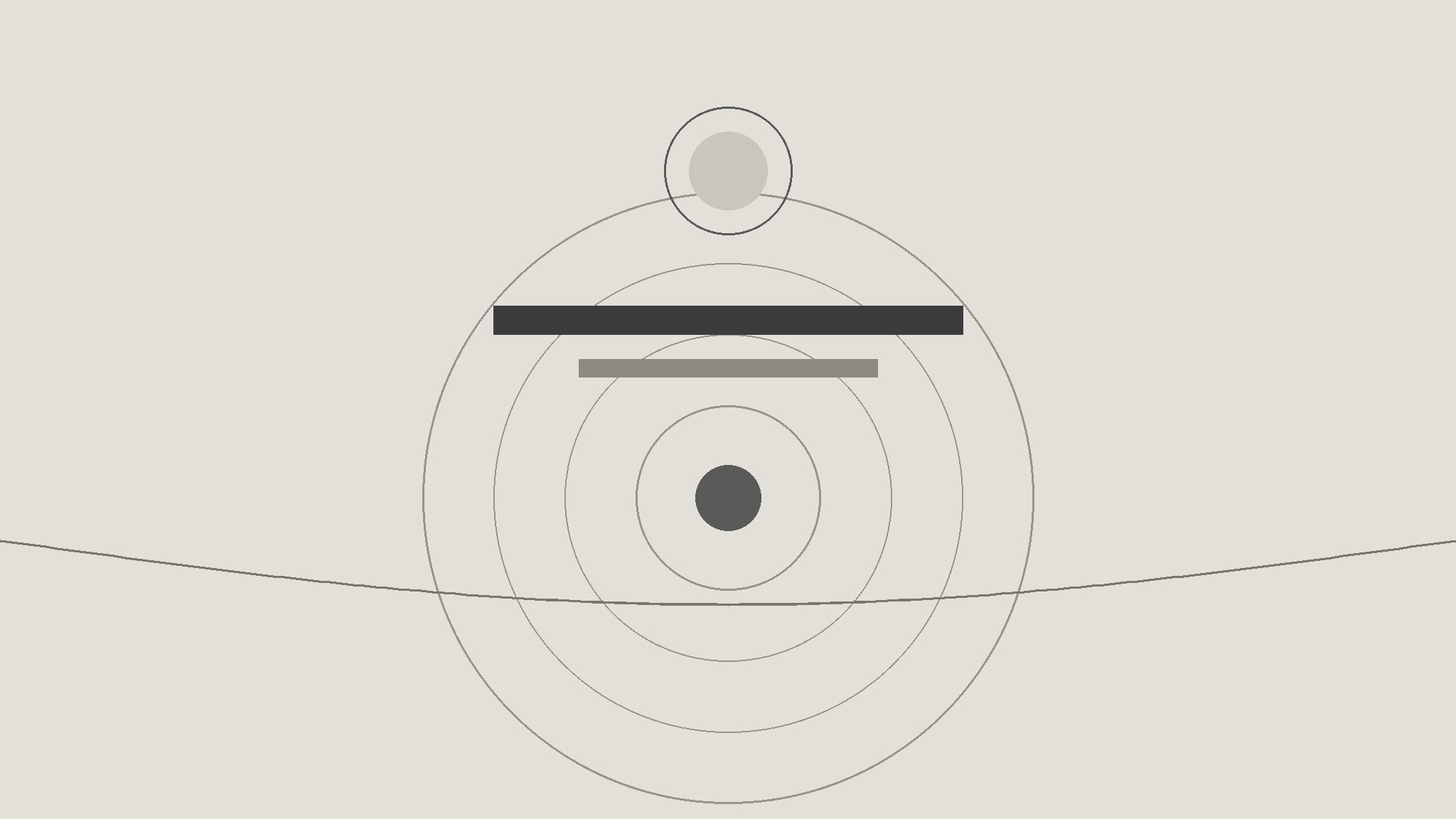
SKILL.md(手順書)1点とスターターテンプレート1点が入っています。プレビューはこちらです:
Meditation App OG Image
When to use
- Your meditation app's links on social media and messaging apps show a blurry screenshot or a blank box
- You are launching a meditation app, a guided session, or a breathing feature and need a share image
- Your current OG image is a busy app screenshot that turns to mush at small sizes
- You want every share of your app — by you or by users — to look calm and recognizable
- You need one image that works across social platforms, chat apps, and link embeds
Workflow
- Lock the single message (input: app + what is being shared → output: one-line message)
Decide what the image must say in under two seconds: usually the app name plus one promise ("Ten minutes of calm" or "Sleep stories for restless minds"). One message only — an OG image is a door sign, not a brochure. Also decide which single visual idea carries the calm: open space, a slow curve, a horizon line, or one quiet object. If you cannot pick one idea, the image will end up with three and read as clutter. - Design for the smallest size first (input: message + visual idea → output: composition)
The image will most often be seen at roughly 500 pixels wide in a feed, and smaller still in a chat preview — so design at that size. Composition rules: one large calm background, the app name in one large line, the promise in one short line, and at most one visual element. Test the composition by shrinking it to thumbnail size: if the app name is not readable and the mood is not obvious at that size, simplify further. Detail that only shows at full size is wasted work. - Set the calm palette and type (input: composition → output: color + type choices)
Choose a palette that reads as calm at a glance: soft muted tones, one dominant background color, text in a high-contrast but not harsh tone. Avoid pure black on pure white (too stark for a meditation brand) and avoid more than two colors plus neutrals. Type: one typeface, two sizes maximum (name large, promise small), generous letter spacing on the small line. The palette and type should match the app itself — the preview is a promise of what opening the app feels like. - Build the image (input: composition + palette + type → output: 1200×630 image)
Build at 1200×630, the standard social preview size, with safe margins: keep all text and the focal visual element inside the central 80% so nothing gets cropped by platform frames. Place the app name where the eye lands first (upper third or center), the promise directly under it, and the visual element as breathing room around them — never behind the text where it fights readability. Export as a compressed JPEG or PNG under 1 MB so it loads instantly in every preview. - Test everywhere it will appear (input: finished image → output: verified preview)
Check the image in at least three real contexts: a social post, a chat-app link paste, and a fresh link-preview debugger or validator. Look for cropping (platforms crop differently), text legibility at thumbnail size, and whether the mood survives compression. Fix once, re-test, then ship: set the image as the page's OG image and keep a copy in the brand folder so future pages reuse the same system instead of inventing a new one.
テンプレートのプレビュー
Meditation App OG Image — Build Template
One message, one visual idea, readable at thumbnail size. Design small first.
Message (one only — an OG image is a door sign, not a brochure)
App name (must appear in the image): {name}
One promise: {e.g. "Ten minutes of calm."}
What is being shared: {app / guided session / breathing feature / launch}
Visual idea (pick ONE)
[ ] Open space [ ] Slow curve [ ] Horizon line [ ] One quiet object: {object}
Why this one: {one sentence}
Composition (design at ~500px wide first — that is how it will mostly be seen)
Layout: [ ] Name upper third, promise under it [ ] Name center, promise under it [ ] Other: {layout}
スキルパック本体(SKILL.md とテンプレート)は英語で書かれています。


