AI Services Market › スキルファクトリー › 動画 › Matrix Fill and Pan
$4.99 · サインイン不要v1.0.0– 回表示
Matrix Fill and Pan
グリッドが埋まり、カメラが移動し、セル1つが決めます。
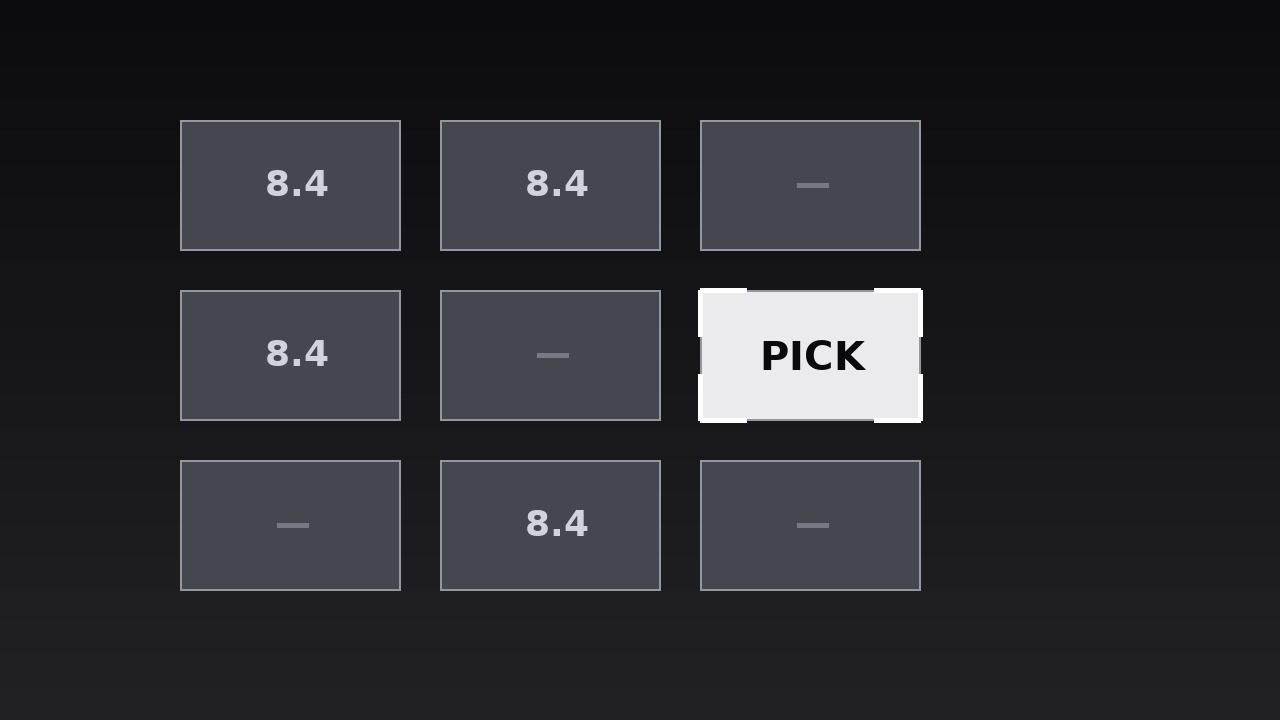
AIを、マトリクス表示のモーションデザイナーに変えます。セルがグリッド全体に1つずつ埋まり、その後カメラが重要なセルへ移動することで、大きな比較が1つの焦点のある意思決定として着地します。グリッド全体では圧倒されるが、セル1つが決める比較動画、意思決定解説、レビューのために。
こんな方におすすめ
レビュアー、比較制作者、意思決定解説者の方
所要時間
20分
レベル
初級
3ステップでインストール
登録不要。CLIツールも不要です。お使いのAIを選んで、1行コピーして貼るだけです。
ご自分で入れたい場合は、スキルを購入($4.99)し、購入完了画面からZIPをダウンロードして、上のディレクトリに展開し、AIのセッションを再起動してください。結果は同じです。すでに購入済みの場合は、AIアシスタントにダウンロードしてもらうこともできます。
パックの内容
SKILL.md(手順書)1点とスターターテンプレート1点が入っています。プレビューはこちらです:
Matrix Fill and Pan
When to use
- A comparison video where a grid of options (products, plans, candidates) must be shown in full, but the verdict lives in one cell
- A decision explainer where the audience needs to see the whole field before the camera commits to the winner
- A review or roundup where scores or features across several options build to a single recommendation
- A strategy or prioritisation segment where a 2×2 or larger matrix organises the field, then focuses on one quadrant
- A pricing or tier breakdown where the grid shows everything, but the "pick this one" cell needs isolation
- Any comparison where showing only the winner feels rigged, but showing the whole grid at once feels like homework
Workflow
- Define the matrix (input: your options and criteria → output: matrix grid)
Build a grid with one axis for options (products, plans, candidates) and the other for criteria (price, speed, ease, risk) — or a 2×2 with two axes (e.g. impact vs. effort). Keep it to 2–4 columns and 2–4 rows: a 3×3 grid reads clearly in video, a 5×5 grid reads as a spreadsheet. Every cell holds the same kind of content — a score, a short verdict, or a check/cross — never a paragraph; if a cell needs a sentence, the matrix is carrying detail it should hand to the narration. Label both axes plainly at the edges, and decide the reading order (usually left-to-right, top-to-bottom) before animating. - Set the cell system (input: matrix grid → output: cell styling)
Fix one cell style: a uniform tile with a thin border, one typeface, one size for cell content, and a neutral fill for unfilled cells. Decide the fill language now — filled cells get a solid or shaded fill, the focus cell later gets a stronger treatment, and "empty" or "not applicable" cells get a distinct quiet mark (a dash or a muted tile), never a blank that looks like a missing render. Keep cell content to one element: a number, a word ("Best", "Slow", "—"), or a single glyph. A cell with three pieces of content is a slide, not a cell. - Fill the matrix (input: cell styling → output: fill animation)
Fill the cells one at a time in reading order, each cell filling over 150–200ms (opacity + a subtle scale 0.95 → 1.0, ease-out) with a 60–100ms stagger between cells, so the grid assembles in a visible wave. Row by row reads most naturally for comparison grids; for a 2×2, fill in the order the narration discusses the quadrants. As each cell fills, its content appears with it — content and fill arrive together, never separately, so the eye reads the cell once. Total fill: 9 cells × ~250ms ≈ 2–2.5 seconds. Do not fill the focus cell any differently during this pass: it fills like every other cell, so the audience sees a fair field before the camera takes sides. - Hold the full grid (input: fill animation → output: full-matrix beat)
Once every cell is filled, hold the complete matrix for 1–1.5 seconds with no motion. This beat is doing real work: it lets the audience scan the field, verify the grid is complete, and feel the scale of the comparison before the focus narrows. The narration during this beat summarises the field in one line ("Nine options, one clear pattern") — not a cell-by-cell readout, which would take longer than the whole sequence. If a viewer pauses here, the frame must work as a still: every cell legible, axes labelled, nothing half-animated. - Pan to the focus cell (input: full-matrix beat → output: pan + zoom)
Now the camera moves: a smooth pan-and-zoom (600–900ms, ease-in-out) that centres the focus cell and scales it to fill 60–75% of the frame. The move is one continuous motion — pan and zoom together, not a pan then a zoom — and it ends with the focus cell stable and centred, its neighbours cropped or pushed to soft, dimmed edges. The focus cell may gain one emphasis treatment on arrival: a slightly stronger border, a brighter fill, or a small marker ("Pick this"). The narration names the decision at the moment the camera settles ("So the pick is..."), not during the move — talking over camera motion splits attention between the words and the travel. - Land the decision (input: pan + zoom → output: decision beat)
Hold the focused cell for 2–3 seconds while the narration states the decision and its one reason ("The pick is X — because it is the only one that does Y"). The focus cell's content stays fully legible at its new size; if the cell's original content was a bare score, add the one-line reason as a caption beneath it now — the reason belongs to the decision beat, not to the grid. End with a hard cut to the next shot, or pull back out to the full grid for a 500ms "remember the field" beat before cutting. Never pan to a second cell after the first: one focus, one decision, or the sequence reads as indecision.
テンプレートのプレビュー
Matrix Fill and Pan — Starter Template
Show the whole field fairly, hold it, then pan to the one cell that decides it.
Comparison: {title} | Grid: {rows} × {columns} | Focus cell: {option × criterion}
Decision this sequence lands on (one sentence): "{The pick is X — because...}"
Matrix definition
- Columns (options): {A} | {B} | {C} | {D}
- Rows (criteria): {1} | {2} | {3} | {4}
- Cell content type (one per cell): [ ] score [ ] short verdict [ ] check/cross [ ] single glyph
- Empty / N/A mark: {dash / muted tile — never a blank}
- Axis labels: columns: {…} / rows: {…}
Cell values (fill in before animating)
スキルパック本体(SKILL.md とテンプレート)は英語で書かれています。


