Learning Loop Deck
仕事がどう賢くなったかを、ループごとに。
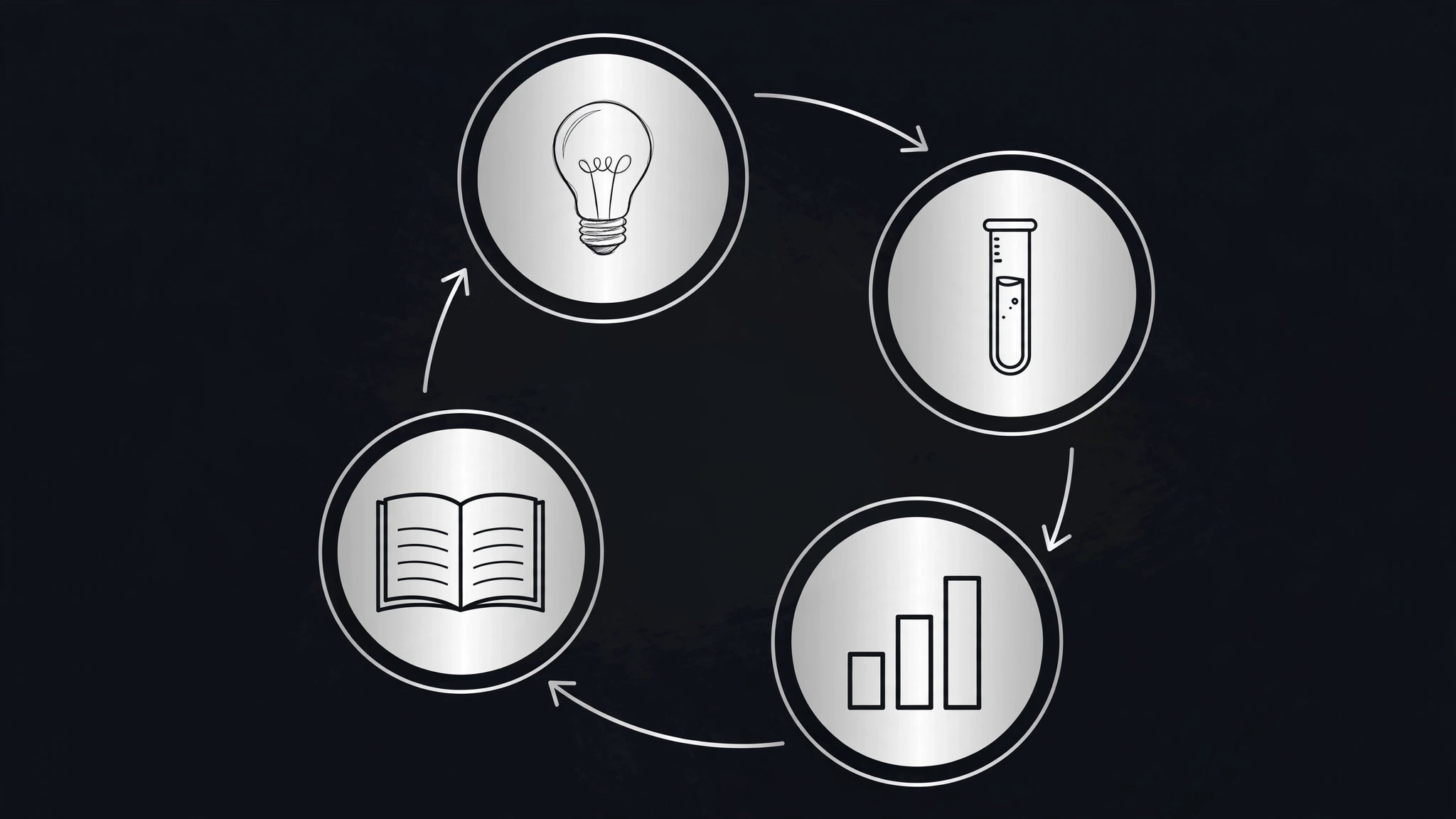
AIをラーニングループのデッキビルダーに変え、プロジェクト、コース、実験を『仮説→試行→測定→学習』の繰り返しサイクルとして構成します。デッキは、起きたことだけでなく、仕事がどう賢くなったかを示します。
3ステップでインストール
登録不要。CLIツールも不要です。お使いのAIを選んで、1行コピーして貼るだけです。
ご自分で入れたい場合は、スキルを購入($4.99)し、購入完了画面からZIPをダウンロードして、上のディレクトリに展開し、AIのセッションを再起動してください。結果は同じです。すでに購入済みの場合は、AIアシスタントにダウンロードしてもらうこともできます。
パックの内容
SKILL.md(手順書)1点とスターターテンプレート1点が入っています。プレビューはこちらです:
Learning Loop Deck
When to use
- Your team ran a series of experiments and leadership wants to know what you learned, not a blow-by-blow timeline
- A course, workshop, or training program ended and you need to show how participants progressed, loop by loop
- A product or campaign improved over several iterations and the story is "each round taught us something"
- A research or pilot project produced more learning than final results, and the learning is the deliverable
- A retrospective needs to become a shareable deck — what you tried, what the evidence said, what changed next
Workflow
- Name the loop (input: your project history → output: one loop sentence)
State the cycle your work actually followed in one sentence: "Each loop we guessed what would help, tried the smallest version, checked the evidence, and kept what worked." If your work didn't repeat, it isn't a learning-loop deck — use a timeline or a report deck instead. The loop sentence goes on slide 1 and every cycle slide repeats its four stages in the same order, so the audience learns the rhythm once and then reads fast. - Collect one cycle per loop (input: notes, data, artifacts → output: cycle cards)
For each loop, gather four facts: the hypothesis ("we believed X"), the try (what you actually did, with scope and dates), the evidence (what you observed — a number, a quote, a screenshot), and the lesson (what you now believe instead). One loop = one card. If a loop is missing evidence, say so on the card — a loop with "no data collected" is an honest finding, not a gap to hide. Three to five loops make a good deck; more than six, merge the weakest. - Build the cycle slides (input: cycle cards → output: one 4-stage slide per loop)
Each loop gets one slide with the same four-stage layout: Hypothesis → Try → Evidence → Lesson. Keep each stage to one or two lines. Put the evidence in the largest type on the slide — it is the only stage that is a fact rather than a claim. Add a small "loop N of M" marker so the audience always knows where they are in the sequence. If two loops taught the same lesson, say so and merge them; repetition without new learning is padding. - Write the pattern slide (input: all cycle cards → output: what the loops add up to)
After the last cycle, add one slide that names the pattern across loops: which hypotheses kept surviving, which kind of try kept failing, what the evidence kept pointing at. This is the deck's thesis — everything before it was the proof. Do not introduce new claims here; every line on the pattern slide must trace back to a specific loop's evidence stage. - Close with the next loop (input: pattern slide → output: next-loop slide + speaker notes)
End on the loop that hasn't happened yet: the hypothesis the pattern suggests, the try you propose, how you will measure it, and when you will report back. A learning-loop deck that ends with "and so we learned a lot" wastes its structure; one that ends with a concrete next loop turns the audience into participants. Add speaker notes to every slide: one sentence of what to say, one sentence of what not to claim.
テンプレートのプレビュー
Learning Loop Deck — Template
Fill in one block per loop. Keep each stage to one or two lines. Evidence goes in the largest type.
Title slide
Project: {project name} Our loop: Each loop we {hypothesized}, tried {the smallest version}, checked {the evidence}, and kept {what worked}. Date range: {start} – {end}
Loop {N} of {M}
What we will stop / keep / start because of this loop: {one line}
*(Repeat this block for each loop — aim for 3–5 loops.)*
Pattern slide
What the loops add up to:
- {Pattern} — seen in loops {N, M}
- {Pattern} — seen in loops {N, M}
スキルパック本体(SKILL.md とテンプレート)は英語で書かれています。


