Integration Grid Hero
『あなたのスタックと連携します』を一目で証明するヒーローグリッド。
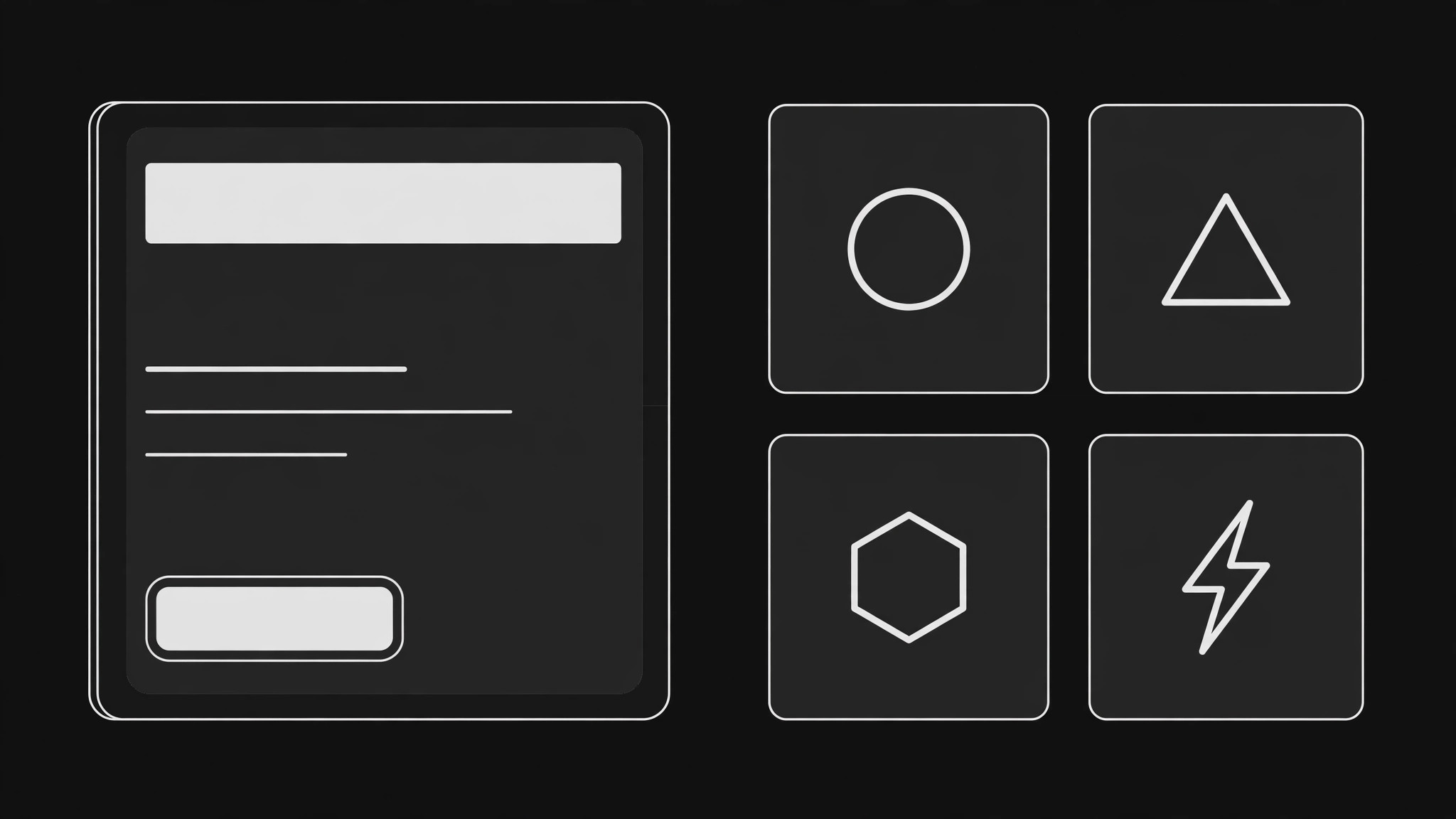
AIをヒーローセクションデザイナーに変え、実際の連携を棚卸しし、散らからずに幅の広さを証明する読みやすいロゴグリッドに並べ、1つの見出しと1つのCTAと組み合わせます。
3ステップでインストール
登録不要。CLIツールも不要です。お使いのAIを選んで、1行コピーして貼るだけです。
ご自分で入れたい場合は、スキルを購入($4.99)し、購入完了画面からZIPをダウンロードして、上のディレクトリに展開し、AIのセッションを再起動してください。結果は同じです。すでに購入済みの場合は、AIアシスタントにダウンロードしてもらうこともできます。
パックの内容
SKILL.md(手順書)1点とスターターテンプレート1点が入っています。プレビューはこちらです:
Integration Grid Hero
When to use
- Your product connects to a dozen or more tools and the hero currently says "integrates with everything" with nothing to show for it
- A landing page for a platform, automation tool, or API product where visitors ask "does it work with what I already use?" before anything else
- A redesign where the hero is a generic product screenshot and the integration list is buried three screens down
- A partner or marketplace page that needs to show breadth of coverage without becoming a wall of logos
- A launch page where the integration set is the main selling point, ahead of features or pricing
Workflow
- Inventory the real integrations (input: your product docs + integration list → output: verified integration roster)
List only integrations that actually exist and work today — name, what it does in one line, and whether it is native, via API, or via a connector. Drop anything in beta unless you label it beta, and drop anything deprecated. A grid that shows a logo for an integration that does not work is a refund request waiting to happen. Sort the roster into tiers: the 6–10 integrations your buyers ask about most, then the rest. - Write the promise first (input: verified roster → output: headline + subhead + one CTA)
The grid proves; the headline sells. Write one headline naming the audience and the outcome ("Connect your whole stack in an afternoon"), one subhead naming the mechanism in plain words ("Native integrations, no code, no middleware"), and one call to action. The headline goes above or beside the grid, never inside it — the grid is evidence, not copy. If you cannot state the promise in one line, the grid cannot save the hero. - Lay out the grid (input: roster + promise → output: grid layout spec)
Place the top-tier integrations in the first two rows, largest and most legible, in the order buyers search for them — not alphabetical, not by partner size. Use a strict grid: equal tile sizes, consistent logo treatment (all monochrome, or all on identical light tiles), generous gutters. Cap the visible grid at 12–18 tiles; anything more becomes a searchable directory below the fold, not part of the hero. Every tile gets a text label under or beside the logo — logos alone fail for tools people do not recognize. - Make it scannable, not decorative (input: layout spec → output: visual hierarchy pass)
Check the grid at arm's length: the headline should read first, the CTA second, the top-tier logos third. If the grid shouts louder than the headline, shrink the tiles or mute the logos. Add one line under the grid — "Plus 40 more in the directory" or "Search all integrations" — so the grid implies completeness without showing every tile. Hover states can reveal the one-line description; the default state stays clean. - Verify responsive and accessible (input: visual pass → output: tested hero)
Test the hero at phone width, tablet width, and desktop: the grid reflows to 3–4 columns on phones, the headline never overlaps a tile, and the CTA stays reachable without scrolling past the grid. Every logo tile needs alt text with the integration name, and the grid must be navigable by keyboard if tiles link anywhere. Then load the page on a slow connection: if the logo images delay the headline, inline the top-tier marks or lazy-load the rest.
テンプレートのプレビュー
Integration Grid Hero — Build Template
Fill this in before laying out the hero. Only integrations that work today go in the grid.
Promise
Headline (one line): {audience + outcome, e.g. "Connect your whole stack in an afternoon"}
Subhead (one line): {mechanism in plain words, e.g. "Native integrations, no code, no middleware"}
CTA: {one action, e.g. "Browse integrations"} → {destination}
Verified integration roster
Only real, working integrations. Mark beta where it applies.
Total integrations: {N} — Visible in hero grid: {12–18} — Rest go to: {directory / search page}
Grid layout
Columns: desktop {n} · tablet {n} · phone {n}
スキルパック本体(SKILL.md とテンプレート)は英語で書かれています。


