AI Services Market › スキルファクトリー › Web › Illustrated Agritech App Landing
$4.99 · サインイン不要v1.0.0– 回表示
Illustrated Agritech App Landing
まず現場に語りかける、ランディングページ。
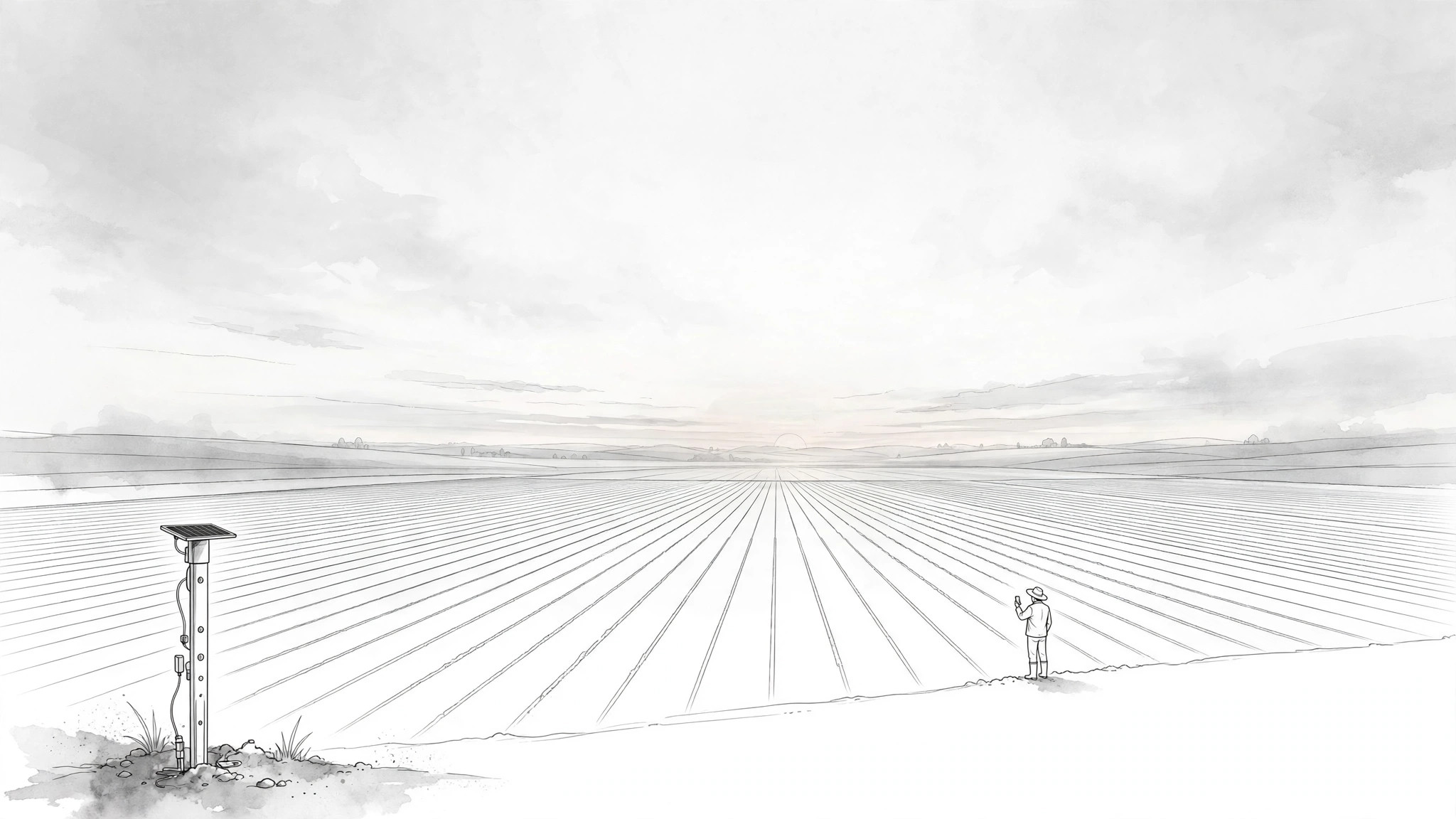
アグリテックアプリのランディングページを、現場の言葉で作ります。実際の農場の状況を描く現場感のあるイラストと、明確な1つの登録導線を備えています。
こんな方におすすめ
ランディングページが大企業向けソフトウェアの売り文句のようになっているアグリテックチームの方
所要時間
~3時間
レベル
中級
3ステップでインストール
登録不要。CLIツールも不要です。お使いのAIを選んで、1行コピーして貼るだけです。
ご自分で入れたい場合は、スキルを購入($4.99)し、購入完了画面からZIPをダウンロードして、上のディレクトリに展開し、AIのセッションを再起動してください。結果は同じです。すでに購入済みの場合は、AIアシスタントにダウンロードしてもらうこともできます。
パックの内容
SKILL.md(手順書)1点とスターターテンプレート1点が入っています。プレビューはこちらです:
Illustrated Agritech App Landing
When to use
- Your agritech app's landing page was written for investors and confuses the farmers and agronomists it is actually for
- You are launching a farm-management, crop-monitoring, livestock, or irrigation app and need a page that earns trust in one scroll
- Field teams say the current page "doesn't look like it understands farming"
- Signups are low even though demos go well — the page is not carrying the demo's story
- You need illustrations that show real field situations (a crop row, a soil sensor, a herd) instead of generic tech stock photos
Workflow
- Learn the field day (input: product + users → output: user-day brief)
Before writing anything, document one real day for the primary user: what they do at dawn, what decisions they make by midday, what goes wrong, and where the phone comes into it. Talk to at least one real user or read real support tickets and reviews — do not invent the day from the feature list. The brief ends with three sentences: who the user is, the hardest decision in their day, and the moment the app helps. If the landing page cannot answer "what does this do for me before lunch?", the brief is not done. - Write the page in field language (input: user-day brief → output: page copy)
Write the whole page in the words the user would use to a neighbor: short sentences, concrete nouns (field, herd, pump, rainfall), no enterprise jargon, no "leverage", "synergy", or "end-to-end solutions". Structure: headline stating the one outcome ("Know which field needs water before you drive out"), three benefit blocks tied to real jobs (plan the day, spot trouble early, prove what happened), and one plain-language "how it works" in three steps. Every claim must be true on a bad-connectivity day in the field — if a feature needs strong signal, say so or leave it off the page. - Illustrate the field, not the dashboard (input: copy → output: illustration set)
Commission or generate an illustration set that shows the farm, not just the screen: a hero illustration of the user's world (fields, animals, equipment) with the app present but not dominant, plus one illustration per benefit block showing the situation the benefit solves. Illustrations must be field-true — the crop growth stages, the equipment, the landscape should match the region and crop the app serves. Wrong details (a wheat field for a rice app, a harvester that does not exist) destroy trust faster than no illustration at all. - Build the page with one path (input: copy + illustrations → output: landing page)
Assemble the page: hero (illustration + headline + one signup button), three benefit blocks (illustration + short copy each), three-step "how it works", one proof section (only verifiable proof: user quote with name and farm type, or a pilot result you can stand behind), and a final signup block repeating the same single call to action. One path means one button repeated, not four different buttons to four destinations. The page must load fast and read cleanly on a cheap phone on a slow connection — that is the device your user actually has. - Test with real users and fix (input: landing page → output: verified page)
Show the page to two or three real users in the target audience and watch them use it without explaining anything: can they say what the app does in one sentence, can they find the signup button without hunting, does anything confuse or offend them? Fix what they trip on, then re-test the fix with one more user. Also verify every claim on the page against the actual app, and check the page on a low-end phone over a throttled connection before shipping.
テンプレートのプレビュー
Illustrated Agritech App Landing — Build Template
Write for the field, not the boardroom. Ground everything in real user contact.
User-day brief (from at least one real user, support tickets, or real reviews — never invented)
Primary user: {who — e.g. smallholder rice farmer / agronomist / ranch manager}
One real day:
Hardest decision in their day: {decision}
Moment the app helps: {moment}
"What does this do for me before lunch?" {answer — if you cannot answer this, the brief is not done}
Page copy (field language: short sentences, concrete nouns, no jargon)
スキルパック本体(SKILL.md とテンプレート)は英語で書かれています。


