AI Services Market › スキルファクトリー › ワークフロー › Grading Assistant
$4.99 · サインイン不要v1.0.0– 回表示
Grading Assistant
あなたのルーブリックで採点し、生徒一人ひとりにフィードバックを書きます
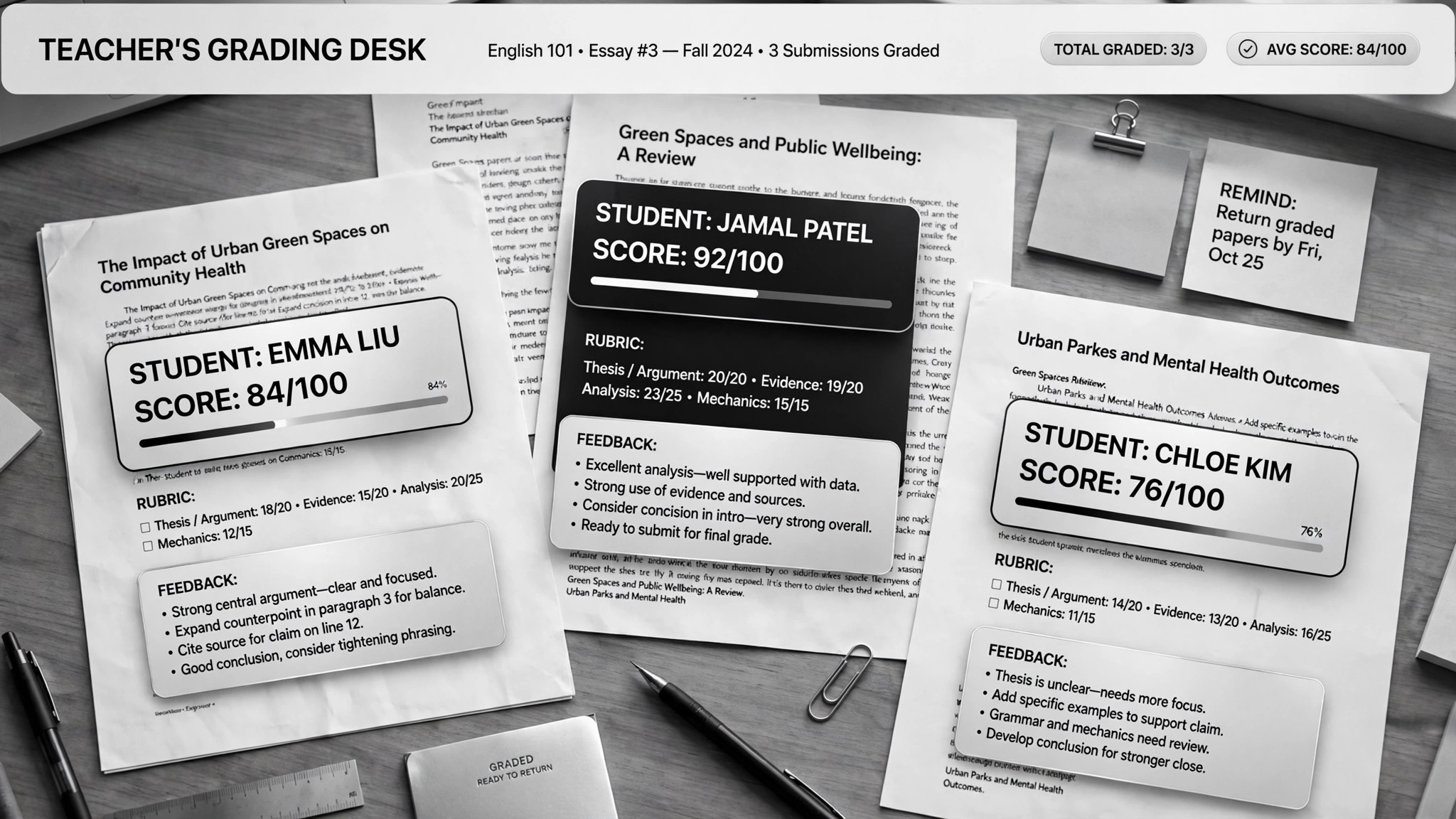
AIがあなたのルーブリックに沿ってレポートを採点し、生徒一人ひとりに合わせたフィードバックを作成します。さらに、よくある間違いから復習教材も生成します。エッセイに埋もれながらも、全生徒に役立つフィードバックを届けたい教師のために。
こんな方におすすめ
教師、家庭教師
所要時間
1コースあたり初期設定 約20分
レベル
初心者向け
3ステップでインストール
登録不要。CLIツールも不要です。お使いのAIを選んで、1行コピーして貼るだけです。
ご自分で入れたい場合は、スキルを購入($4.99)し、購入完了画面からZIPをダウンロードして、上のディレクトリに展開し、AIのセッションを再起動してください。結果は同じです。すでに購入済みの場合は、AIアシスタントにダウンロードしてもらうこともできます。
実際の活用事例
実際のユーザーがAIエージェントで、まさにこの仕事をやり遂げた事例です。
活用事例
Grade papers and build lessons with Claude Cowork
事例を読む →活用事例Grade papers and build lesson plans for teachers
事例を読む →パックの内容
SKILL.md(手順書)1点とスターターテンプレート1点が入っています。プレビューはこちらです:
Grading Assistant
When to use
- You have 30+ essays to grade against a rubric and the weekend is disappearing
- Every student should get real feedback, not a score and a "good job"
- You want to spot what the whole class got wrong and turn it into next week's review
- You teach the same course across sections and need grading to stay consistent
- You need lesson plans or review slides built from actual student mistakes, not your memory of them
Workflow
- Build the grading project (input: syllabus, rubric, sample answers → output: per-course project)
Set up one AI project per course and feed it the syllabus, your rubric, past exams, model answers, and course materials. One real case keeps a separate project per course so the grading stays anchored to that course's standards. A rubric written for a colleague, not for yourself, is the bar — the AI grades what it says, not what you meant. - Anonymize the submissions (input: student work → output: numbered, ID-free batch)
Strip names before grading: student papers get anonymous numbers. This keeps the grading honest and protects student privacy. Feed readable digital files — scans need to be legible or the grading degrades silently. - Grade criterion by criterion (input: rubric + submissions → output: scored batch + flagged borderlines)
The AI scores each submission against every rubric criterion separately, with a short justification per criterion. It doesn't invent the rubric as it goes — every score points at a criterion. Borderline and low-confidence grades get flagged for your review; the easy agreements flow through. - Write real feedback (input: graded batch → output: per-student feedback)
Each student gets personalized comments: what they did well (citing their actual words), what cost them points (citing the criterion), and one concrete thing to fix next time. A feedback comment that could apply to any student applies to none of them — send it back. - Mine the mistakes for teaching (input: full batch results → output: class trends + review materials)
Aggregate the criterion scores across the class to find the hot spots: the two rubric rows where everyone bled points. Turn those into next week's review — slides or a lesson plan built from the actual wrong answers, not from what you remember being hard. Never touch the original submission files; scores live in a separate sheet. - You set the final grades (input: scored batch → output: confirmed grades)
Review the flagged borderlines, spot-check a handful, then approve. The AI proposes; you dispose. Educational responsibility doesn't delegate — final grades are always the teacher's call.
Output spec
テンプレートのプレビュー
Grading Assistant — Rubric & Batch Template
One project per course. Anonymize first, grade second, approve last.
Course project
- Course: {name / term}
- Fed to the AI: [ ] syllabus [ ] rubric [ ] past exams [ ] model answers [ ] course materials
- Submissions format: {digital docs / legible scans}
The rubric (written for a colleague, not for yourself)
Grading scale: {e.g. A ≥ 90, B ≥ 80 …} | Late policy: {…} | Academic integrity notes: {…}
Batch tracking
Student feedback format (one per student)
Feedback — Student {anonymous #}
- What worked: {quote their actual words — "…"}
スキルパック本体(SKILL.md とテンプレート)は英語で書かれています。


