Expense Tracker
レシートを転送するだけ——きれいな経費レポートと予算の洞察が返ってきます
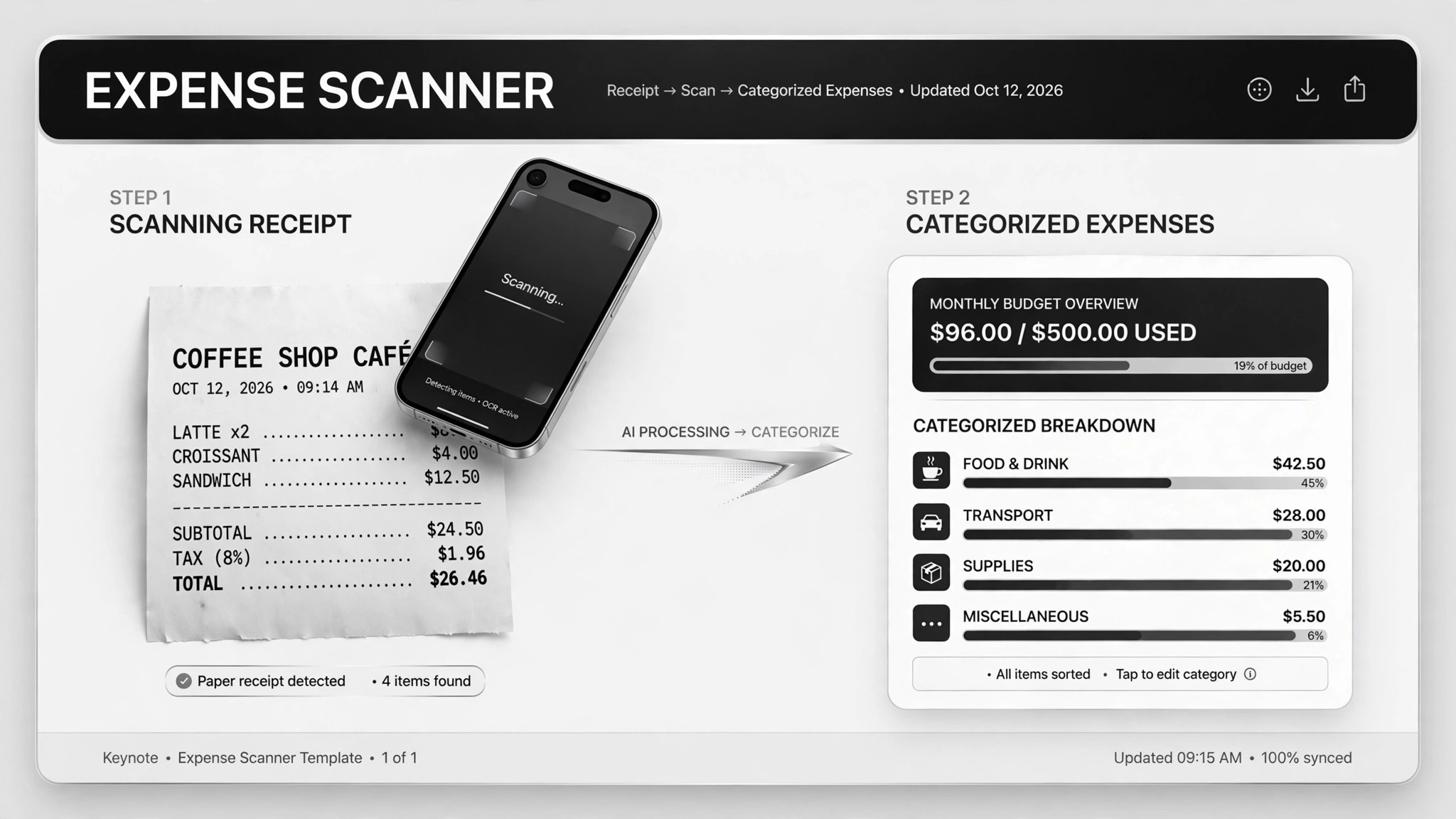
レシートや銀行明細が届くたびに転送するだけで、きれいな経費レポート、予算サマリー、税務対応の集計が返ってきます。確認するのはフラグの付いた項目だけです。
3ステップでインストール
登録不要。CLIツールも不要です。お使いのAIを選んで、1行コピーして貼るだけです。
ご自分で入れたい場合は、スキルを購入($4.99)し、購入完了画面からZIPをダウンロードして、上のディレクトリに展開し、AIのセッションを再起動してください。結果は同じです。すでに購入済みの場合は、AIアシスタントにダウンロードしてもらうこともできます。
実際の活用事例
実際のユーザーがAIエージェントで、まさにこの仕事をやり遂げた事例です。
Turn forwarded receipts and bank data into expense and tax summaries
事例を読む →活用事例Analyze budgets and research investments from bank data
事例を読む →活用事例Extract invoice data and file it into a bookkeeping sheet
事例を読む →パックの内容
SKILL.md(手順書)1点とスターターテンプレート1点が入っています。プレビューはこちらです:
Expense Tracker
When to use
- You keep losing track of receipts and dread expense time
- You want a weekly spending summary without opening a spreadsheet
- Tax season is coming and your deductions live in a shoebox of PDFs
- You're self-employed and need clean expense records your accountant can actually use
- You want to spot subscription creep or budget leaks before they cost you real money
Workflow
- Set up the intake (input: your tools → output: forwarding channel)
Create one dedicated place for receipts: a forwarding email address, a chat thread, or an upload folder — whatever you'll actually use in the moment. The system only works if forwarding a receipt takes less effort than ignoring it. Note which bank exports you can provide (CSV downloads; never hand over login credentials). - Extract the facts (input: receipt image/PDF → output: structured row)
From each receipt pull four things: merchant, date, amount, category. Photos go through a vision pass; PDFs get their text extracted first. Every row carries its source file name so you can trace any number back to the original receipt in seconds. - Review and confirm (input: extracted rows → output: confirmed rows)
Before anything gets filed, you see each row and correct the mistakes — wrong merchant names, split categories, foreign currencies. This is the human checkpoint that makes the whole thing trustworthy. Anything the extractor can't read gets kicked back to you instead of guessed. - File and archive (input: confirmed rows → output: bookkeeping sheet + archive)
Confirmed rows append to your yearly bookkeeping sheet, and the original files archive into monthly folders. The sheet is the single source of truth; the archive is the audit trail. Keep both somewhere your accountant can open. - Run the summaries (input: bookkeeping sheet → output: reports on schedule)
Weekly: a simple expense report — total, by category, anomalies flagged. Monthly: budget vs. actual per category, plus a list of recurring subscriptions with amounts. Yearly: a tax summary of deductible items, with anything ambiguous listed separately for you or your accountant to decide.
Output spec
- Expense rows: date, merchant, amount, category, source file reference
- Weekly report: total spend, top categories, new subscriptions detected, anomalies flagged
- Monthly budget view: planned vs. actual per category, subscription list with monthly cost
- Annual tax summary: deductible totals, uncertain items listed separately with reasons
- Everything traceable to a source file; nothing auto-filed without your confirmation
Good vs. bad examples
テンプレートのプレビュー
Expense Tracker — Category Map & Report Template
Confirm the category map once; every future receipt sorts itself.
Category map
Expense row (one per receipt)
Weekly report — {week starting yyyy-mm-dd}
Total spend: ${x} across {n} receipts Top categories: {category}: ${x} · {category}: ${x} New subscriptions detected: {service} — ${x}/mo since {date} Anomalies: {e.g. $412 charge from {merchant} — 3× the usual}
Monthly budget — {month}
Subscriptions this month: {n} services, ${x} total — {list}
Annual tax summary — {year}
Deductible total: ${x} Uncertain (needs accountant):
Review checklist — before filing anything
スキルパック本体(SKILL.md とテンプレート)は英語で書かれています。


