AI Services Market › スキルファクトリー › 動画 › Echo Burst Statement
$4.99 · サインイン不要v1.0.0– 回表示
Echo Burst Statement
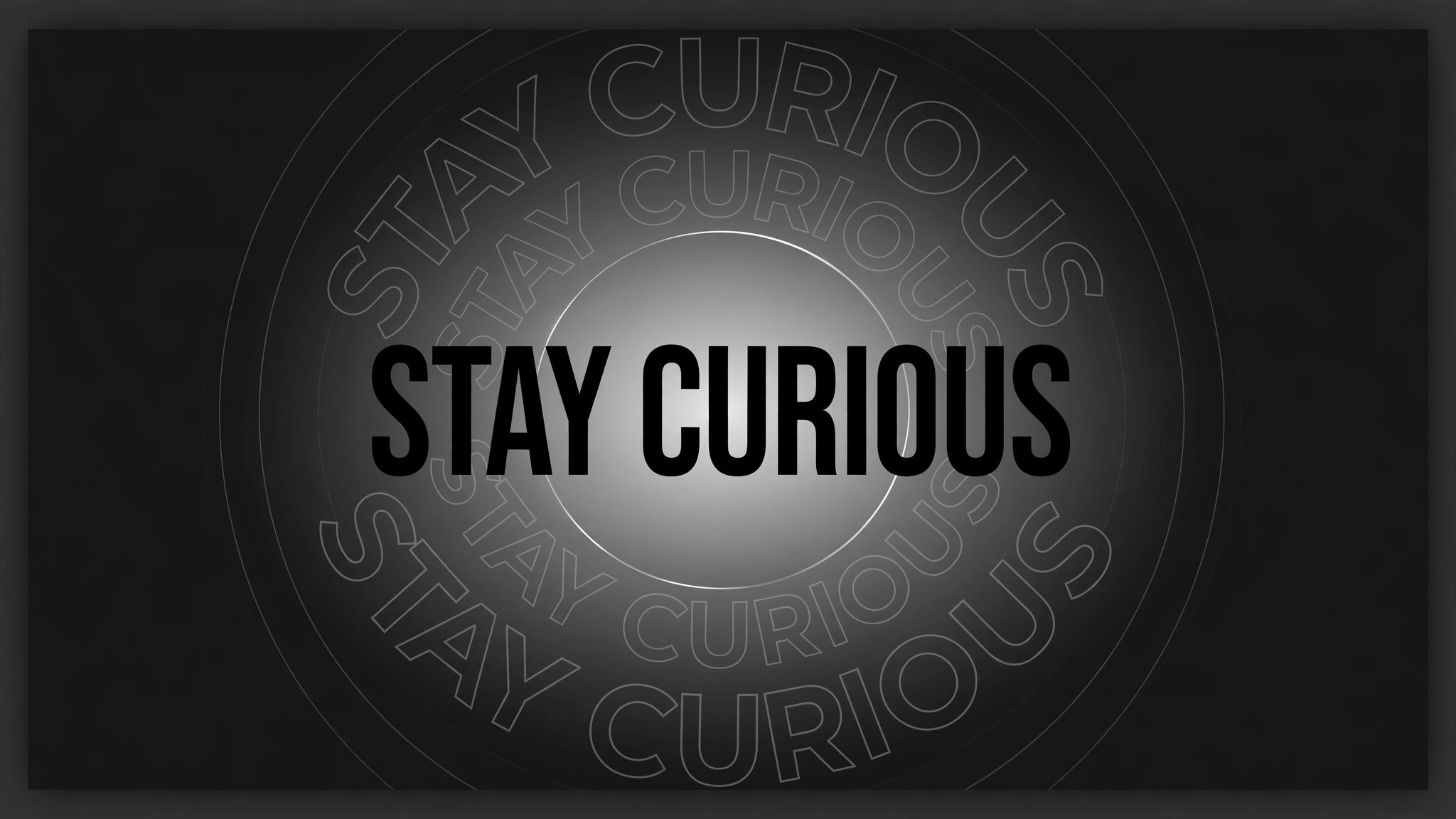
一文が叫びのように着地し、反響が外へ放射します。
1つの文がフレーム中央に叩き込まれ、その後3つのゴーストコピーがフェードする輪で外へ弾け、元の文はシャープなまま残ります。オープナー、トレーラー、強く打つ必要のある転換点の一文のために作られています。
こんな方におすすめ
動画エッセイスト、基調講演者、トレーラー編集者の方
所要時間
20分
レベル
初級
3ステップでインストール
登録不要。CLIツールも不要です。お使いのAIを選んで、1行コピーして貼るだけです。
ご自分で入れたい場合は、スキルを購入($4.99)し、購入完了画面からZIPをダウンロードして、上のディレクトリに展開し、AIのセッションを再起動してください。結果は同じです。すでに購入済みの場合は、AIアシスタントにダウンロードしてもらうこともできます。
パックの内容
SKILL.md(手順書)1点とスターターテンプレート1点が入っています。プレビューはこちらです:
Echo Burst Statement
When to use
- A keynote, talk, or video essay opens on one thesis sentence that the whole piece argues for
- A trailer needs a single tagline to land with impact before the title card
- A product launch video states its boldest claim ("No more waiting.") and needs the audience to feel it
- A social clip's hook is one provocative line that must stop the scroll in the first second
- A documentary or explainer reaches the turning-point sentence and needs a visual full stop
- You have one line of copy that matters more than everything around it, and the edit should say so
Workflow
- Pick the one statement (input: your script → output: the statement)
One line, ≤10 words, one claim. If it needs a comma and a second clause, it is two statements — cut it. The statement must survive being read at a glance: no jargon, no subordinate clauses, no numbers that need a footnote. Write it in sentence case or all caps, but decide once — the echoes copy it exactly, so a typo echoes too. Test: read it aloud once. If a stranger could not repeat it back, shorten it. - Stage the frame (input: the statement → output: layout)
The statement sits dead centre, large — sized so it spans 70–85% of frame width, never touching the edges. Background is dark or plain so the text owns the frame; any background footage stays dimmed to ≤30% brightness or blurred. Leave generous empty space around the text: the echoes need room to expand into. Set the type first, then check legibility on a phone screen — if the smallest word is unreadable at arm's length, the burst will be noise, not emphasis. - Land the statement (input: layout → output: impact keyframes)
The statement enters in one beat: scale 0.85 → 1.0 over 160ms with ease-out, opacity 0 → 100% over the same 160ms, plus a 60ms overshoot to scale 1.03 that settles back to 1.0 by 240ms. No slide-in, no letter-by-letter stagger — the whole line arrives at once, like a stamp. Hold it clean for 250ms before anything else moves: the audience must read the real words before the echoes start. - Fire the echo bursts (input: impact keyframes → output: echo choreography)
After the 250ms clean hold, the echoes fire: 3 ghost copies of the exact same statement, each starting at the same centre position and scaling outward. Echo 1 fires at 0ms, echo 2 at 120ms, echo 3 at 240ms. Each echo animates over 500ms: scale 1.0 → 1.6, opacity 55% → 0%, ease-out, no rotation. The echoes are outline-only or 55%-opacity filled copies — never solid, never brighter than the original — so the real statement stays the sharpest thing on screen. Between echoes, the original stays perfectly still: the burst moves, the statement does not. - Add the ring pulse (input: echo choreography → output: full burst)
Behind the text, one thin ring expands with the first echo: a circle stroked 2px in the accent colour, scaling 0.4 → 1.8 over 600ms, opacity 70% → 0%, ease-out, starting at the same moment as echo 1. A second, fainter ring may follow at +200ms (opacity 40% → 0%). The ring is centred on the statement's centre, not the frame's — if the statement sits slightly above centre, the ring follows it. Never more than two rings: a third reads as a ripple effect, not a burst. - Hold and cut (input: full burst → output: finished motion)
After the last echo fades (≈750ms after the first echo fired), hold the clean statement alone for 800ms–1.2s so the line can be absorbed. Total beat: impact (240ms) + clean hold (250ms) + echoes (750ms) + final hold (800–1200ms) ≈ 2.0–2.4s. Then cut hard to the next shot — no fade-out, no slow dissolve. A burst that dissolves away apologises for itself; a cut keeps the punch. If the statement must stay on screen longer (e.g. under voiceover), dim the echoes entirely after the first burst and leave the clean statement static.
テンプレートのプレビュー
Echo Burst Statement — Starter Template
Fill in every {placeholder}. One statement, one claim — the echoes copy it exactly.
Statement
- Statement: {one_line_≤10_words}
- Claim it makes: {single_claim}
- Casing: {sentence_case | ALL_CAPS}
- Where it sits in the video: {opener | turning_point | trailer_tagline}
Layout
- Statement width: {70–85%} of frame width · Position: {centred}
- Background: {dark | plain | dimmed_footage_≤30%_brightness | blurred}
- Typeface / weight: {font} · {weight} · Colour: {hex}
Impact (statement lands)
- Entry: scale {0.85} → 1.0 over {160ms}, ease-out · Opacity 0 → 100% over {160ms}
- Overshoot: scale to {1.03}, settling to 1.0 by {240ms}
スキルパック本体(SKILL.md とテンプレート)は英語で書かれています。


