AI Services Market › スキルファクトリー › 動画 › Document Collapse Contrast
$4.99 · サインイン不要v1.0.0– 回表示
Document Collapse Contrast
長い版を折りたたみ——視聴者に違いを感じさせます。
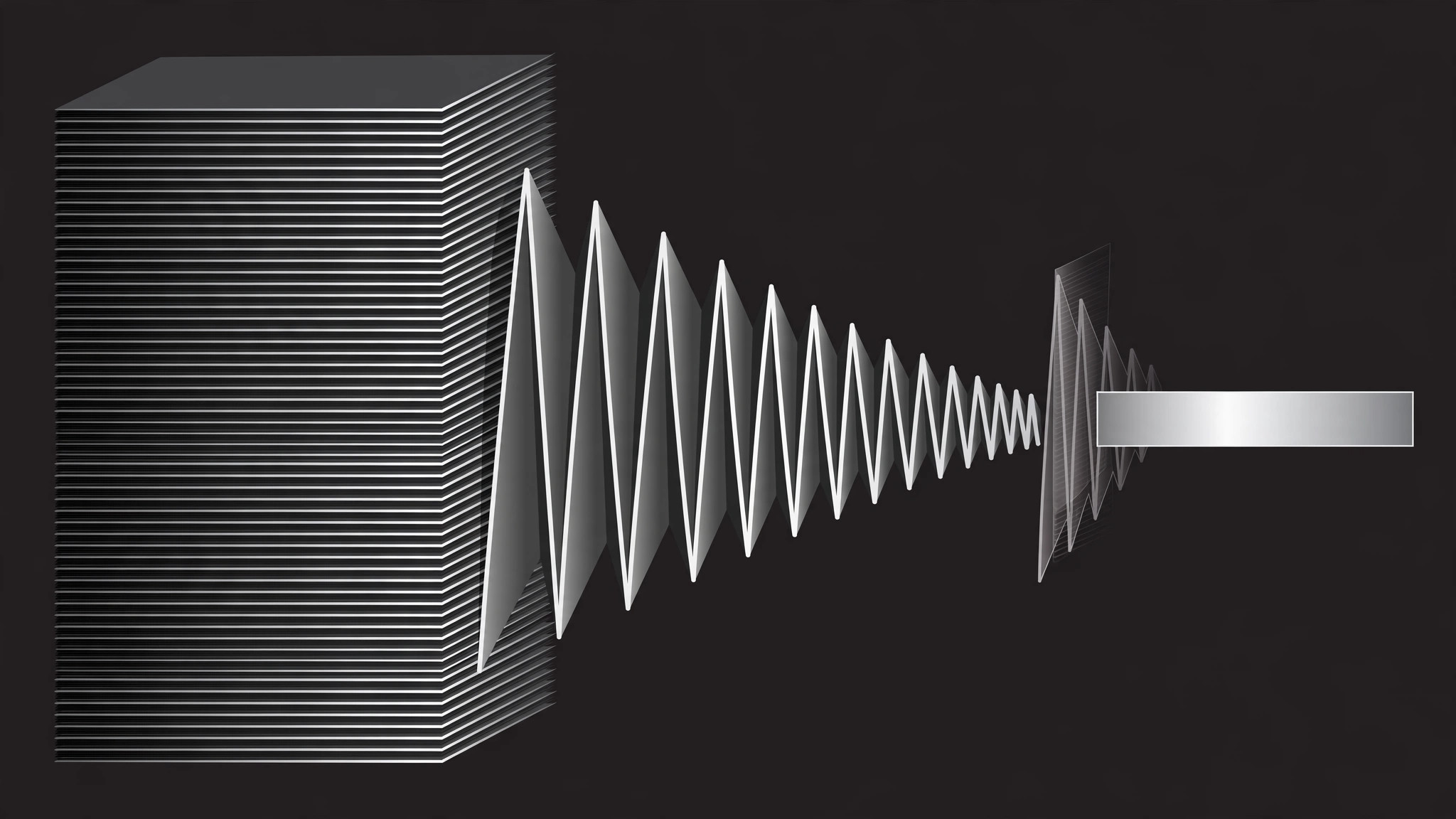
全文書がアコーディオン式に折りたたまれて要約になるアニメーションを作成し、任意で元に戻して展開することで、深さと簡潔さの対比が見えるようにします。両方の状態で共有される1つの視覚的アイデンティティを中心に構築されています。
こんな方におすすめ
全文書とその要約を対比する解説動画制作者の方
所要時間
1〜2時間
レベル
中級
3ステップでインストール
登録不要。CLIツールも不要です。お使いのAIを選んで、1行コピーして貼るだけです。
ご自分で入れたい場合は、スキルを購入($4.99)し、購入完了画面からZIPをダウンロードして、上のディレクトリに展開し、AIのセッションを再起動してください。結果は同じです。すでに購入済みの場合は、AIアシスタントにダウンロードしてもらうこともできます。
パックの内容
SKILL.md(手順書)1点とスターターテンプレート1点が入っています。プレビューはこちらです:
Document Collapse Contrast
When to use
- An explainer contrasts a full document (report, contract, brief) with its collapsed summary and wants viewers to feel the size difference, not just hear it
- A "TL;DR" beat needs to show what got compressed away, not only what survived
- A pitch shows a long process collapsing into a one-page checklist — the collapse itself is the selling point
- A tutorial moves between the full reference and the quick-start version and viewers keep losing which one they're looking at
Workflow
- Build both states (input: your document → output: expanded + collapsed versions)
Design the EXPANDED state first: a page (or stack of pages) with visible structure — headings, paragraphs, a few lines of body text rendered as real lines, not gray bars. Then design the COLLAPSED state: the same document reduced to its skeleton — headings only, or a single summary card. The two states must share one visual identity (same header, same accent color) so the viewer reads them as two views of one document, not two different documents. - Set the contrast frame (input: two states → output: opening composition)
Open on the expanded document, full height, slightly angled or centered with margins so its length is visible. If the document is long, show a page stack (2–4 pages fanned or stacked with offset edges) rather than one endless scroll — the stack's thickness is what sells "long". Hold 1.0–1.5s so the viewer registers the full version's weight. - Collapse (input: expanded state → output: collapse transition)
Collapse in one continuous move, ~0.7–0.9s, ease-in-out: the page stack concertinas down — sections fold up into their headings (accordion-style, each section folding 0.08s after the one above it), body lines fade and shrink as their section folds, and the stack's thickness visibly thins. End on the collapsed state at the same position and scale anchor as the expanded one, so the change reads as transformation, not a swap. Never crossfade between two static states — a crossfade hides the collapse, which is the whole point. - Hold the contrast (input: collapsed state → output: comparison beat)
Hold the collapsed state 1.0–1.5s. Then, optionally, show both states side by side for one beat: the collapsed version stays center while a ghost of the expanded version (30–40% opacity, slightly scaled down) sits beside it, with a size label ("12 pages → 1 page", "2,400 words → 180"). The ghost is a reference, not a second document — it fades after 1.5–2s and never gets its own animation. - Expand back or move on (input: collapsed state → output: finished motion)
If the scene's argument needs it, expand back to the full document with the reverse move (sections unfold top to bottom, same timing, same easing) — the round trip proves nothing was lost, only folded. Otherwise, cut from the collapsed state into the next scene. If you expand back, don't re-hold the expanded state longer than the opening hold; the audience already saw it.
テンプレートのプレビュー
Document Collapse Contrast — Motion Brief Template
One document, two views: full and folded. Fill this in before keyframing.
Document: {report / contract / brief / guide}
Shared identity: header "{header text}" + accent {color} — identical in both states.
Expanded state
- Form: {single page / stack of {2–4} pages, fanned / offset edges}
- Structure shown: headings: {list} + real body lines (not gray bars)
- Length cue: {page stack thickness / page count label}
- Opening hold: {1.0–1.5}s
Collapsed state
- Form: {headings only / single summary card}
- Summary content (real text, not placeholder): {summary text}
スキルパック本体(SKILL.md とテンプレート)は英語で書かれています。


