AI Services Market › スキルファクトリー › ワークフロー › Digital Handyman
$4.99 · サインイン不要v1.0.0– 回表示
Digital Handyman
コンピューターの雑用を、平易な言葉で丸投げできます
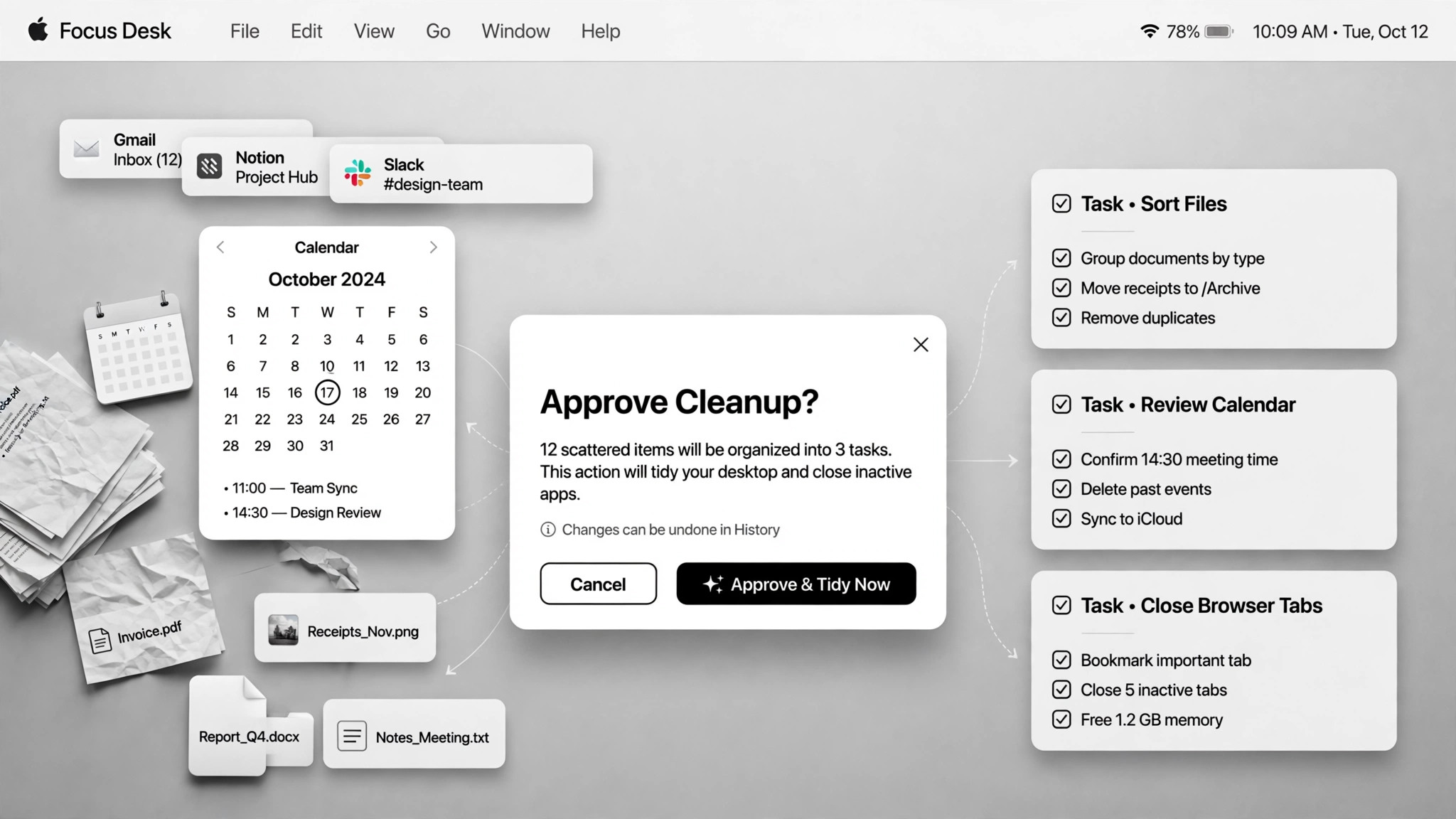
ファイル、スライド、スプレッドシート、整理整頓といったコンピューターの雑用を平易な言葉で引き受け、重要な場面ではあなたの承認を得ながら実行します。
こんな方におすすめ
コンピューターの雑用を抱えている方
所要時間
必要に応じて
レベル
初心者向け
3ステップでインストール
登録不要。CLIツールも不要です。お使いのAIを選んで、1行コピーして貼るだけです。
ご自分で入れたい場合は、スキルを購入($4.99)し、購入完了画面からZIPをダウンロードして、上のディレクトリに展開し、AIのセッションを再起動してください。結果は同じです。すでに購入済みの場合は、AIアシスタントにダウンロードしてもらうこともできます。
実際の活用事例
実際のユーザーがAIエージェントで、まさにこの仕事をやり遂げた事例です。
活用事例
Schedule meetings, tidy Drive and log reward balances
事例を読む →活用事例Use a coding agent for everyday non-programming chores
事例を読む →活用事例Use Codex for non-coding chores
事例を読む →パックの内容
SKILL.md(手順書)1点とスターターテンプレート1点が入っています。プレビューはこちらです:
Digital Handyman
When to use
- You have a pile of small chores (rename files, tidy a folder, build a slide deck, clean a spreadsheet) and no desire to do them
- Your downloads folder is full of old installers eating gigabytes and you want them gone safely
- You need a quick fetch (a video transcript, a file moved, a wiki page started) without learning a new tool
- You want recurring digital chores (calendar scheduling, reward-balance logging) handled semi-automatically
- A browser step is blocked (login wall, CAPTCHA) and you need a fallback plan
Workflow
- Say the chore in plain language (input: your words → output: task + acceptance criteria)
Describe what needs doing and what "done" looks like. Vague asks get a plan back for confirmation first — a coding agent with a shell has infinite tools, which is exactly why the target needs to be clear. - Show the plan first (input: task → output: execution plan)
For anything touching files, accounts, or the system, the agent shows the plan — and the full file list for renames and deletes — before acting. Plan-first is the price of admission for chores with side effects. - Approve the risky bits (input: plan → output: approval)
Deletions, overwrites, and irreversible actions always need your explicit yes. One real case scanned a downloads folder, listed 31 leftover installers totaling 4.4GB — and deleted nothing until the list was approved. - Do the work in stages (input: approved plan → output: partial results)
Execute step by step and show results along the way so you can catch mistakes early. A blocked browser step gets a fallback rather than a dead end — in one real case the agent installed an open-source tool to fetch a YouTube transcript when the browser was blocked. Tell the user what was installed. - Report what changed (input: done → output: summary)
A short log: what changed, what was deleted, what was installed, and what needs your follow-up. No summary, no trust — the user can't verify what they can't see.
Output spec
- Task list with acceptance criteria, execution plan shown before acting, completion summary (changed / deleted / installed)
- Approval log: what was approved and when
- Fallback notes: what failed and what replaced it
- Companion template.md skeleton — fill in the blanks and use it
Good vs. bad examples
テンプレートのプレビュー
Digital Handyman — Chore Ticket Template
One chore batch = one ticket. Describe, plan, approve, do, report.
Chore batch — {date}
Task list
Execution plan (shown before anything runs)
Chore 1 — {title}
- Plan: {step by step}
- Files it will touch: {list paths, or "none"}
- Fallback if blocked: {e.g. install open-source tool {name} instead of browser scraping}
Chore 2 — {title}
- Plan: {…}
- Files it will touch: {…}
- Fallback if blocked: {…}
Approval log
*Rule: deletions, overwrites, and irreversible actions need an explicit yes. File lists shown before any touch.*
Completion report
Blocked items: {what couldn't be done and why}
スキルパック本体(SKILL.md とテンプレート)は英語で書かれています。


