AI Services Market › スキルファクトリー › 動画 › Device Role Link
$4.99 · サインイン不要v1.0.0– 回表示
Device Role Link
すべてのデバイスには仕事があります。すべてのリンクはペイロードを運びます。
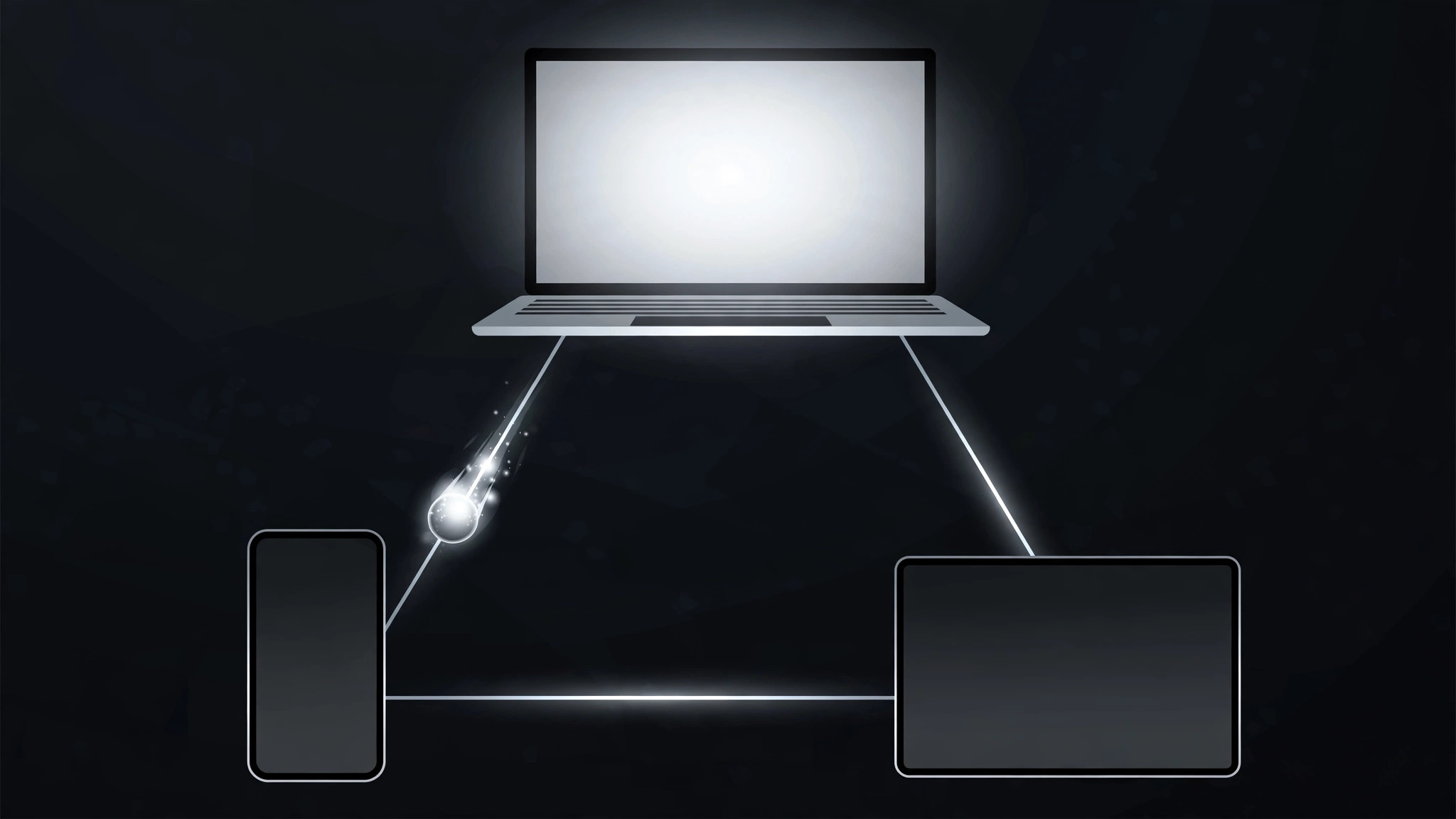
複数デバイスのセットアップを役割とリンクの地図として配置し、リンクを1つずつ描き、その後データパケットをチェーンに沿って送りながら各デバイスが順に光ります。ガジェットの山ではなく、システムを示します。
こんな方におすすめ
デバイスにまたがるワークフローを示す製品デモ・解説制作者の方
所要時間
1〜2時間
レベル
中級
3ステップでインストール
登録不要。CLIツールも不要です。お使いのAIを選んで、1行コピーして貼るだけです。
ご自分で入れたい場合は、スキルを購入($4.99)し、購入完了画面からZIPをダウンロードして、上のディレクトリに展開し、AIのセッションを再起動してください。結果は同じです。すでに購入済みの場合は、AIアシスタントにダウンロードしてもらうこともできます。
パックの内容
SKILL.md(手順書)1点とスターターテンプレート1点が入っています。プレビューはこちらです:
Device Role Link
When to use
- An explainer shows a workflow spread across devices (phone captures, laptop edits, tablet presents) and viewers need to see who does what
- A product demo has a hub-and-spoke setup (one main device, several peripherals) and the connections matter as much as the devices
- A system diagram has 3–6 devices and a static web of lines turns into spaghetti
- A "how it all connects" beat needs to show data moving, not just lines existing
Workflow
- Cast the devices (input: your setup → output: device + role list, 3–6 devices)
For each device, write its name (phone, laptop, tablet, watch, camera, speaker) and its ROLE in one verb phrase ("captures the photo", "edits the draft", "plays the result"). One device = one role. If a device has two roles, pick the one this scene is about — the other role gets its own scene. Mark the hub device if there is one (the one every other device talks to). - Lay out the map (input: device list → output: static layout)
Place devices with generous spacing; the hub (if any) goes center, spokes around it, or arrange in a left-to-right chain matching the workflow order. Draw the links as thin lines (1.5–2.5px) between devices that actually exchange something. No link without a payload: if two devices never talk, they get no line, even if it would look tidier. Keep links from crossing where possible — a crossing is a moment of confusion. - Draw the links in (input: layout → output: link draw-on)
Links draw on one at a time in workflow order (trim-path / stroke-dashoffset, ~0.4s each, ease-in-out, 0.1s stagger). A link is dim (~30% opacity) until drawn; once drawn it sits at ~60%. Labels for the payload ("photo", "draft", "command") ride the midpoint of each link, small and quiet. Never draw all links at once — a web appearing whole is the spaghetti problem again. - Activate roles in sequence (input: drawn map → output: activation pass)
Walk the workflow: the active device scales up slightly (1.0 → 1.08) and brightens, its outgoing link pulses to 100% opacity, and a packet (small dot) travels along the link to the next device (~0.5s, ease-in-out). As the packet arrives, the next device activates and the previous one settles back to idle. Only one device is "hot" at a time — the sequence is the explanation. Packet speed is constant along a link but links activate one after another, never in parallel. - Rest on the live system (input: activation pass → output: finished motion)
After the sequence, hold the full map for 1.5–2s with all links at ~60% and devices at idle brightness. Optionally, a slow ambient pulse travels the links in workflow order on a loop (one packet every ~2s, low opacity) to say "this system is alive" without re-teaching the sequence. Cut or transition from this rest state, not mid-packet.
テンプレートのプレビュー
Device Role Link — Motion Brief Template
Devices with jobs, links with payloads. Fill this in before keyframing.
Setup: {what the system does, one line}
Hub device (if any): {device} | Total devices: {3–6}
Device + role list (one role per device)
No-link check: every link below carries a payload. Devices that never exchange data in this scene get NO line: {pairs with no link}.
Layout
- Arrangement: {hub-centered / left-to-right workflow order}
- Link style: {1.5–2.5}px lines, crossings avoided — crossings remaining: {n, where}
- Payload labels: small, at link midpoints: {payload per link, e.g. "photo" / "draft" / "command"}
Link draw-on
スキルパック本体(SKILL.md とテンプレート)は英語で書かれています。


