AI Services Market › スキルファクトリー › 動画 › Cycle State Traversal
$4.99 · サインイン不要v1.0.0– 回表示
Cycle State Traversal
ループを状態ごとに歩きます——スピナー図はもう終わりにします。
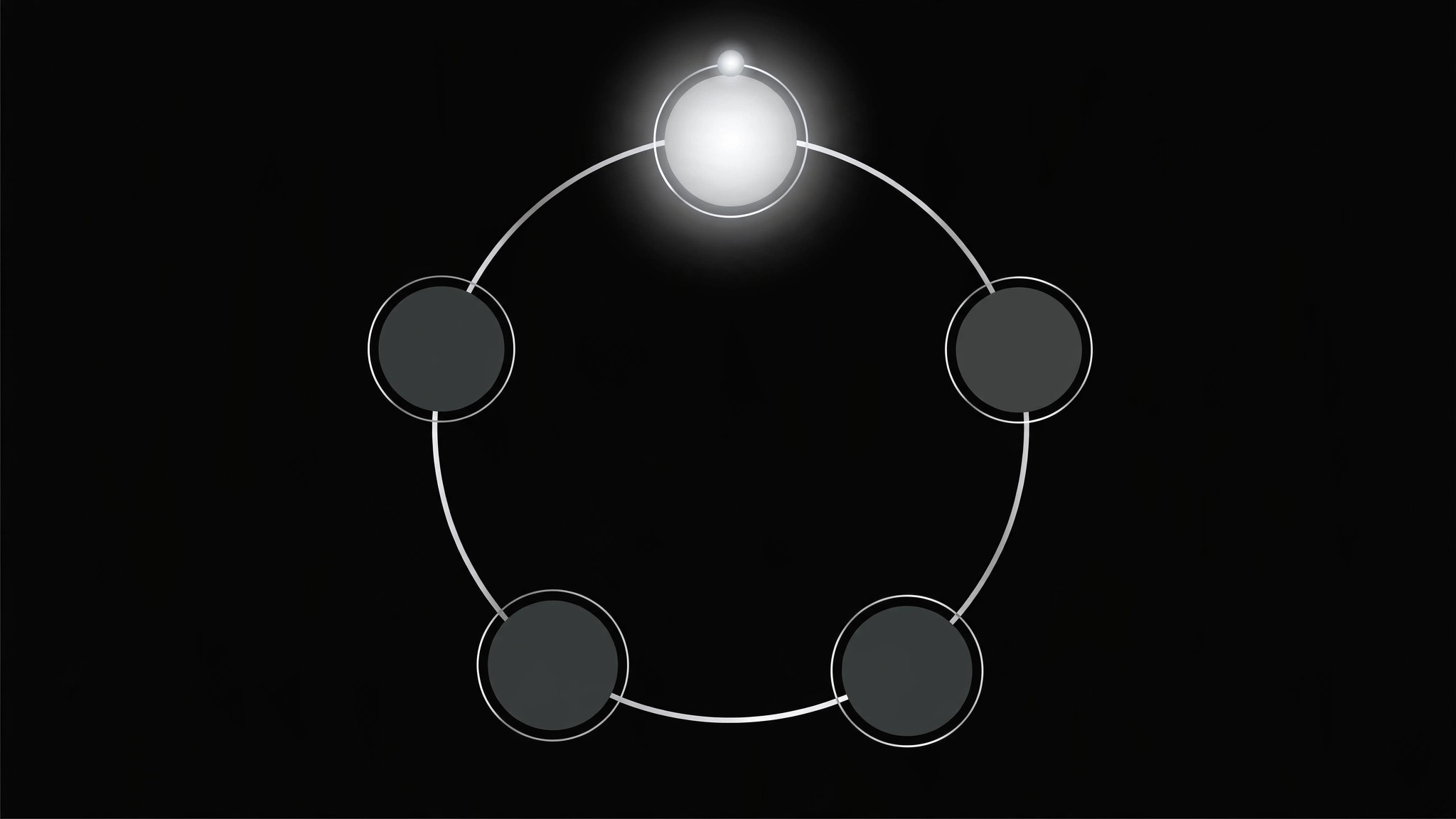
繰り返すプロセスのすべての状態をハイライトが移動するアニメーションを作成し、各フェーズに順に留まることで、視聴者はループを連続として追えます。状態ごとのタイミング、イージング、継ぎ目のないループの継ぎ目付きです。
こんな方におすすめ
繰り返すプロセスやライフサイクルを視聴者に順に説明する解説動画制作者の方
所要時間
1〜2時間
レベル
中級
3ステップでインストール
登録不要。CLIツールも不要です。お使いのAIを選んで、1行コピーして貼るだけです。
ご自分で入れたい場合は、スキルを購入($4.99)し、購入完了画面からZIPをダウンロードして、上のディレクトリに展開し、AIのセッションを再起動してください。結果は同じです。すでに購入済みの場合は、AIアシスタントにダウンロードしてもらうこともできます。
パックの内容
SKILL.md(手順書)1点とスターターテンプレート1点が入っています。プレビューはこちらです:
Cycle State Traversal
When to use
- An explainer needs to walk viewers through a repeating process (plan → build → measure → learn) instead of flashing the whole loop at once
- A product tour shows a lifecycle where each stage deserves its own beat — onboarding, active use, renewal, referral — in order
- A diagram has 4–8 states and viewers keep asking "where do we start?"
- A loop must read as continuous (it comes back around) without the motion feeling like it restarts from scratch
Workflow
- Lock the state list (input: your process → output: ordered state list, 3–8 states)
Write the states in traversal order, one short label each (2–4 words). Name the loop itself in one phrase ("the feedback loop"). If you have more than 8 states, merge or split the loop — beyond 8, viewers lose the thread. Mark the entry state (where traversal starts) and confirm the loop closes: the last state must lead back to the first. - Set the path (input: state list → output: node layout + travel path)
Place one node per state around the loop (circle, rounded rectangle ring, or horizontal loop-back track). Keep node sizes equal — no state gets visual priority from size. Draw the connecting path as one continuous stroke. The traveler (dot, ring, or glowing marker) will follow this path; the path itself stays faint so the traveler reads clearly. - Choreograph the traversal (input: path → output: keyframe timeline)
One state per beat. Traveler eases into a node (ease-out, ~0.35s), dwells on it while its label/voiceover lands (0.8–1.5s), then eases out toward the next node (ease-in-out, ~0.5s). The active node scales up slightly (1.0 → 1.12) and brightens; inactive nodes dim to ~40% opacity. Never move the traveler at constant speed — constant speed reads as a loading spinner, not a guided tour. - Seam the loop (input: timeline → output: seamless loop point)
The return from the last state to the first must use the same easing and travel time as every other hop — no jump cut, no fade-to-restart. Overlap the end and start keyframes so the last frame and first frame are identical, then trim one duplicate frame. Preview the seam three times in a row: if you can spot where the loop restarts, the seam is wrong. - Add the label layer (input: timeline → output: finished motion)
Each state gets a short caption (≤8 words) that appears during its dwell and fades as the traveler leaves. Keep captions in one fixed position (below the loop or in a side panel) so eyes don't chase text around the screen. Optional: a small progress arc showing "state 3 of 5". Render at the target frame rate and check the dwell timing against the voiceover — the traveler must never arrive before the narration does.
Output spec
テンプレートのプレビュー
Cycle State Traversal — Motion Brief Template
One loop, traversed one state at a time. Fill this in before keyframing.
Loop: {loop name, e.g. "the feedback loop"}
Entry state: {where traversal starts} | Total states: {3–8}
State list (in traversal order)
Loop closure check: last state "{state}" leads back to first state "{state}" because {reason}.
Layout
- Node shape: {circle / rounded rectangle} | Arrangement: {ring / loop-back track}
- Node size: equal, {size}px | Path stroke: faint, {color/weight}
- Traveler: {dot / ring / glowing marker}, {size}px, {color}
- Caption position: {fixed below loop / fixed side panel} — does not move
スキルパック本体(SKILL.md とテンプレート)は英語で書かれています。


